
(async () => {
  const results = new Set();

  // fokus ke endpoint penting aja
  const regex = /\/(api|v1|v2|v3|v4|public_api)\/[a-zA-Z0-9_\/\-?=&%.]+/g;

  const scripts = [...document.scripts]
    .map(s => s.src)
    .filter(Boolean);

z0rs
/ API endpoint.md
Last active
May 5, 2026 04:27
z0rs
/ CrewAgent — Continuous Offensive Update Loop.md
Created
May 2, 2026 03:43
Konsep: Prompt ini dirancang sebagai siklus tanpa akhir.
Jalankan Phase 1 → 2 → 3 → 4, lalu ulangi dari Phase 1 lagi.
Setiap putaran, project makin tajam mengikuti teknik terbaru dunia bug bounty.
LOOP:
  Phase 1 (Intel)       → Ambil teknik bypass terbaru dari dunia nyata
  Phase 2 (Gap)         → Bandingkan dengan arsenal CrewAgent sekarang
z0rs
/ CrewAgent — Offensive AI Prompt Collection.md
Created
May 2, 2026 03:03
z0rs
/ CrewAgent — Master AI Prompt Collection.md
Created
May 2, 2026 02:24
z0rs
/ Testing_Finding.md
Last active
April 27, 2026 10:07
z0rs
/ PENTEST_REPORT_m-pesa_openapi_portal_2026-04-24.md
Created
April 24, 2026 15:53
The M-Pesa OpenAPI Portal was assessed via analysis of 38 HTTP transactions captured in the Burp Suite proxy history. The application demonstrates adequate baseline security controls, including HTTPS enforcement via HSTS, X-Frame-Options: DENY, X-Content-Type-Options: nosniff, and a positive login flow incorporating MFA. However, the assessment identified five medium- and low-severity findings centered on information disclosure, insecure token handling, and missing security flags.
The most significant risk is the exposure of Bearer authentication tokens and sensitive user data (email addresses, test MSISDNs) within the Burp proxy history, which could be leveraged by an attacker with access to the same proxy or browser history. Additionally, the email confirmation token was transmitted as a URL parameter, risking exposure via browser history, referrer headers, and server-side logging.
Risk Rating Summary:
z0rs
/ Agentic.md
Created
April 23, 2026 15:27
┌─────────────────────────────────────────────────────────────────────────────┐
│  AGENT 1 – ANALYST (Gemini)                                                 │
│  get_proxy_http_history · get_proxy_http_history_regex                      │
│  get_proxy_websocket_history · get_scanner_issues · output_project_options  │
├─────────────────────────────────────────────────────────────────────────────┤
z0rs
/ CodexBurp.md
Created
April 22, 2026 12:21
Here’s a practical way to wire Codex CLI to Burp Suite through an MCP server so Codex can inspect Burp HTTP history and help identify likely vulnerabilities.
The safest setup is:
Burp Suite MCP extension → packaged stdio proxy → Codex CLI
That path matters because Codex CLI supports STDIO MCP servers and Streamable HTTP MCP servers, while PortSwigger’s Burp extension explicitly ships with a stdio proxy for MCP clients and documents it as the manual integration route. ([OpenAI Developers][1])
| type | article | |||
|---|---|---|---|---|
| title | How to Use Your Phone as a Wireless Mic and Bluetooth TWS as a Output on Arch Linux | |||
| tags |
|
|||
| date | 2026-04-19 | |||
| author | Eno | |||
| featuredImage | https://raw.githubusercontent.com/z0rs/z0rs.github.io/refs/heads/master/content/Images/260419-2121-39.png |
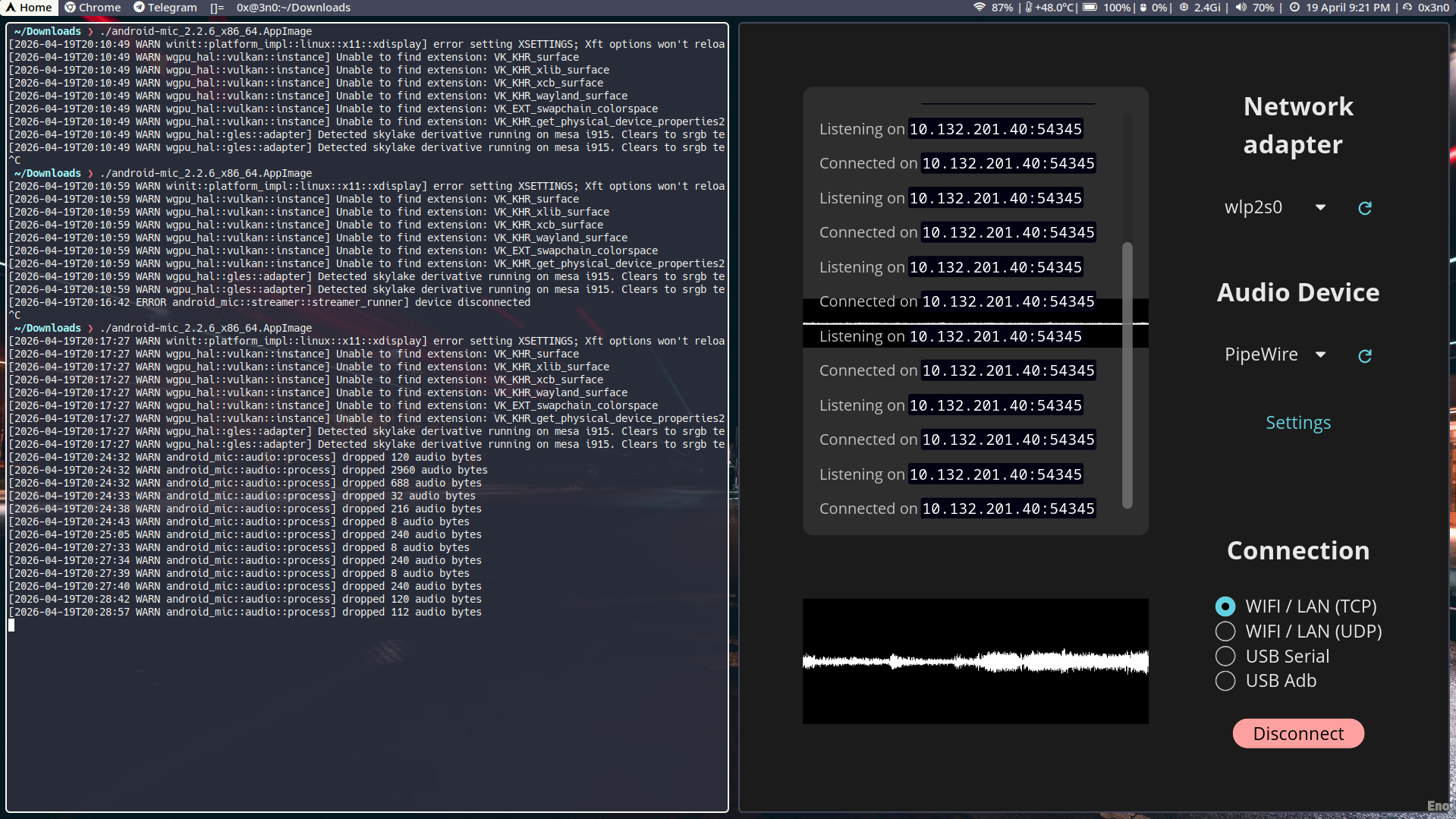
Bet. You got an old Samsung A51 lying around? Or maybe you just wanna flex a wireless mic setup without dropping bags on a Blue Yeti? Say less. This guide is for the Arch Linux gang who wanna use their phone as a mic AND keep their TWS earbuds connected via bluetoothctl. No cap, this setup is lowkey goated.
NewerOlder