You signed in with another tab or window. Reload to refresh your session.You signed out in another tab or window. Reload to refresh your session.You switched accounts on another tab or window. Reload to refresh your session.Dismiss alert
Creating Colorful Buttons on Google Spreadsheet using Google Apps Script
Creating Colorful Buttons on Google Spreadsheet using Google Apps Script
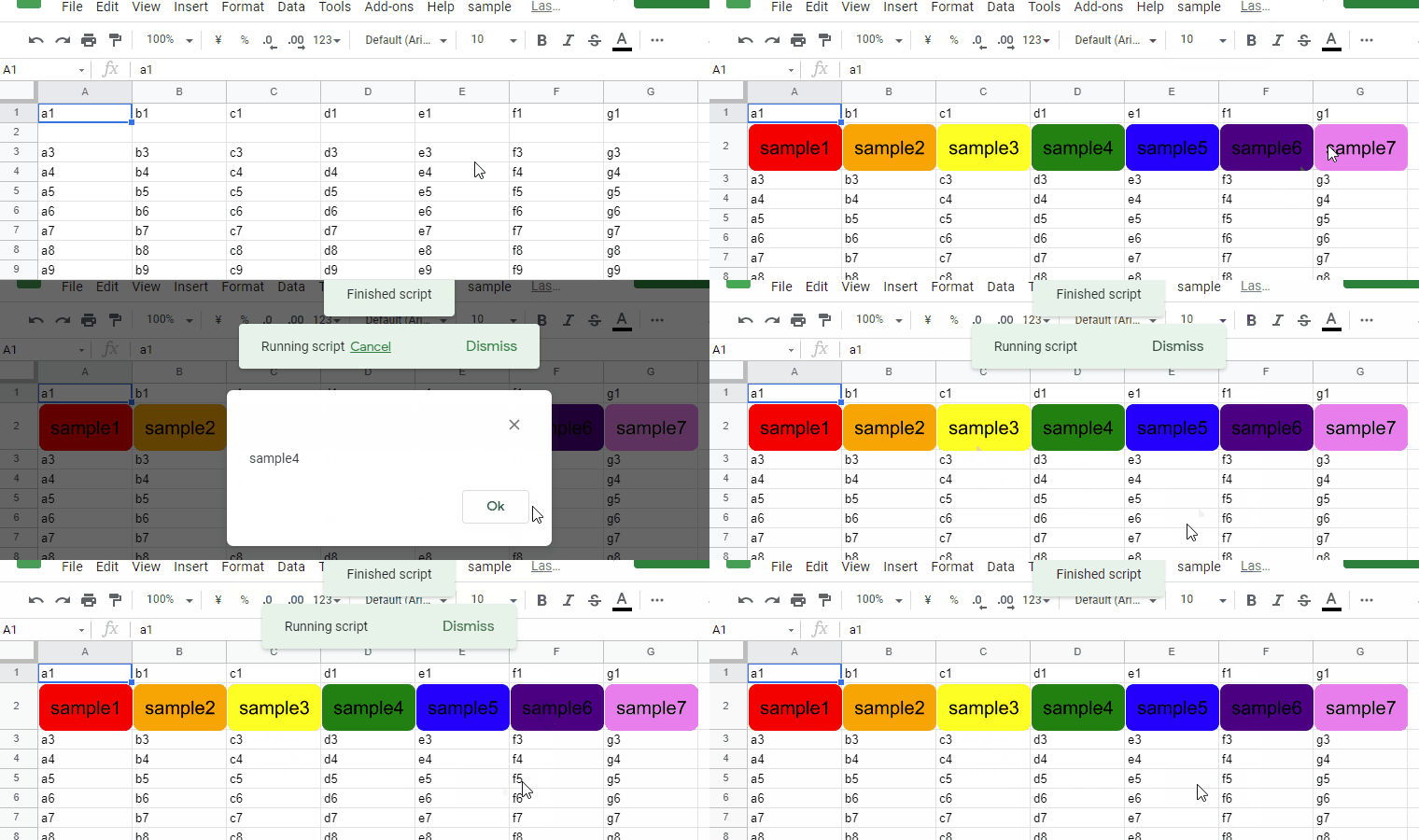
This is a sample script for creating the colorful buttons on Google Spreadsheet on Google Apps Script.
In order to achieve this, I have been looking for the method for creating the PNG image with the alpha channel using Google Apps Script. Recently, finally, I could find it. By this, the goal of this report got to be able to be achieved by the report of "Creating PNG Image with Alpha Channel using Google Apps Script".
Replacing Text to Image for Google Document using Google Apps Script
Replacing Text to Image for Google Document using Google Apps Script
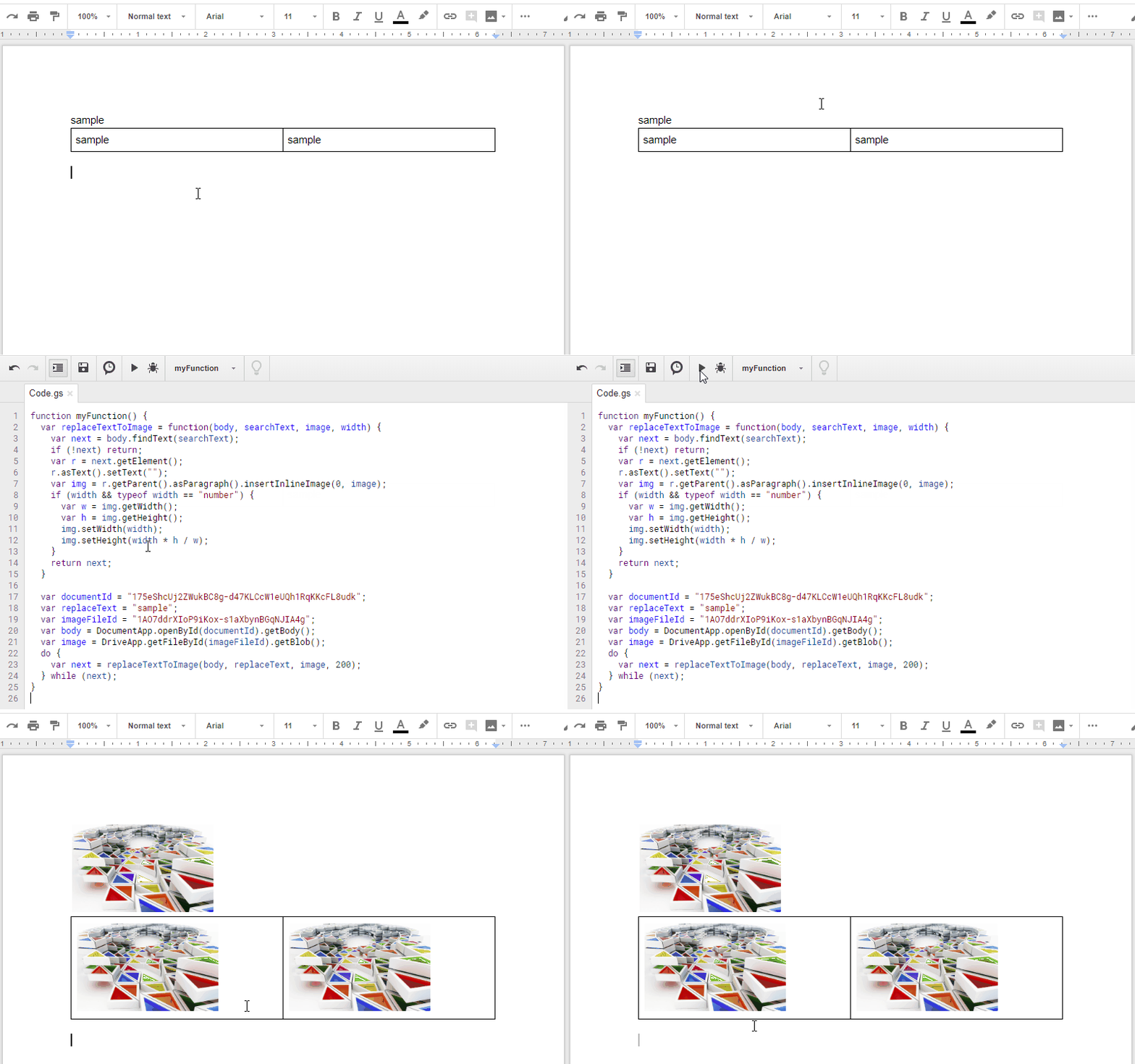
This is a sample script for replacing text to image for Google Document using Google Apps Script (GAS). There is a method for replacing text to text at Class Text of DocumentApp. But there are not methods for replacing text to image. So I created this sample script.
Interconversion Between Google Docs and Microsoft Docs
Interconversion Between Google Docs and Microsoft Docs
Updated: January 22, 2023
This sample script is for the interconversion between Google Docs (document, spreadsheet and presentation) and Microsoft Docs (word, excel and powerpoint). The feature is to convert them without Advanced Google Services.
Since Advanced Google Services is not used for this, if you publish your script with this script, you are not necessary to explain how to install Advanced Google Services. This script converts between Google Docs and Microsoft Docs using UrlFetchApp.fetch(). Although Drive API v3 is used, Drive API is automatically enabled by the recent update on Google.Ref (I'm sorry. This is Japanese language.) So you are not necessary to explain about the use of Drive API. By this, users will be easy to use the scripts that Drive API is used. This is very important for a lot of users.
Google Apps Script to upload a file from an URL directly to Google Drive.
This file contains hidden or bidirectional Unicode text that may be interpreted or compiled differently than what appears below. To review, open the file in an editor that reveals hidden Unicode characters.
Learn more about bidirectional Unicode characters