
See: openHAB Community: Running openHAB with Rancher
|
Rancher greatly simplifies running containers on various hosts. It also has a template system which allows for easy container customization.
For those who want to use openHAB with the Rancher container management platform, I've put in Pull Request #621 today to get openHAB into the Rancher Community catalog. Here is a brief guide on how to get openHAB running with Rancher (assuming you have some Docker knowlegde and Docker is already installed on your machine). |

|
With Rancher you run a Server container and per host (which connects to the server) an Agent container. On the Server you can create application Stacks that run on one or more agents. You can also run an Agent on the same host that the server runs on.
-
Run the Rancher server container and let it listen at port 4444:
sudo docker run -d --restart=unless-stopped -p 4444:8080 --name rancher-server rancher/server:stable -
When the server container has fully started, open the Rancher UI in your browser (initial startup takes some time): e.g. browse to http://hostname:4444
|
|
This host can either be the machine on which Rancher Server is running or a completely different host.
- Open the 'Infrastructure -> Hosts' page
- Check if "This site's address" is an IP that other machines can use for connecting to Rancher
- When it is set to "http://localhost:4444" then choose the "Something else:" option and enter an IP which computers in your network can use to connect to Rancher, e.g. "http://192.168.1.123:4444"
- Click the Save button
- At step (4) of the Wizard you should enter the external IP of the machine that is going to connect to the server, e.g. "192.168.1.123" when it is the same machine
- Now copy the command at step (5) of the Wizard and run it at the machine you want to use for running your Docker containers
- Click the "Close" button and after some time the machine should show up in the "Hosts" view.
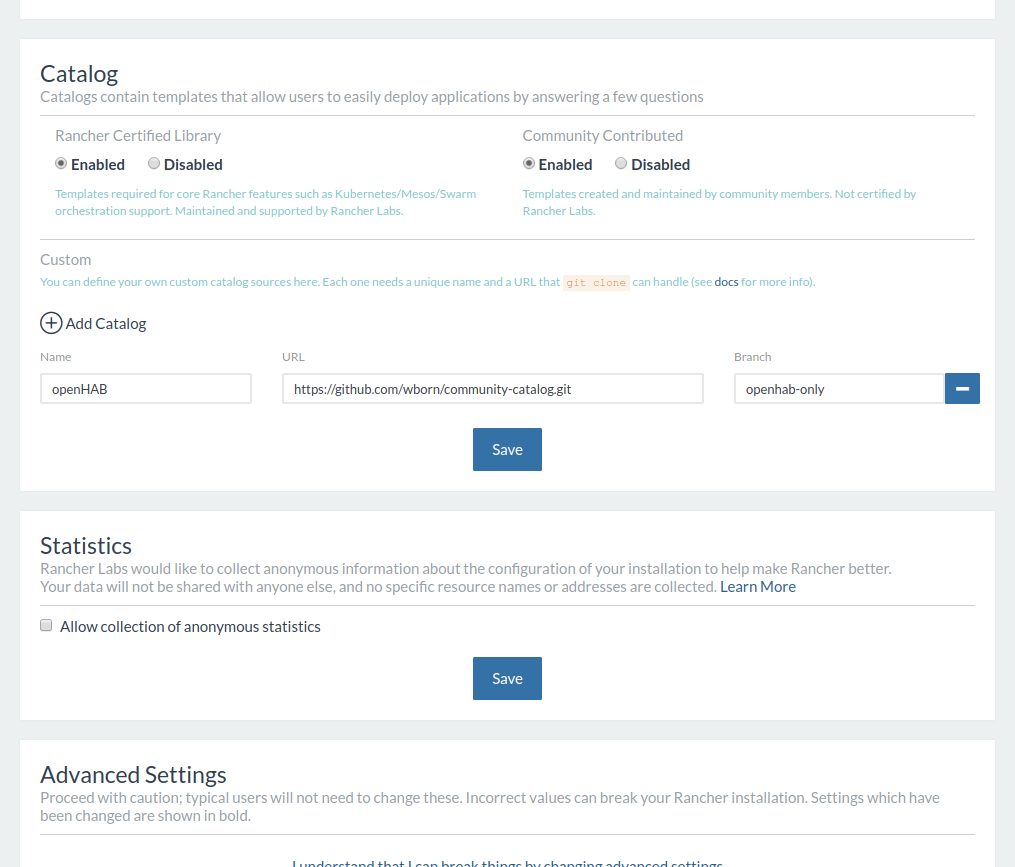
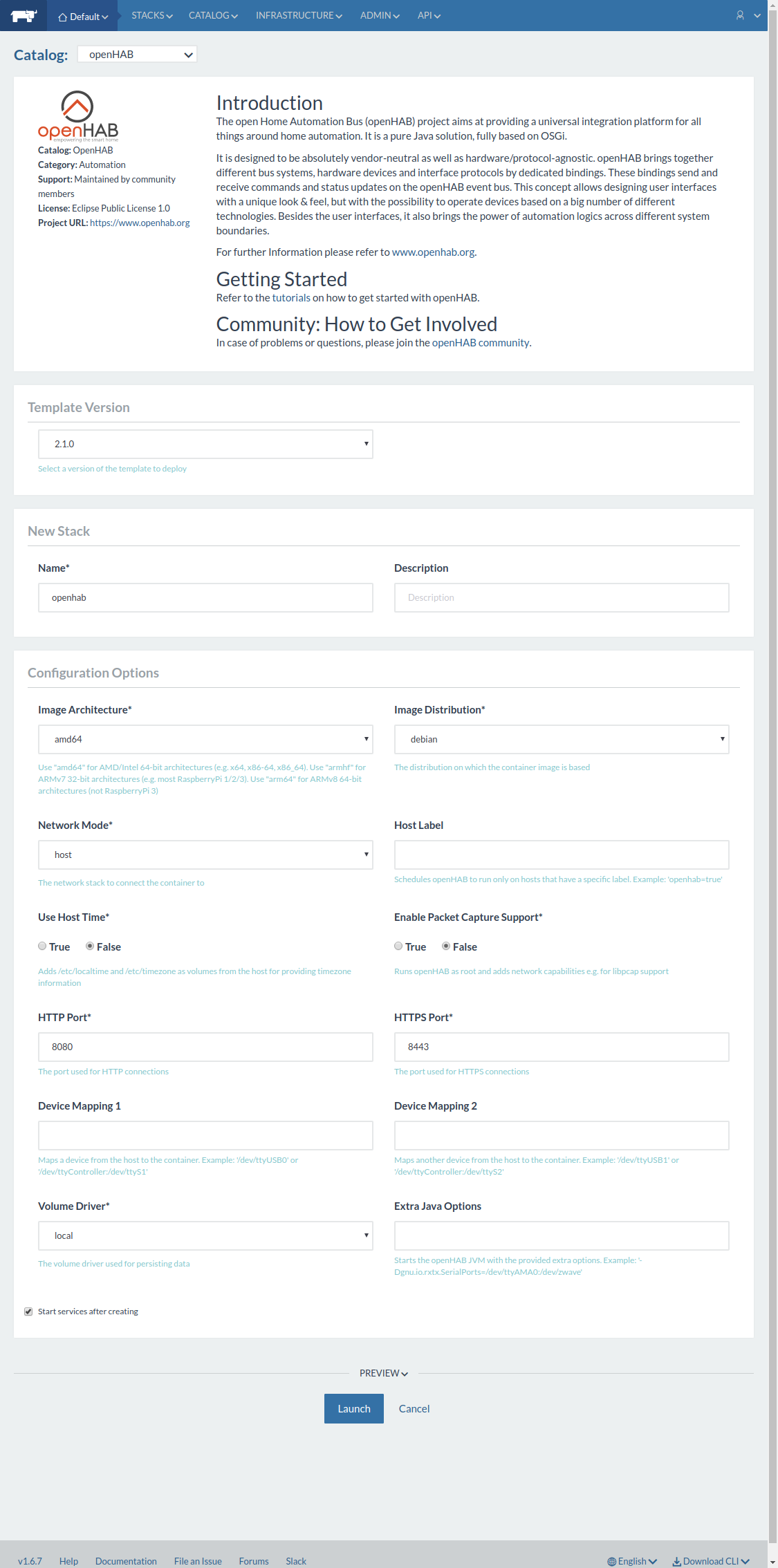
- Open the 'Catalog -> openHAB' page, which should show just an openHAB entry
- Click the View Details button
- You optionally can customize the template options which are based on those of the openHAB Docker Readme
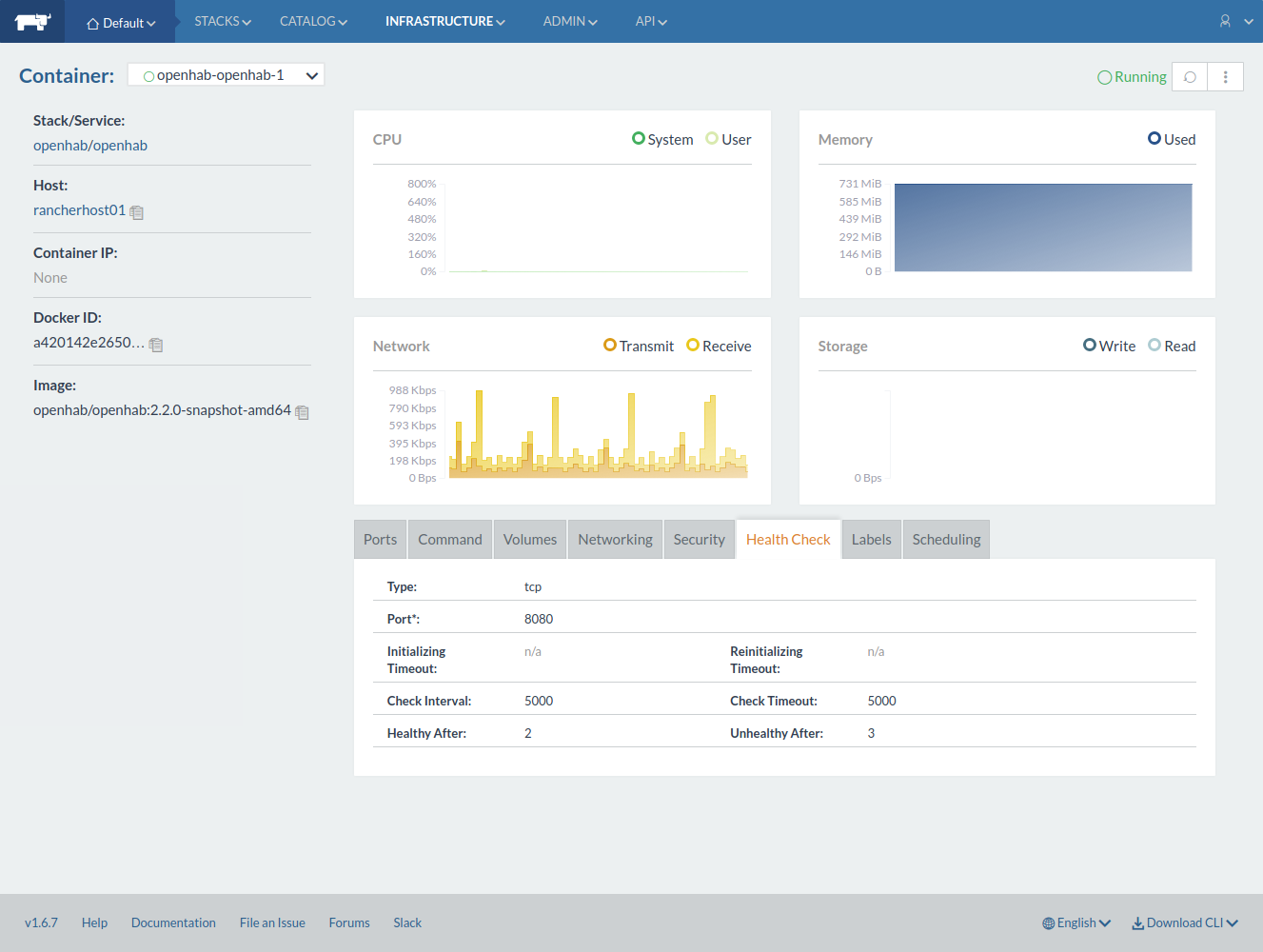
- When you click the Launch button, a new Stack is created that is automatically deployed on the host running the Rancher Agent.
You should now be able to login at openHAB via the port you've configured in the template (8080 by default).
- Make sure to enable Access Control via 'Admin -> Access Control'!
- Once openHAB is part of the Community Catalog, the steps for adding the openHAB Catalog can be skipped
- When you connect multiple Rancher Hosts to the Server you can assign labels to the hosts and use the "Host Label" in the openHAB template to run openHAB on a specific host
- The Rancher Catalog contains many templates that also simplify using other containerized applications
| Catalog | Template | Logging |

|
|

|
| User Stacks | Host Details |

|

|
| Container Details |
|
Uh oh!
There was an error while loading. Please reload this page.