
| id | authentication-errors | |||||
|---|---|---|---|---|---|---|
| title | Authentication Error Reference | |||||
| sidebar_label | Authentication Errors | |||||
| description | Diagnose and resolve common OAuth 2.0 / OIDC authentication errors across K-Series environments. | |||||
| keywords |
|
This guide covers the most common OAuth 2.0 and OpenID Connect errors encountered when integrating with the K-Series API. Each section includes the error message, root causes, and resolution steps.
Before troubleshooting, confirm you are targeting the correct environment. Trial and production are fully isolated — clients, users, and tokens are not shared between them.
| Environment | Authorization Endpoint | Token Endpoint | Client ID Prefix |
|---|---|---|---|
| Trial | https://auth.lsk-demo.app/realms/k-series/protocol/openid-connect/auth |
https://auth.lsk-demo.app/realms/k-series/protocol/openid-connect/token |
devp-v2-demo |
| Production | https://auth.lsk-prod.app/realms/k-series/protocol/openid-connect/auth |
https://auth.lsk-prod.app/realms/k-series/protocol/openid-connect/token |
devp-v2-prod |
Tip
You can identify your environment from your client ID. If it contains devp-v2-demo, you are on trial. If it contains devp-v2-prod, you are on production.
These errors appear in the browser during the authorization step, before any token exchange occurs.
Error message: Client not found
Warning
Mixing trial and production credentials is one of the most common causes of this error. Always verify that your authorization URL matches your client's environment.
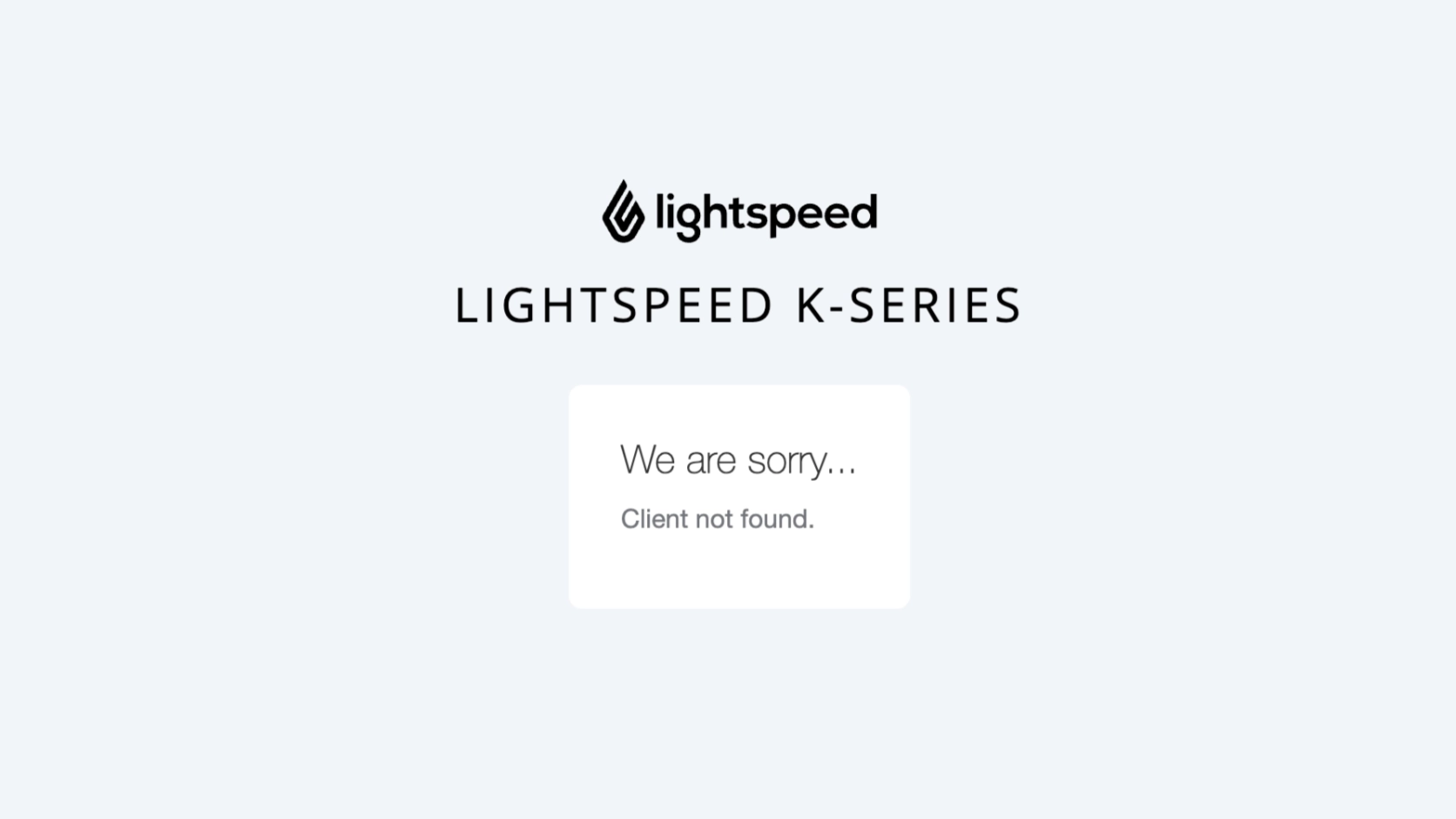
Example: trial client ID sent to the production endpoint
The following request targets lsk-prod.app (production), but the client_id prefix devp-v2-demo indicates it belongs to the trial environment. Because these environments are isolated, the production server cannot find the client.
https://auth.lsk-prod.app/realms/k-series/protocol/openid-connect/auth
  ?response_type=code
  &client_id=devp-v2-demo-dasxtrial-b69ffe954c5cd33c57a79a94780eb2ab
  &scope=financial-api
  &redirect_uri=https%3A%2F%2Flocalhost%2F
Resolution: Match your authorization URL to your client's environment. Check the client ID prefix against the Environment Quick Reference table above and use the corresponding endpoint.
Error message: Invalid parameter: redirect_uri
Caution
The redirect_uri must be an exact string match against the value registered on the server — including protocol, path, and trailing slash. Even a single character difference will cause this error.
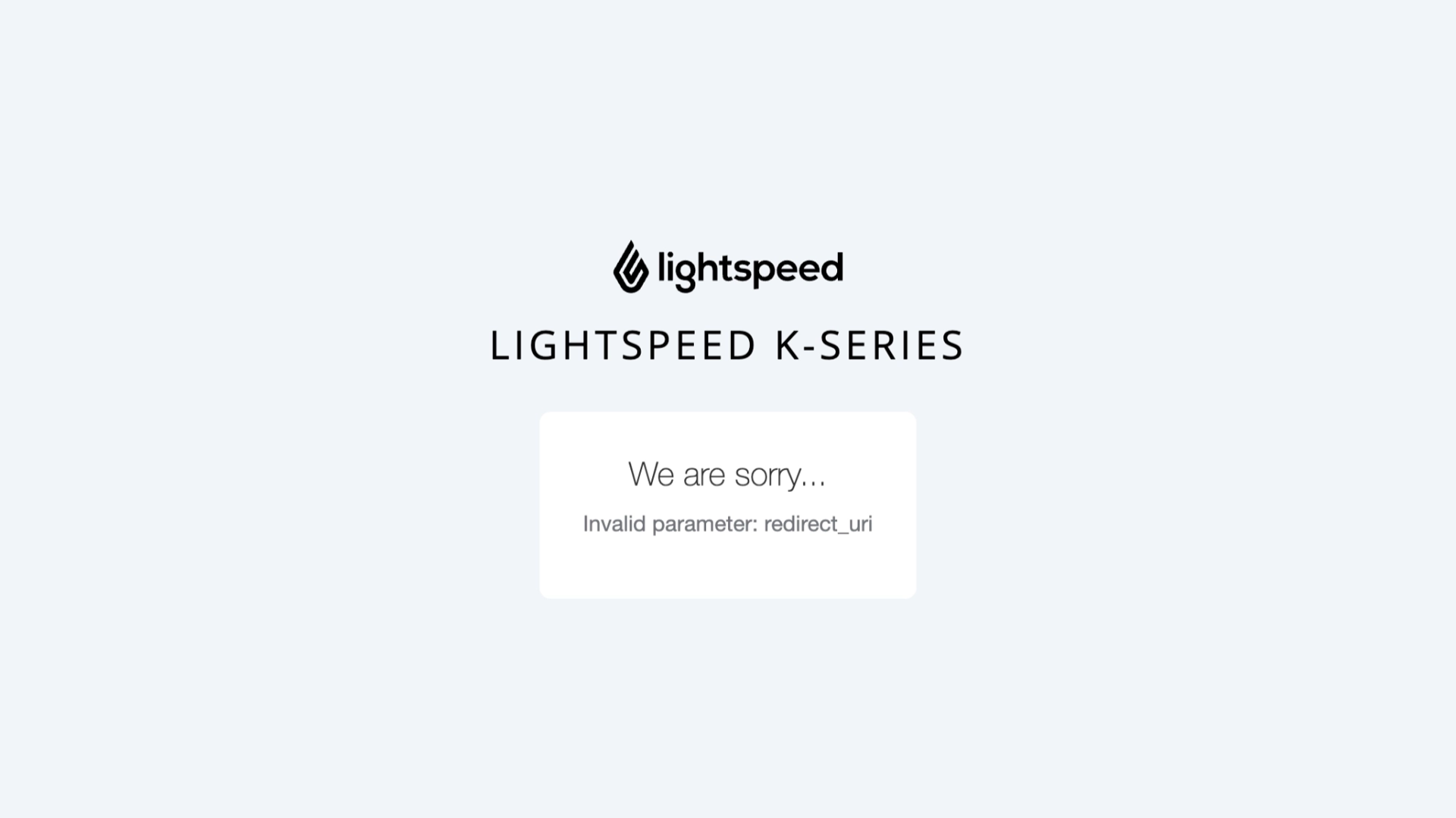
Common causes
| Context | Value |
|---|---|
| Used in request | https://localhost |
| Registered on server | https://localhost/ |
This request fails because the registered URI has a trailing / and the request does not.
Other common causes include:
- Trailing slash added or removed
- Typo or character encoding mismatch (e.g.,
%2fvs./) - Using
http://instead ofhttps://
Resolution: Copy the exact redirect URI from the credential provisioning email or developer portal and use it character-for-character. If the URI needs to be updated, contact Technical Partner Support with your client ID.
Error message: Invalid scopes: ... (returned as a query parameter in the redirect)
Important
Scope names must exactly match the values configured on the authorization server. Underscores vs. hyphens and incorrect suffixes are frequent mistakes.
Valid scopes and common mistakes
Common mistakes:
| Invalid | Correct |
|---|---|
financial_api |
financial-api |
items-api |
items |
Valid scopes for K-Series clients:
financial-apiorders-apiitemsoffline_accessstaff-api
Example error URL:
https://localhost/?error=invalid_scope
  &error_description=Invalid+scopes%3A+financial-api+items+offline_access+orders-api
  &iss=https%3A%2F%2Fauth.lsk-prod.app%2Frealms%2Fk-series
Tip
Multiple scopes must be space-delimited in the raw value before URL encoding. For example: scope=financial-api%20orders-api%20items. Do not use commas or other separators.
Resolution: Cross-reference your requested scopes against the valid scope list above. Ensure you use hyphens where required (not underscores) and that scope names are space-separated before URL encoding. Only request scopes your client has been provisioned for.
Error message: Invalid username or password
Warning
Trial and production environments maintain separate user directories. Production credentials will not work in a trial environment and vice versa.
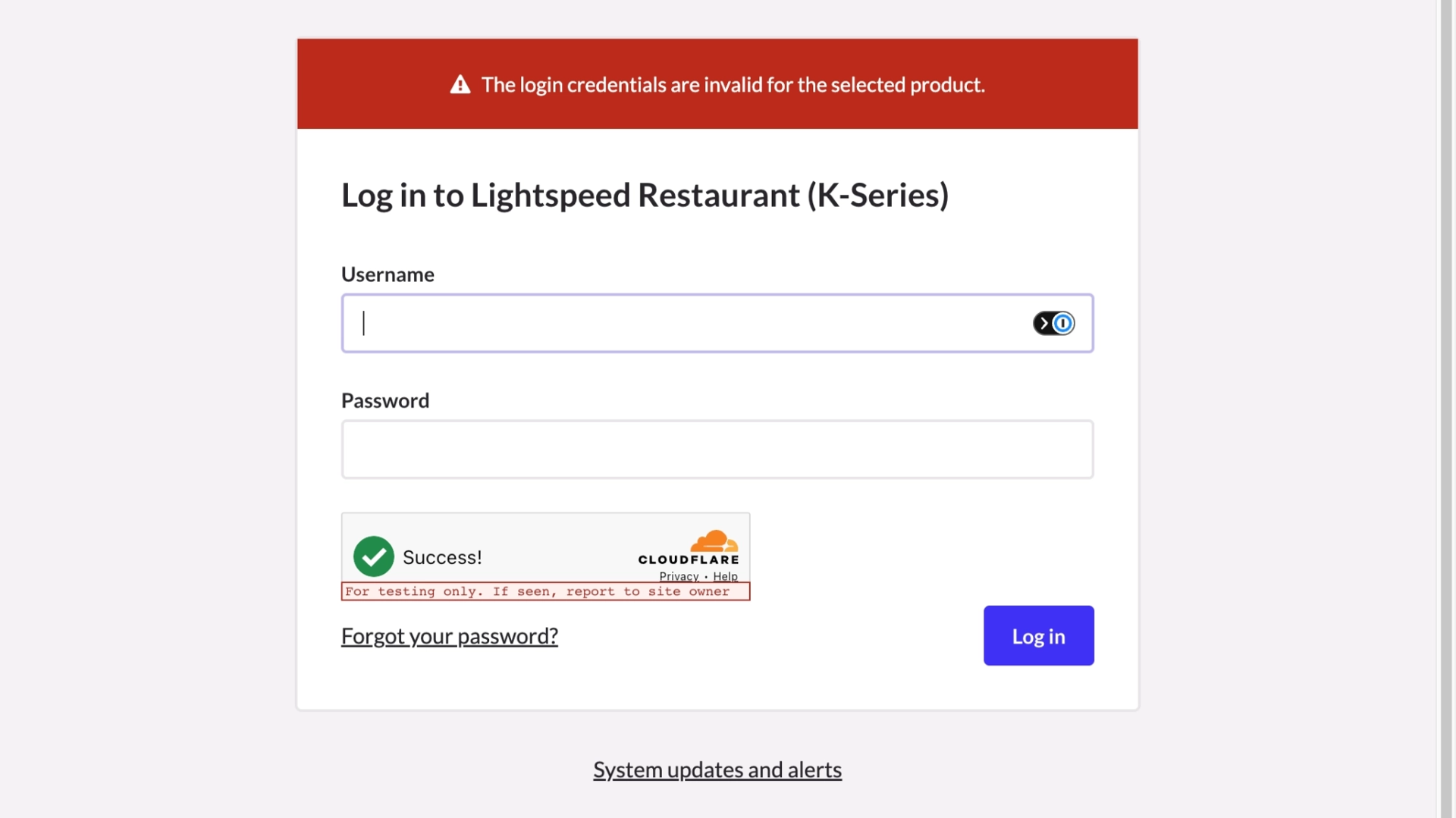
Possible causes
- Username or password is incorrect
- Using production credentials in a trial environment (or vice versa)
- The account does not exist in the selected product/realm
- The account may be locked or disabled
Resolution: Confirm you are logging in to the correct environment. Verify the username and password. If the account may be locked, contact Technical Partner Support to check the account status in the appropriate realm.
These errors are returned as JSON responses when exchanging the authorization code for tokens via POST to the token endpoint.
HTTP Status: 400 Bad Request
{
  "error": "invalid_grant",
  "error_description": "Code not valid"
}
Caution
Authorization codes are single-use and expire in approximately 15 seconds. Do not reuse or cache them.
Possible causes
- The authorization code has expired (approximately 15-second window)
- The code has already been used (codes are strictly one-time use)
- The code is malformed, truncated, or contains a transcription error
Resolution: Restart the authorization flow to obtain a fresh code. Ensure your application exchanges the code for tokens immediately after receiving it — automate this step rather than copying manually. Never attempt to reuse a code.
HTTP Status: 401 Unauthorized
{
  "error": "invalid_client",
  "error_description": "Invalid client or Invalid client credentials"
}
Important
The Authorization header must be present and correctly formatted as Basic base64(client_id:client_secret).
Possible causes
- The
Authorizationheader is missing entirely - Credentials are not Base64-encoded
- The
client_idorclient_secretis incorrect - Using the wrong client credentials for the environment (trial vs. production)
Resolution: Generate the Base64 value and set the header correctly:
# Generate the Base64-encoded credentials
echo -n "client_id:client_secret" | base64

# Use the output in the Authorization header
# Authorization: Basic <base64_value>
Tip
The -n flag in echo is critical. Without it, a newline character is appended to the input, producing an incorrect Base64 value that will be silently rejected by the server.
HTTP Status: 400 Bad Request
{
  "error": "invalid_grant",
  "error_description": "Incorrect redirect_uri"
}
Warning
The redirect_uri in the token exchange request must be identical to the one used in the original authorization request — even though no redirect actually occurs at this step. This is required by the OAuth 2.0 specification as a security measure.
Possible causes
- The
redirect_uriin the token request does not match the one from the authorization step - A trailing slash was added or removed between steps
- URL encoding differences between the two requests
Resolution:
Use the exact same redirect_uri value in both your authorization request and your token exchange request. Store the value in a constant or configuration variable to prevent drift between the two calls. Compare the raw strings if needed — even URL encoding differences will cause a mismatch.
HTTP Status: 400 Bad Request
{
  "error": "invalid_grant",
  "error_description": "Invalid refresh token"
}
Caution
Refresh tokens are long-lived but not permanent. An expired, reused, or malformed refresh token cannot be recovered — a full re-authentication is required.
Possible causes
- The refresh token has passed its expiry window
- The token was already used and the server enforces token rotation
- The refresh token is malformed or contains a transcription error
- The token belongs to a different client or environment
Resolution:
Re-authenticate the user through the full authorization flow to obtain a new token pair. Your application should handle this gracefully: when a refresh fails with invalid_grant, redirect the user back through the authorization flow automatically rather than surfacing the raw error.
Tip
Including offline_access in your requested scope will generate refresh tokens with a longer life.
HTTP Status: 401 Unauthorized
{
  "error": "unauthorized_client",
  "error_description": "Client not enabled to retrieve service account"
}
Important
This error occurs when the client attempts to use a grant_type that has not been enabled for it on the authorization server.
Possible causes
- The client is not configured for the
authorization_codegrant type - The client is attempting the
client_credentialsflow but is only approved for the authorization code flow - The client is attempting to use
refresh_tokenas a grant type but refresh is not enabled (legacy only) - The client configuration was changed or provisioned incorrectly (e.g. migration)
Resolution: K-Series API only supports the OAuth 2.0 Authorization Code flow. Ensure your integration uses the Authorization Code flow. Other authentication methods (e.g., client_credentials, API keys, Basic auth) are not supported.
Use this table to quickly identify the most likely cause based on the error you are seeing.
| Error Message | Where It Appears | Most Likely Cause | Section |
|---|---|---|---|
Client not found |
Browser (auth page) | Wrong environment (trial/prod mismatch) | Client Not Found |
Invalid parameter: redirect_uri |
Browser (auth page) | Redirect URI does not match registered value | Invalid Redirect URI |
Invalid scopes |
Redirect URL query params | Scope name typo or wrong delimiter | Invalid Scope |
Invalid username or password |
Browser (login form) | Wrong credentials or wrong environment | Invalid Login Credentials |
Code not valid |
Token endpoint JSON | Expired or reused authorization code | Invalid Code Grant |
Invalid client or Invalid client credentials |
Token endpoint JSON | Missing or malformed Authorization header | Invalid Client Credentials |
Incorrect redirect_uri |
Token endpoint JSON | URI mismatch between auth and token requests | Redirect URI (Token Exchange) |
Invalid refresh token |
Token endpoint JSON | Expired or reused refresh token | Invalid Refresh Token |
unauthorized_client |
Token endpoint JSON | Client not enabled to retrieve service account. | Unauthorized Client |