Skip to content

Instantly share code, notes, and snippets.

I do not come in peace; I am here on a mission. I wish to vanquish the angles and trig which run amok
To my knowledge, this seems to stem from the thought:

The user provides and requests angles, therefore my formulas should input and output angles

At the very least, this is untrue in that the user provides degrees and we compute with radians
But more pervasively, I argue that the formulas are first and foremost Geometric and not Trigonometric

@mmozeiko
mmozeiko / _miniperf_readme.md
Last active April 22, 2026 09:40
get PMU counter values with ETW, perf or kperf

MiniPerf

Example of how to capture CPU counters with ETW on Windows, perf on Linux or kperf on Apple.

Using ETW needs somewhat recently updated Windows 10 or 11. Not sure about exact version.

Currently tested on:

  • etw on Qualcomm Snapdragon X Elite, Windows 11, arm64
  • etw on AMD Zen 3, Windows 11 (with virtualization enabled in BIOS)
@mattiasgustavsson
mattiasgustavsson / main.c
Created March 5, 2024 19:18
Minimal code example for creating a window to plot pixels to
#include <stdint.h>
#include <stdlib.h>
#include <stdbool.h>
#include <windows.h>
#pragma comment( lib, "user32.lib" )
#pragma comment( lib, "gdi32.lib" )
#define SCRW 640
#define SCRH 480
// compile on linux: gcc x11_opengl.c -lm -lGL -lX11
// compile on mac: clang -framework OpenGL -I /opt/X11/include/ -L /opt/X11/lib/ -lGL -lX11 x11_opengl.c
#include <X11/Xlib.h>
#include <X11/Xutil.h>
#if defined(__APPLE__)
_Pragma("GCC diagnostic ignored \"-Wdeprecated-declarations\"");
#include <OpenGL/gl.h>
#else
#include <GL/gl.h>
@mmozeiko
mmozeiko / win32_webgpu.c
Last active April 6, 2026 14:29
setting up and using WebGPU in C using Dawn
// example how to set up WebGPU rendering on Windows in C
// uses Dawn implementation of WebGPU: https://dawn.googlesource.com/dawn/
// download pre-built Dawn webgpu.h/dll/lib files from https://github.com/mmozeiko/build-dawn/releases/latest
#include "webgpu.h"
#define _CRT_SECURE_NO_DEPRECATE
#define WIN32_LEAN_AND_MEAN
#include <windows.h>
@d7samurai
d7samurai / .readme.md
Last active April 26, 2026 19:31
Minimal D3D11 bonus material: pixel art antialiasing

Minimal D3D11 bonus material: pixel art antialiasing

A minimal Direct3D 11 implementation of "antialiased point sampling", useful for smooth fractional movement and non-integer scaling of pixel art AKA "fat pixel" aesthetics.

Also view below side-by-side point sampling comparison on YouTube (video is zoomed in to counter implicit downsampling & compression artifacts and make aa effect more apparent) or check out the original Shadertoy.

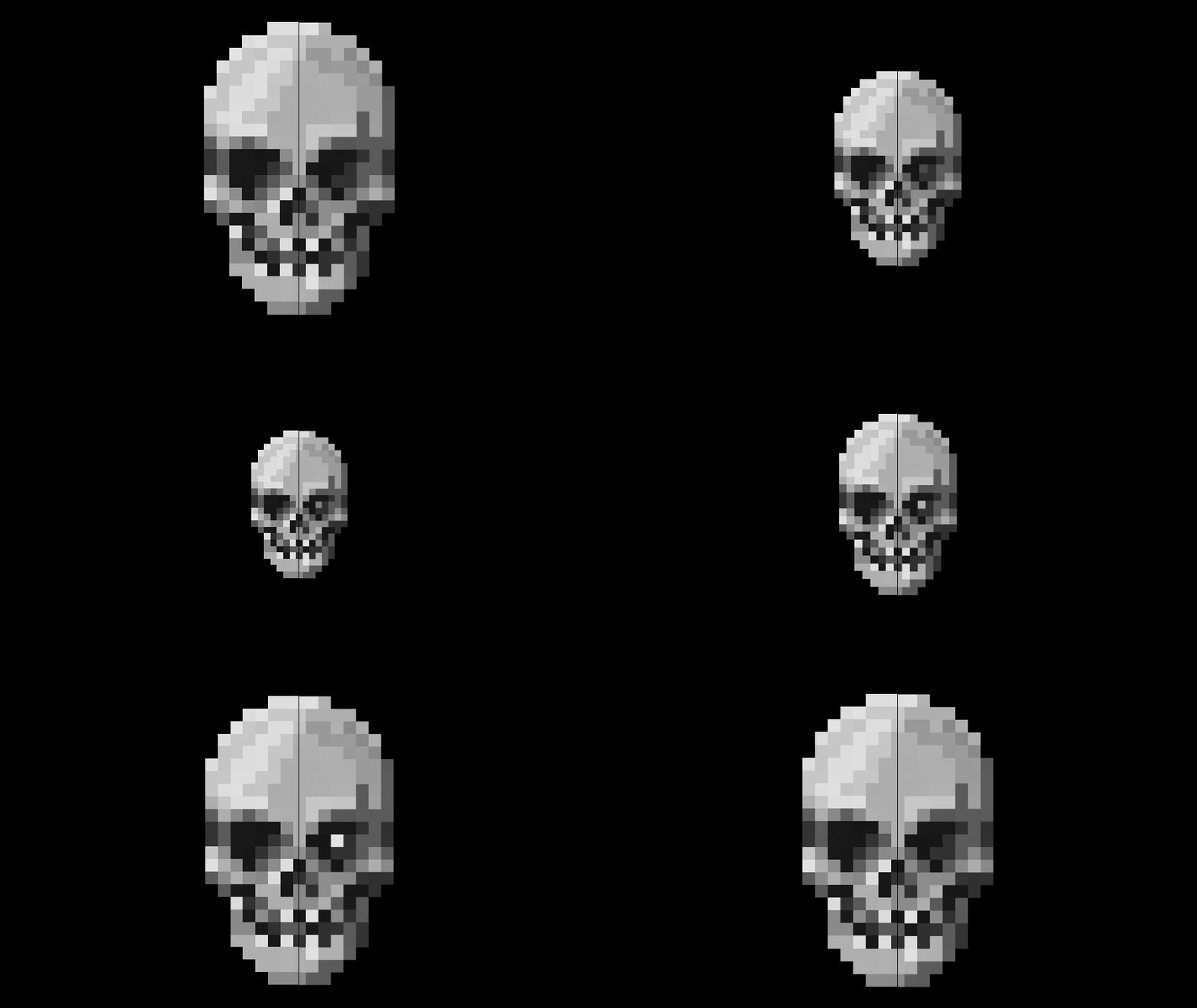
skull

The actual sampler is set to bilinear filtering (the default D3D11 sampler state) in order to utilize single texture-read hardware interpolation, then emulating point sampling in the shader and applying AA at the fat pixel boundaries. Use with premultiplied alpha textures* and keep a one pixel transparent border around

@skeeto
skeeto / example.c
Last active January 30, 2025 08:43
OpenGL mini framebuffer display example
// cc example.c -lX11 -lGL
// This is free and unencumbered software released into the public domain.
#define GLX_GLXEXT_PROTOTYPES
#include <stdio.h>
#include <GL/glx.h>
#include <X11/Xlib.h>
#define WIDTH 256
#define HEIGHT 128
#define SCALE 4
@mmozeiko
mmozeiko / !README.md
Last active May 6, 2026 17:26
Download MSVC compiler/linker & Windows SDK without installing full Visual Studio

This downloads standalone MSVC compiler, linker & other tools, also headers/libraries from Windows SDK into portable folder, without installing Visual Studio. Has bare minimum components - no UWP/Store/WindowsRT stuff, just files & tools for native desktop app development.

Run py.exe portable-msvc.py and it will download output into msvc folder. By default it will download latest available MSVC & Windows SDK from newest Visual Studio.

You can list available versions with py.exe portable-msvc.py --show-versions and then pass versions you want with --msvc-version and --sdk-version arguments.

To use cl.exe/link.exe first run setup_TARGET.bat - after that PATH/INCLUDE/LIB env variables will be updated to use all the tools as usual. You can also use clang-cl.exe with these includes & libraries.

To use clang-cl.exe without running setup.bat, pass extra /winsysroot msvc argument (msvc is folder name where output is stored).

@mmozeiko
mmozeiko / q1.c
Created August 23, 2021 00:35
Quake 1 animated model rendering
// download glfw3 from https://www.glfw.org/download and then compile:
// cl.exe -O2 q1.c -Iinclude -link opengl32.lib glu32.lib lib-vc2019\glfw3dll.lib
#define _CRT_SECURE_NO_DEPRECATE
#include <stdint.h>
#include <string.h>
#include <stdio.h>
#include <math.h>
#include <assert.h>
@mmozeiko
mmozeiko / x11_opengl.c
Last active March 3, 2026 18:26
setting up and using modern OpenGL 4.5 core context on X11 with EGL
// example how to set up OpenGL core context on X11 with EGL
// and use basic functionality of OpenGL 4.5 version
// to compile on Ubuntu first install following packages: build-essential libx11-dev libgl-dev libegl-dev
// then run:
// gcc x11_opengl.c -o x11_opengl -lm -lX11 -lEGL
// important extension functionality used here:
// (4.3) KHR_debug: https://www.khronos.org/registry/OpenGL/extensions/KHR/KHR_debug.txt
// (4.5) ARB_direct_state_access: https://www.khronos.org/registry/OpenGL/extensions/ARB/ARB_direct_state_access.txt