This is the list of parts for the Small Raspberry Pi system I passed around at the 2019-08-29 Linux-Ottawa Meeting.
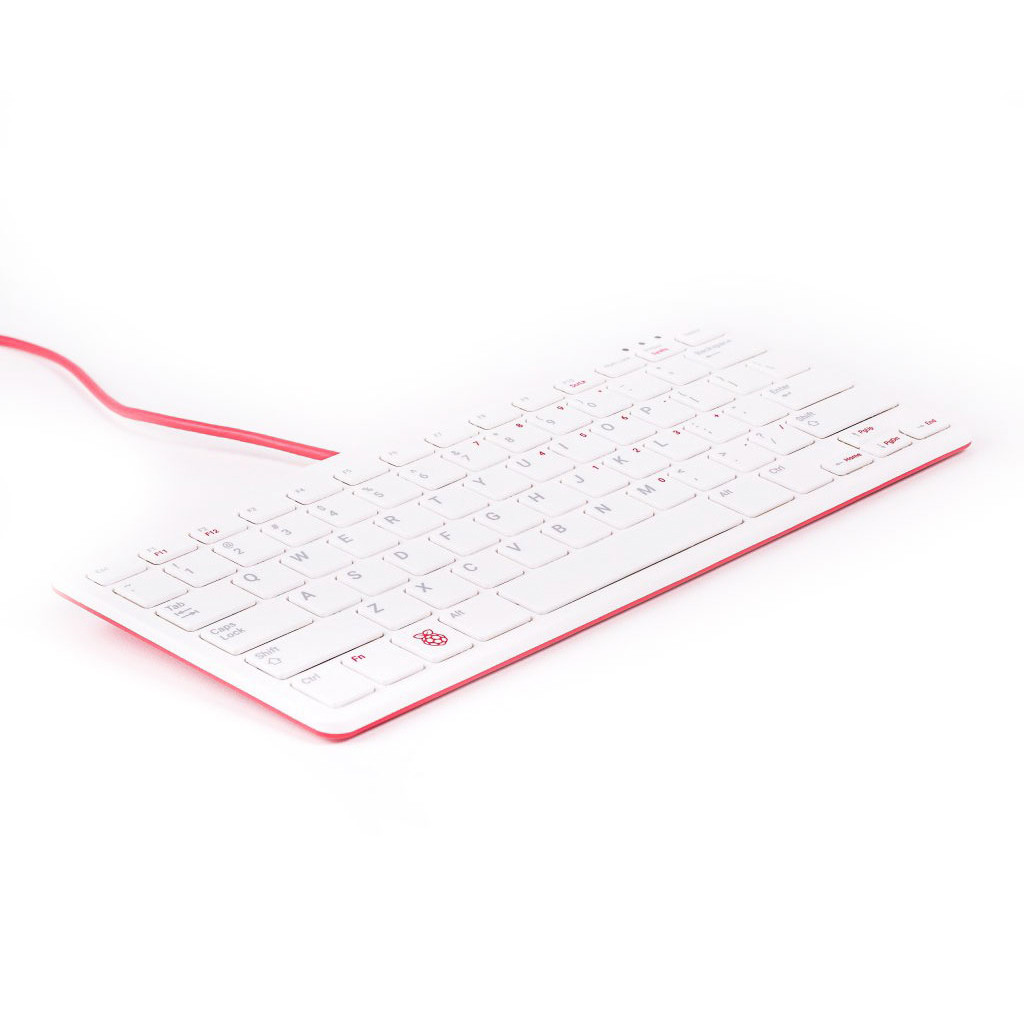
Raspberry Pi Official Keyboard


| # Ubuntu Server automated installation | |
| # by Scott Lowe (scott.lowe@scottlowe.org) | |
| d-i debian-installer/locale string en_US | |
| d-i console-setup/ask_detect boolean false | |
| d-i keyboard-configuration/layoutcode string us | |
| d-i netcfg/choose_interface select eth0 | |
| d-i netcfg/get_hostname string hostname | |
| d-i netcfg/get_domain string domain.com | |
| d-i netcfg/wireless_wep string |
This is the list of parts for the Small Raspberry Pi system I passed around at the 2019-08-29 Linux-Ottawa Meeting.
Raspberry Pi Official Keyboard
From the ebay listing... Once I get the steps completed and the couple of errors corrected, I'll update with a proper HOWTO
For sale is a HAT (Hardware Attached on Top) or SHIELD for a true emulator-clone of the original MITS ALTAIR 8800 computer. It is designed to be used with a programmed ARDUINO DUE (not included). It will faithfully emulate a 2-Mhz Intel 8080 CPU which was the original CPU used the MITS 8800 systems. The Arduino Due is an impressive 32-bit 84-Mhz system on a chip which provides the full 8080's 64K RAM space as well as ROM storage. It runs open sourced code and is fully supported online. Comes with a micro SD slot and optional Bluetooth or serial if used with an appropriate adapter. Possibly a shirt pocket computer if used with a power bank and BT to mobile phone as the terminal!
Since the DIP switches are a little difficult to operate, this item is probably more suited to those looking to explore and use the software o
| # Install ARCH Linux with encrypted file-system and UEFI | |
| # The official installation guide (https://wiki.archlinux.org/index.php/Installation_Guide) contains a more verbose description. | |
| # Download the archiso image from https://www.archlinux.org/ | |
| # Copy to a usb-drive | |
| dd if=archlinux.img of=/dev/sdX bs=16M && sync # on linux | |
| # Boot from the usb. If the usb fails to boot, make sure that secure boot is disabled in the BIOS configuration. | |
| # Set swedish keymap |
You might want to read this to get an introduction to armel vs armhf.
If the below is too much, you can try Ubuntu-ARMv7-Qemu but note it contains non-free blobs.
First, cross-compile user programs with GCC-ARM toolchain. Then install qemu-arm-static so that you can run ARM executables directly on linux
| brew update | |
| brew link yasm | |
| brew link x264 | |
| brew link lame | |
| brew link xvid | |
| brew install ffmpeg | |
| ffmpeg wiki: | |
| https://trac.ffmpeg.org/wiki/Encode/MP3 |
#Ubuntu on Acer Aspire Switch ##The problem What's the problem with this tablet? Why can't I just insert the USB and mash F12 until it boots? The tablet is made to run Windows 8.1 and Windows 8.1 only. Because of the stupidity that is UEFI (specifically it's "Safe boot" feature) we can't just boot from any USB stick we want.
Also, because someone thought putting a 32-bit UEFI on a 64-bit system was a good idea.
NOTE: This guide focuses on installing Ubuntu alongside Windows. If you're trying to replace Windows, then I assume you know enough about Linux to know which parts to change.
