The Laracasts PHPStorm theme.
https://www.dropbox.com/s/f4l3qc2falnvq61/laracasts_theme_updated.icls
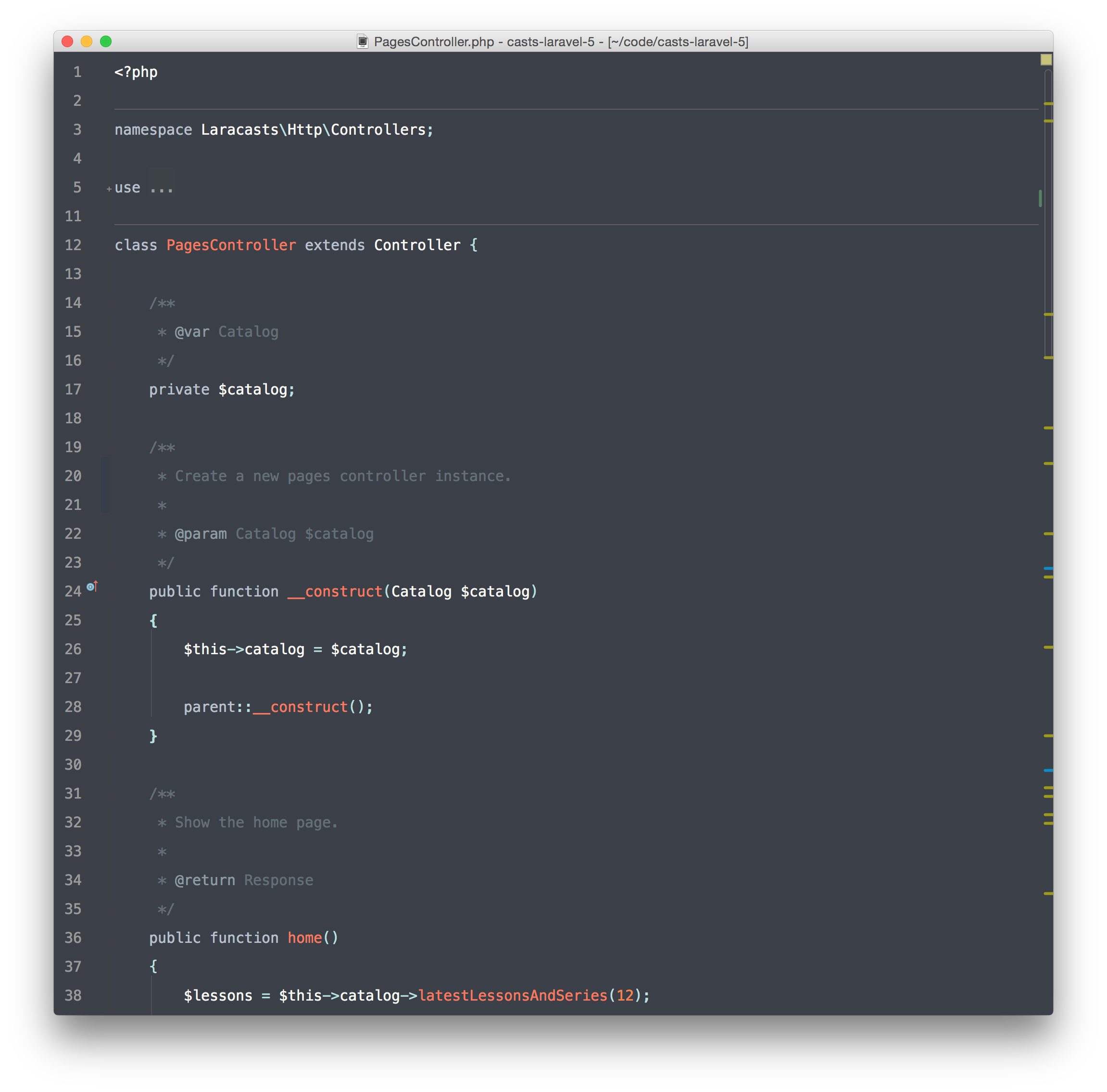
(Add to ~/Library/Preferences/WebIde80/colors on Mac.)


| :root { | |
| --ease-in-quad: cubic-bezier(.55, .085, .68, .53); | |
| --ease-in-cubic: cubic-bezier(.550, .055, .675, .19); | |
| --ease-in-quart: cubic-bezier(.895, .03, .685, .22); | |
| --ease-in-quint: cubic-bezier(.755, .05, .855, .06); | |
| --ease-in-expo: cubic-bezier(.95, .05, .795, .035); | |
| --ease-in-circ: cubic-bezier(.6, .04, .98, .335); | |
| --ease-out-quad: cubic-bezier(.25, .46, .45, .94); | |
| --ease-out-cubic: cubic-bezier(.215, .61, .355, 1); |

The Laracasts PHPStorm theme.
https://www.dropbox.com/s/f4l3qc2falnvq61/laracasts_theme_updated.icls
(Add to ~/Library/Preferences/WebIde80/colors on Mac.)

| var gulp = require('gulp'); | |
| var sourcemaps = require('gulp-sourcemaps'); | |
| var source = require('vinyl-source-stream'); | |
| var buffer = require('vinyl-buffer'); | |
| var browserify = require('browserify'); | |
| var watchify = require('watchify'); | |
| var babel = require('babelify'); | |
| function compile(watch) { | |
| var bundler = watchify(browserify('./src/index.js', { debug: true }).transform(babel)); |

(by @andrestaltz)
If you prefer to watch video tutorials with live-coding, then check out this series I recorded with the same contents as in this article: Egghead.io - Introduction to Reactive Programming.

| // Created by Max Luster (@maxluster) | |
| // Usage instructions at https://bugsnag.com/blog/responsive-typography-with-chained-media-queries | |
| // Requires SASS >= 3.3 | |
| // Enhanced by Breakpoint 2.4.x and Compass 1.0 (alpha) | |
| // For SASS 3.2.x support, use https://gist.github.com/maxluster/c9ecc6e4a6770e507c2c | |
| // Provides a simplified syntax for chaining media queries across named or numeric breakpoints | |
| @mixin responsive($properties, $default-value, $responsive-values){ | |
| // No named breakpoints by default |

I use Namecheap.com as a registrar, and they resale SSL Certs from a number of other companies, including Comodo.
These are the steps I went through to set up an SSL cert.
| /* normal flexbox */ | |
| .flexbox .flex-container { | |
| display: -webkit-flex; | |
| display: -moz-flex; | |
| display: -ms-flex; | |
| display: flex; | |
| } | |
| .flexbox .flex-container.vertical { | |
| display: -webkit-flex; | |
| display: -moz-flex; |

| /** | |
| * I converted the SCSS mixin to LESS for the awesome coders like myself in response to a blog post on 37Signals - http://37signals.com/svn/posts/3271-easy-retina-ready-images-using-scss | |
| * | |
| * Update: 2014-08-04 - Updated a long-standing bug where retina images were shown no matter what in the first background-image property. | |
| * - Updated retina media query to be more reliable () | |
| * Update: 2013-11-13 - Picked up another technique thanks to reading this post from Tyler Tate, auto-fill in the second filename for the retina image, http://tylertate.com/blog/2013/06/11/retina-images-using-media-queries-and-LESS-CSS.html | |
| * Update: 2013-04-16 - Have recently found a few use cases when using a retina pattern from Subtle Patterns on the <body>, this has come in handy | |
| * Update: 2013-04-05 - Some research in the Wordpress Core(http://core.trac.wordpress.org/ticket/22238#comment:5) was pointed out that some tests may be redundant (Thanks @kbav) so I've cleaned these up | |
| * Update: 2012-12-29 - U |

| @mixin background-image-retina($file, $type, $width, $height) { | |
| background-image: url($file + '.' + $type); | |
| @media (-webkit-min-device-pixel-ratio: 2), (-moz-min-device-pixel-ratio: 2) { | |
| & { | |
| background-image: url($file + '@2x.' + $type); | |
| -webkit-background-size: $width $height; | |
| } | |
| } | |
| } |
