
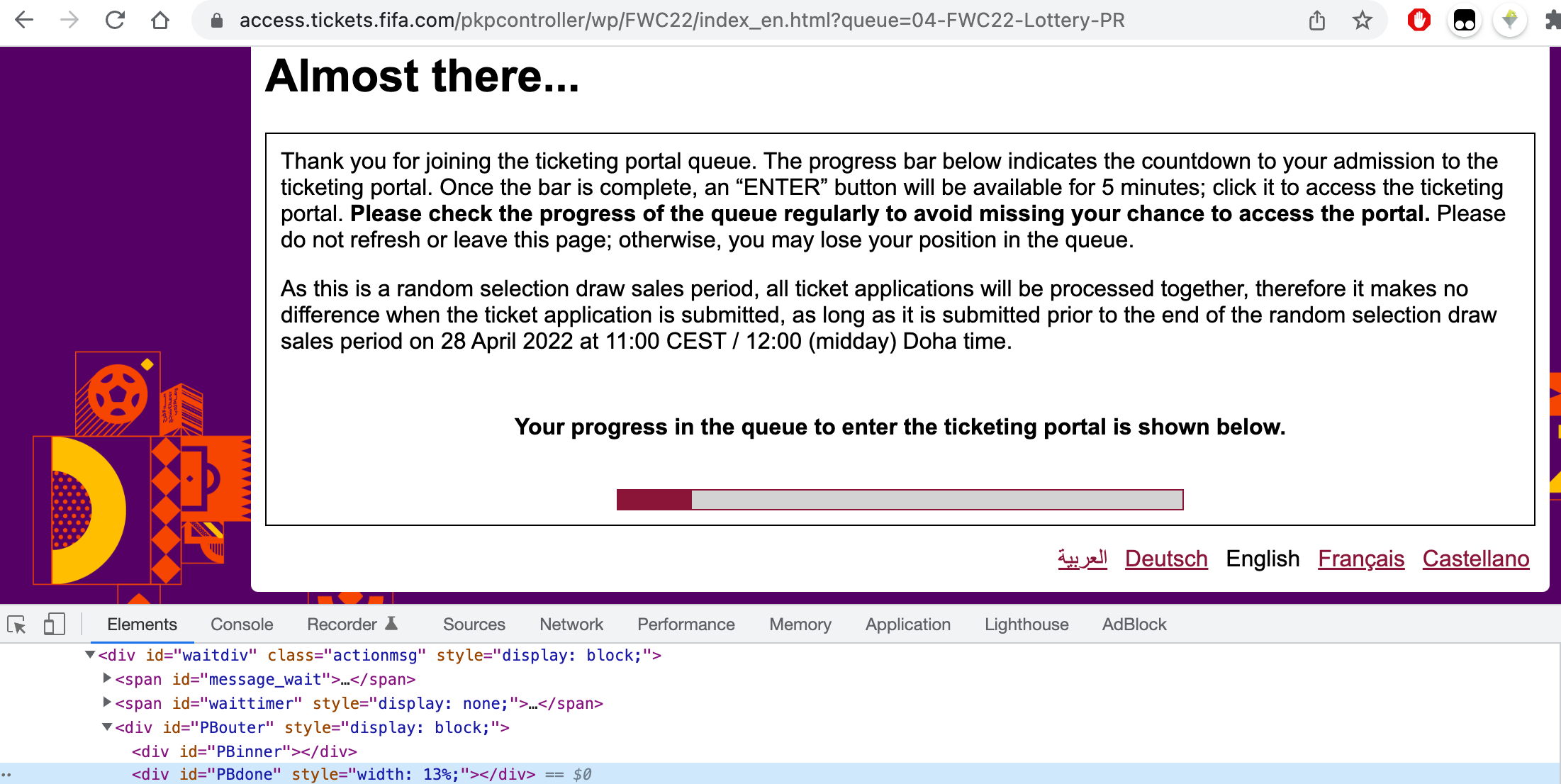
Turns out the script is not needed. As the progress is not increasing step by step, it might notify you click enter say at 20%. In my case, it stucks at 13% and then shows Enter page directly after god know some time. For those who don't want to check progress page regularly.
Check the progress from chrome log and notify the progess in mac notification center.
Not sure why mine is stuck at 13% for quite some time. Let me if this is normal.
- create symlink for osanotify(will be referenced in main script) side note: system in awk doesn't recognize function, so have to make this script
ln -sfv ${PWD}/osanotify.sh /usr/local/bin/osanotify
- add chrome to ~/.bashrc
chrome ()
{
    /Applications/Google\ Chrome.app/Contents/MacOS/Google\ Chrome --user-data-dir="/Users/$(whoami)/Library/Application Support/Google/Chrome" --enable-logging --v=2
}
- start chrome from terminal
chrome
- start listening on progress DOM run following in chrome console while with your application progress page opened
# log the progress to chrome log every second
var intervalId = setInterval(()=>console.log(`ticket_application_progress: ${progress}`), 1000)
# clear it when necessary
clearInterval(intervalId)
log would something like this
13805:259:0405/132641.428773:INFO:CONSOLE(1)] "ticket_application_progress: width: 13%;", source: (1)
- kick off main script
./ticket_application_progres.sh
you should see mac os notification everytime progress moving forward 5. let me know if this works or stuck at somepoint or if there is an easier way to achieve this