- XDebug v3+ inside Docker (e.g. php:7.3-apache Docker image)
- Running Docker v20.10+
- VSCode with PHP Debug Extension (Felix Becker)
- Using Docker Compose for orchestration

Khoa Võ khoazero123

megahirt
/ Docker with XDebug.md
Last active
July 16, 2025 20:13
Debugging PHP with XDebug v3 inside Docker using VSCode

- Download SQL Server Express 2019: https://www.microsoft.com/en-us/sql-server/sql-server-downloads
- Choose CUSTOM install
- Choose media download target location, leave it default.
- On SQL Server Installation Center choose "New SQL Server stand-alone installation..." menu.
- On Feature Selection at least select the main "Database Engine Services" option (SQL Server Replication, Machine Learning stuff, Full-Text search are optional). Also make sure all "Client Tools..." options and "SQL Client Connectivity SDK" are selected.
- On Instance Configuration we set the SQL Server instance name, we can leave all options default (
SQLEXPRESS). - On Server Configuration, we can set the "Startup Type" for "SQL Server Database Engine" to manual. So in order to use the SQL Server, we have to start it manualy through the Sql Server Configuration Manager application.
- On Database Engine Configuration set the "Authentication Mode" to Mixed Mode.

ilbunilcho
/ How to remove Windows paths from WSL path.md
Created
November 1, 2018 16:41
How to remove Windows paths from WSL path

This file contains hidden or bidirectional Unicode text that may be interpreted or compiled differently than what appears below. To review, open the file in an editor that reveals hidden Unicode characters.
Learn more about bidirectional Unicode characters
| RUN apt update | |
| RUN apt upgrade -y | |
| RUN apt install -y apt-utils | |
| RUN a2enmod rewrite | |
| RUN apt install -y libmcrypt-dev | |
| RUN docker-php-ext-install mcrypt | |
| RUN apt install -y libicu-dev | |
| RUN docker-php-ext-install -j$(nproc) intl | |
| RUN apt-get install -y libfreetype6-dev libjpeg62-turbo-dev libpng12-dev | |
| RUN docker-php-ext-configure gd --with-freetype-dir=/usr/include/ --with-jpeg-dir=/usr/include/ |

vlucas
/ encryption.ts
Last active
February 2, 2026 23:08
Stronger Encryption and Decryption in Node.js
This file contains hidden or bidirectional Unicode text that may be interpreted or compiled differently than what appears below. To review, open the file in an editor that reveals hidden Unicode characters.
Learn more about bidirectional Unicode characters
| import { createCipheriv, createDecipheriv, randomBytes } from "crypto"; | |
| const ENCRYPTION_KEY: string = process.env.ENCRYPTION_KEY || ""; // Must be 256 bits (32 characters) | |
| const IV_LENGTH: number = 16; // For AES, this is always 16 | |
| /** | |
| * Will generate valid encryption keys for use | |
| * Not used in the code below, but generate one and store it in ENV for your own purposes | |
| */ | |
| export function keyGen() { |

kevin-smets
/ iterm2-solarized.md
Last active
March 17, 2026 21:17
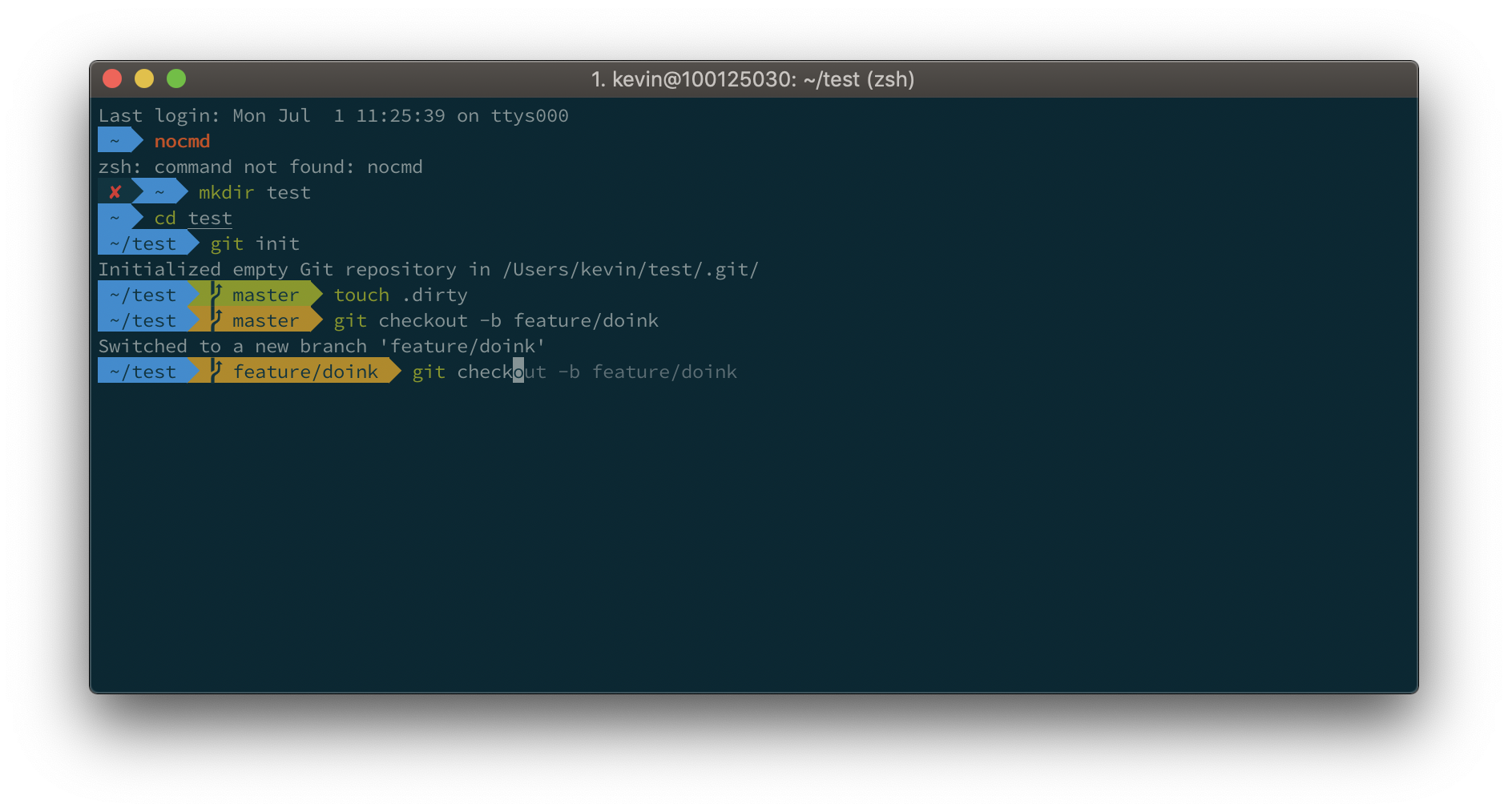
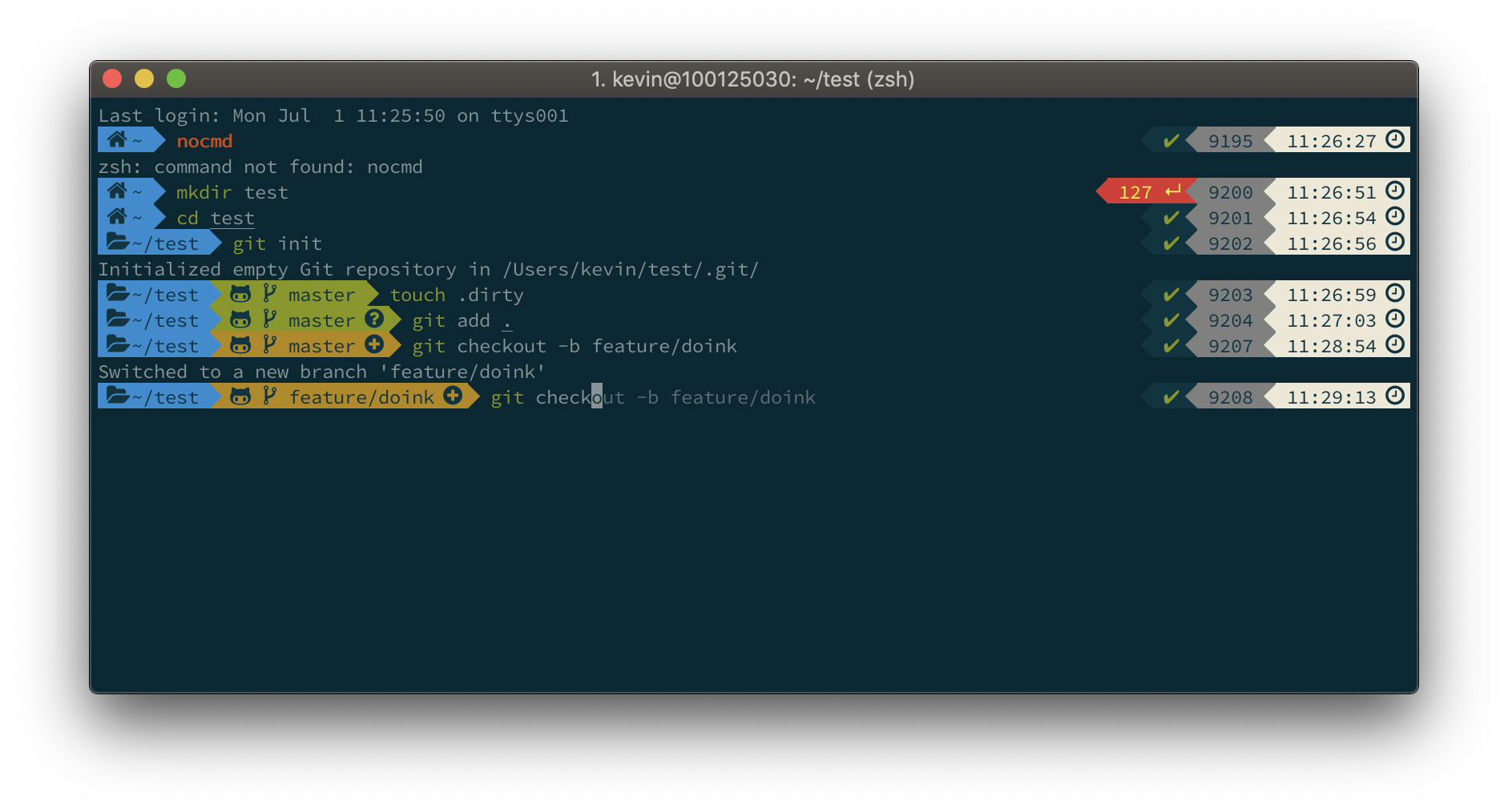
iTerm2 + Oh My Zsh + Solarized color scheme + Source Code Pro Powerline + Font Awesome + [Powerlevel10k] - (macOS)