
FINALLY no need for tricks!
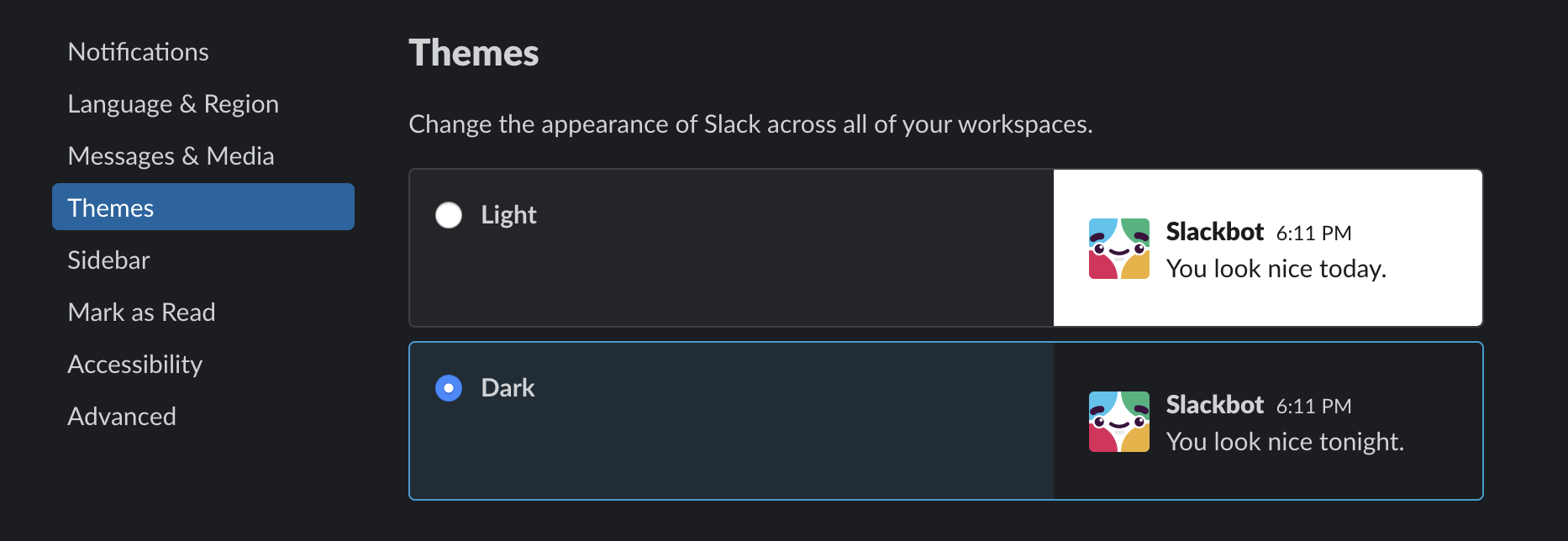
bonus tip: for more darkness > https://darkreader.org/

FINALLY no need for tricks!
bonus tip: for more darkness > https://darkreader.org/

Apple has introduced a new .plist file format in 10.4. You'll notice that you can no longer just edit a .plist file in TextEdit or other text editors. The reason for this is that the files are now binary rather than raw XML.
Luckily for us, there is a command line utility called plutil that can convert back and forth between the two formats. You can convert the .plist file you want to edit to XML format, edit it in TextEdit, then convert back to binary for use. To convert a binary .plist file to XML format for editing, type this in the Terminal:
plutil -convert xml1 some_file.plist
To convert an XML .plist file to binary for use:
plutil -convert binary1 some_other_file.plist