
In the index.js or the root file of your cypress/support folder,

G glumn

jasperkuperus
/ winston-stackdriver.js
Last active
May 20, 2021 14:26
Winston / Stackdriver severity level
This file contains hidden or bidirectional Unicode text that may be interpreted or compiled differently than what appears below. To review, open the file in an editor that reveals hidden Unicode characters.
Learn more about bidirectional Unicode characters
| const winston = require('winston'); | |
| const { LEVEL } = require('triple-beam'); | |
| const SeverityLookup = { | |
| 'default': 'DEFAULT', | |
| 'silly': 'DEFAULT', | |
| 'verbose': 'DEBUG', | |
| 'debug': 'DEBUG', | |
| 'http': 'notice', | |
| 'info': 'info', |

jhonnymichel
/ gamedev-trigonometry.md
Last active
January 27, 2026 06:24
Basic trigonometry for game development
two distinct points (for example, a game object position and the mouse cursor position) in an area can always be two corners of a Right Triangle (Triângulo-retângulo in ptbr). A triangle has three sides: The Hypotenuse, the Adjacent and the Opposite.
The distance between two points in the X axis corresponds to the Adjacent side of a triangle, The distance between two points in the Y axis corresponds to the Opposite side of a triangle.
The Hypotenuse is the shortest distance between the two points.
This means we can use trigonometry to handle many interactions between objects when programming visual stuff.


mattiaslundberg
/ arch-linux-install
Last active
March 11, 2026 09:03
Minimal instructions for installing arch linux on an UEFI system with full system encryption using dm-crypt and luks
This file contains hidden or bidirectional Unicode text that may be interpreted or compiled differently than what appears below. To review, open the file in an editor that reveals hidden Unicode characters.
Learn more about bidirectional Unicode characters
| # Install ARCH Linux with encrypted file-system and UEFI | |
| # The official installation guide (https://wiki.archlinux.org/index.php/Installation_Guide) contains a more verbose description. | |
| # Download the archiso image from https://www.archlinux.org/ | |
| # Copy to a usb-drive | |
| dd if=archlinux.img of=/dev/sdX bs=16M && sync # on linux | |
| # Boot from the usb. If the usb fails to boot, make sure that secure boot is disabled in the BIOS configuration. | |
| # Set swedish keymap |

kevin-smets
/ iterm2-solarized.md
Last active
March 17, 2026 21:17
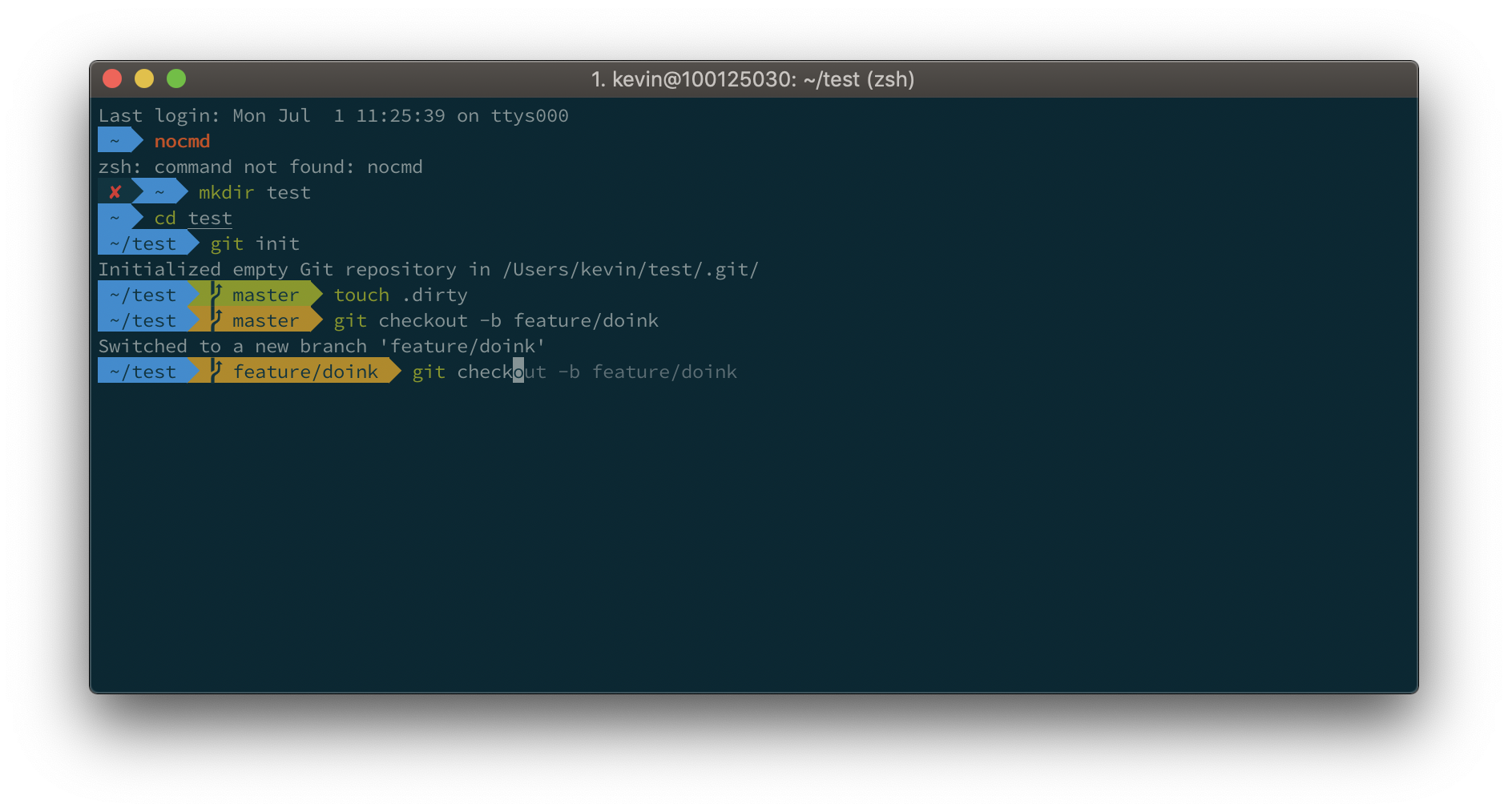
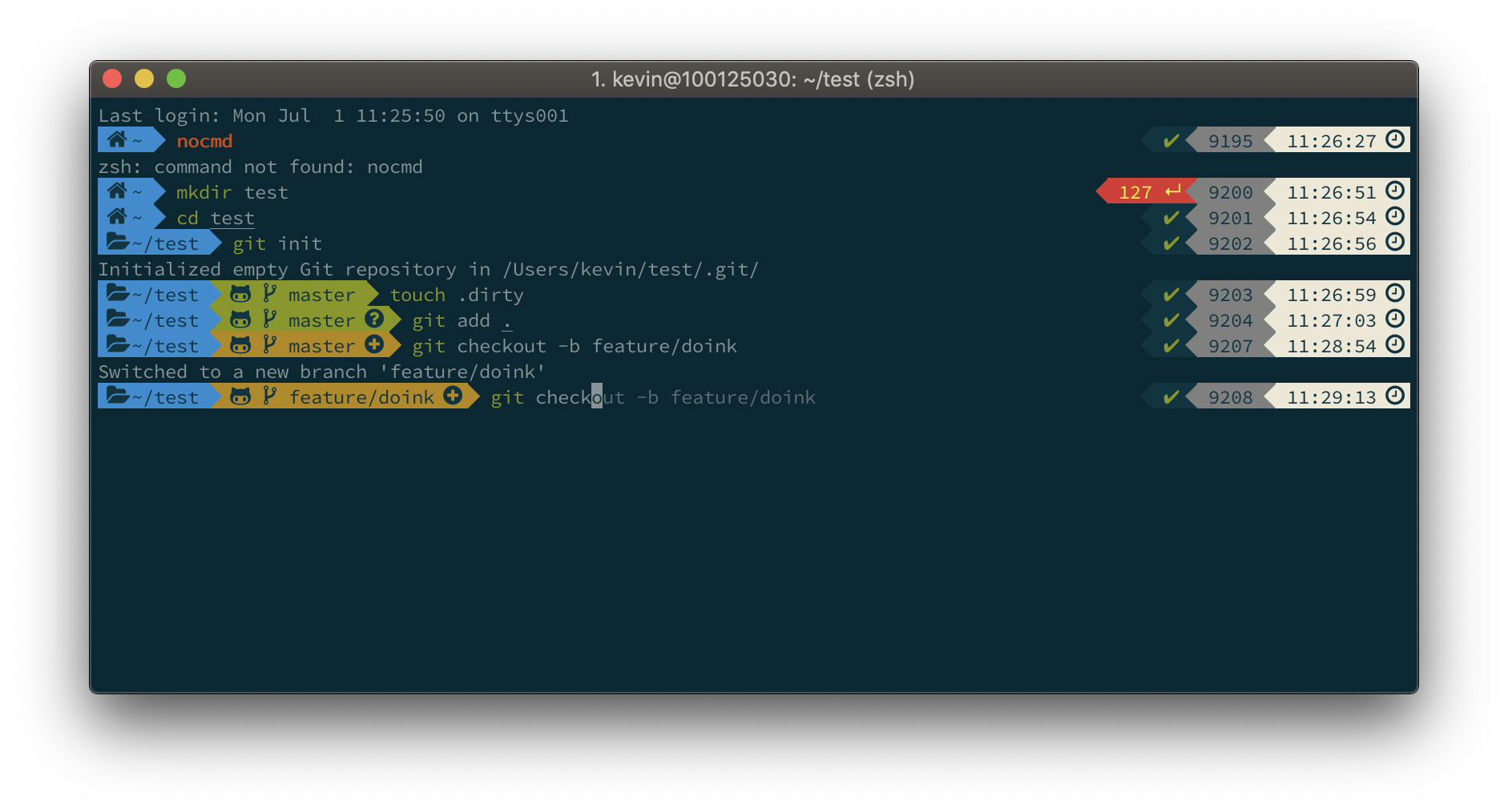
iTerm2 + Oh My Zsh + Solarized color scheme + Source Code Pro Powerline + Font Awesome + [Powerlevel10k] - (macOS)

ifonefox
/ colortrans.py
Last active
September 25, 2024 16:29
— forked from MicahElliott/colortrans.py
This file contains hidden or bidirectional Unicode text that may be interpreted or compiled differently than what appears below. To review, open the file in an editor that reveals hidden Unicode characters.
Learn more about bidirectional Unicode characters
| #! /usr/bin/env python | |
| """ Convert values between RGB hex codes and xterm-256 color codes. | |
| Nice long listing of all 256 colors and their codes. Useful for | |
| developing console color themes, or even script output schemes. | |
| Resources: | |
| * http://en.wikipedia.org/wiki/8-bit_color | |
| * http://en.wikipedia.org/wiki/ANSI_escape_code |

NoobsArePeople2
/ gist:4490307
Last active
August 15, 2018 20:10
Configuration for .bash_profile on OSX to get some Posh-Git features.
-
Open Terminal move to your home folder:
cd ~ -
Enable git colors:
git config --global color.ui true -
Make a file called ".colors":
touch .colors -
Open .colors and paste the following: