You signed in with another tab or window. Reload to refresh your session.You signed out in another tab or window. Reload to refresh your session.You switched accounts on another tab or window. Reload to refresh your session.Dismiss alert
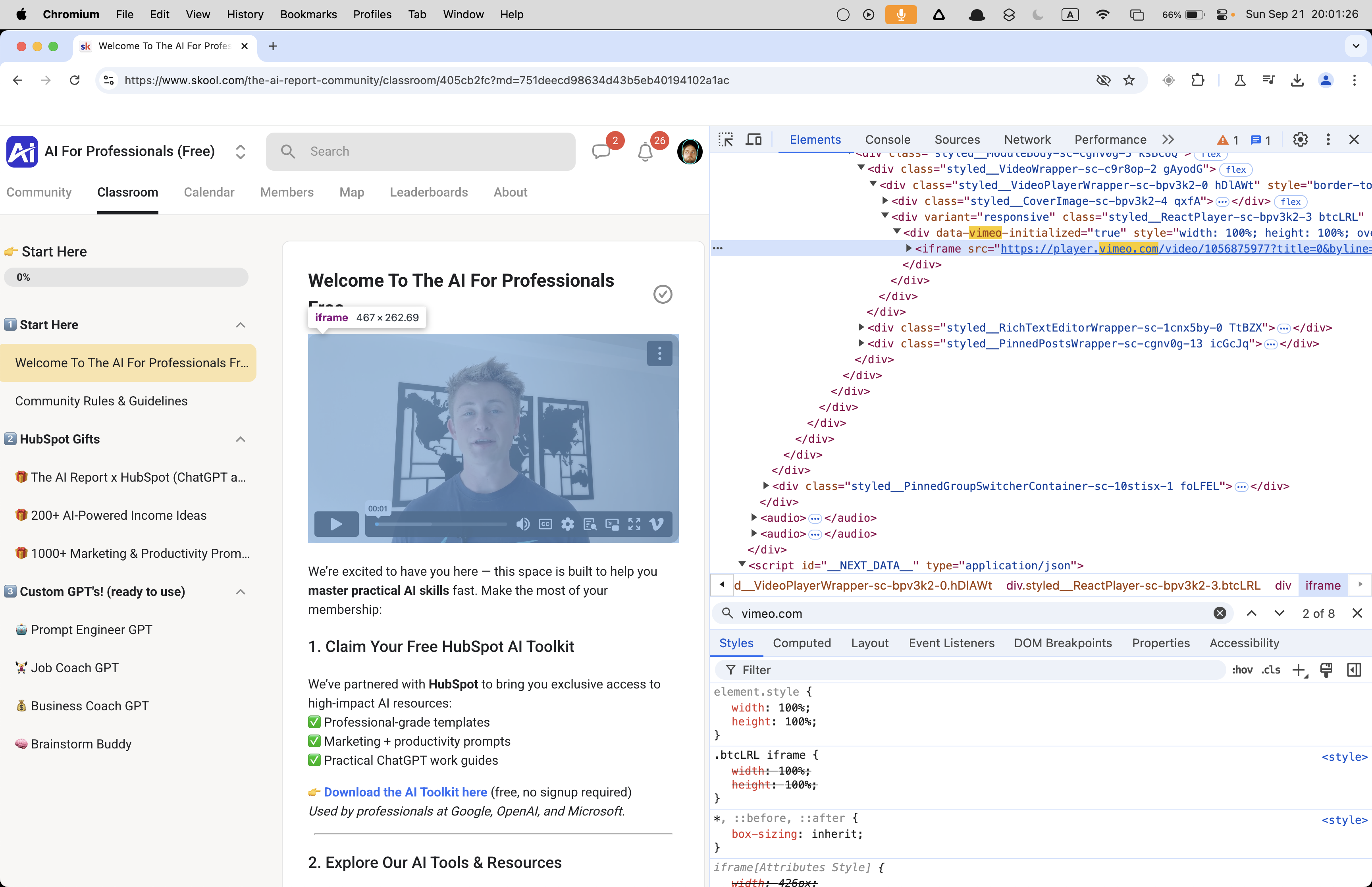
Inline config (window.playerConfig JSON in the DOM)
1. Player Page vs. Manifests
Normally, you’d find the video ID by filtering for /config, .m3u8, or playlist.json in DevTools → Network. But:
⚠️Sometimes Vimeo embeds don’t request /config, .m3u8, or playlist.json over the network. Instead, the player bootstraps with inline JSON in the DOM (often under window.playerConfig). In that case, you won’t see a manifest in the Network tab — but yt-dlp can still parse it cleanly if you point it at the /video/<ID> page.
Example player page:
https://player.vimeo.com/video/1097353467
This URL is stable and is what you should use with yt-dlp.
2. Password-Protected Videos
If the video is protected, yt-dlp will error with:
ERROR: This video is protected by a password, use the --video-password option
You must provide the password that unlocks the video on the embed page.
3. Correct yt-dlp Command
In zsh, watch out for special characters in passwords (like !). Wrap them in single quotes so the shell doesn’t interpret them.
Sometimes Vimeo videos hide manifests (config, .m3u8, .json) and instead use inline playerConfig JSON in the DOM.
You won’t see streams in Network — but yt-dlp handles this automatically if you give it the player page URL.
For password-protected videos, add --video-password 'PASSWORD'.
Use concurrency (-N or aria2c) for faster downloads.
Here’s a write-up focused on your last question — how to add speed to your yt-dlp command when downloading a password-protected Vimeo video:
⚡ Speeding Up Password-Protected Vimeo Downloads with yt-dlp
By default, yt-dlp downloads HLS/DASH video one fragment at a time. For long Vimeo videos this can feel very slow. You can dramatically accelerate downloads using concurrency or an external downloader.
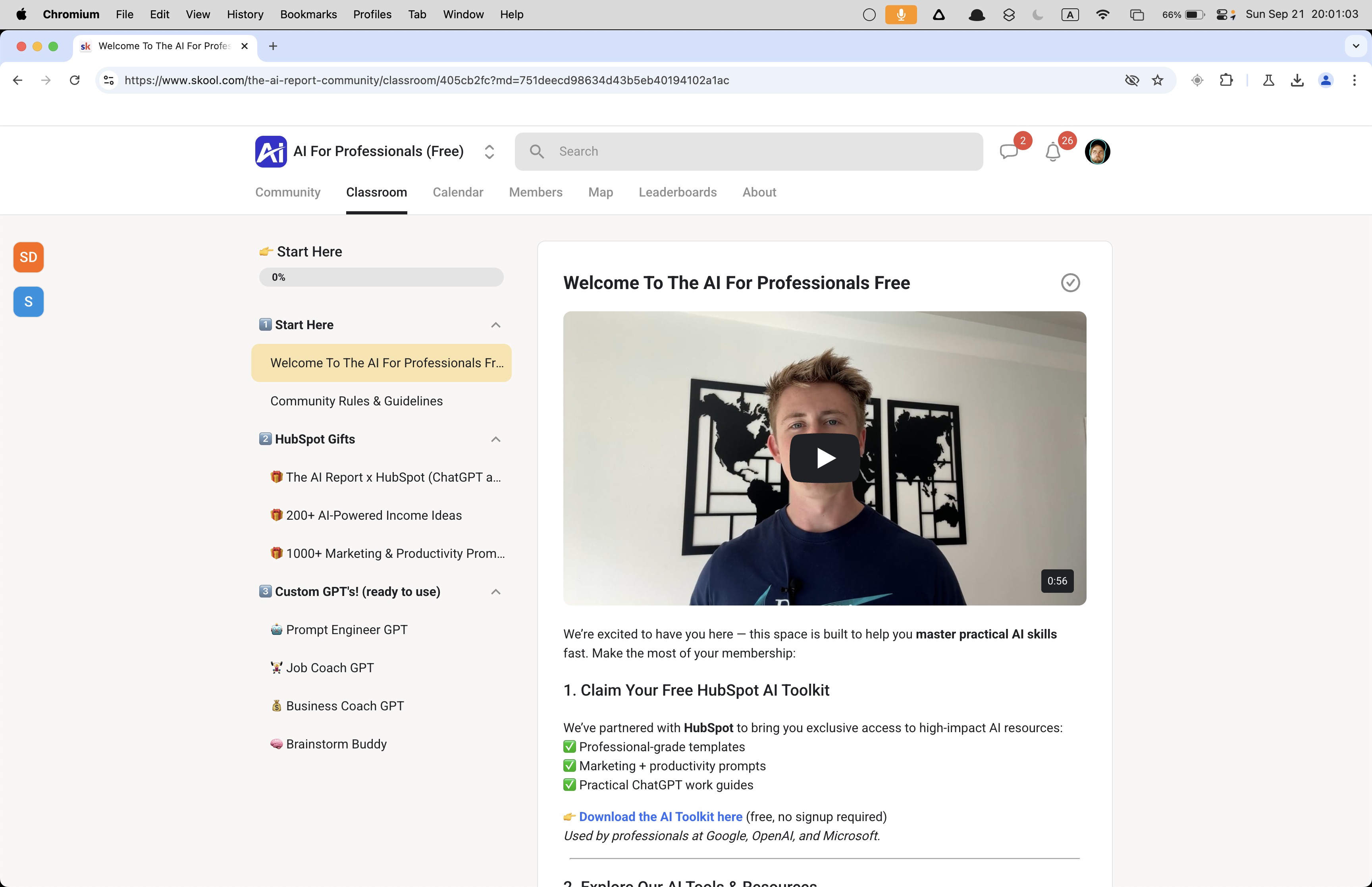
How to download a Vimeo video from the player.vimeo.com URL
Get the player.vimeo.com URL from the DOM
Use streamlink to download the media
Use ffmpeg to remux the mp4 (optional)
BONUS: Chain the commands together
❯ streamlink https://player.vimeo.com/video/1056875977 best -o ~/Desktop/vimeo_video.mp4
[cli][info] Found matching plugin vimeo for URL https://player.vimeo.com/video/1056875977
[stream.hls][warning] Unrecognized language for media playlist: language='en-x-autogen' name='English (auto-generated)'
[cli][info] Available streams: 240p (worst), 360p, 540p, 720p, 1080p (best)
[cli][info] Opening stream: 1080p (hls-multi)
[cli][info] Writing output to
/Users/devin/Desktop/vimeo_video.mp4
[utils.named_pipe][info] Creating pipe streamlinkpipe-5915-1-3021
[utils.named_pipe][info] Creating pipe streamlinkpipe-5915-2-7551
[cli][info] Stream ended
[cli][info] Closing currently open stream...
[download] Written 22.24 MiB to /Users/devin/Desktop/vimeo_video.mp4 (5s @ 4.26 MiB/s)
→ yields a transport stream (MPEG-TS) file.
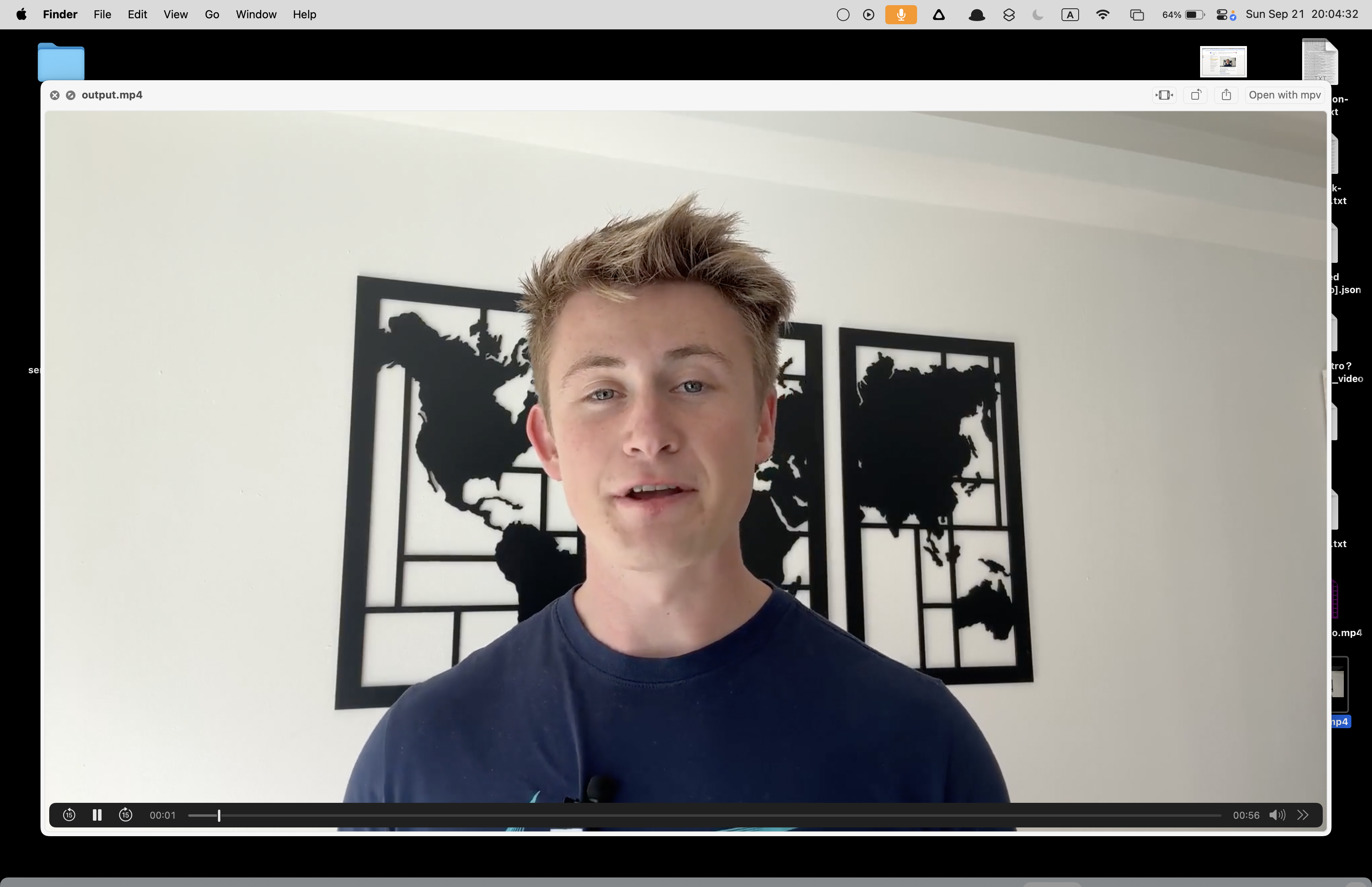
And at least on a Mac that gives me an MP4 that WORKS but has no "preview" image on the .mp4 file like most videos.
What’s happening is that Streamlink is just writing the transport stream as-is into an MP4 container, but it doesn’t fully rebuild the metadata/index (the “moov atom”) that players rely on to show a thumbnail/preview and allow proper seeking.
It needs to be re-encoded or "remux'd. This can be done with with ffmpeg, which rewrites the container properly, which is why you get the preview.
This particular video is public (or playable without cookies); streamlink’s Vimeo plugin can fetch the manifest via Vimeo’s API without your session.
streamlink itself handles the necessary requests under the hood, so you didn’t need to supply headers for this case.
For private or cookie-dependent videos, streamlink does need the headers/cookies (via --http-header or --http-cookie). So while the bare command happened to succeed here,
We’ll still want our automation to capture and forward headers for the locked-down cases.
Cause:/config is a JSON bootstrap (player settings), not a media URL. The generic extractor downloaded a tiny JSON and failed to remux it →
ERROR: Postprocessing: Invalid data found when processing input.
Fix: Don’t feed /config to downloaders. Use the public Vimeo page (https://vimeo.com/<id>/<hash>) or player.vimeo.com/video/<id> (only if embed-only and you have the embedding page referer).
4) Cannot download embed-only video without embedding URL
Meaning: yt-dlp detected settings that look like embed-only and demanded the embedding page.
In your case: the clip does play on Vimeo.com, so it isn’t strictly embed-only; the message appeared because the input/headers didn’t match a valid public Vimeo flow.
Fix: Use the public vimeo.com page URL with the correct referer/cookies (see final command).
5) The web client only works when logged-in. Use --cookies...
Meaning: The Vimeo page is viewable only when you’re signed in. yt-dlp, running headless, has no session by default.
You hopped across three different URL types (player, /config, vimeo.com/<id>/<hash>), each with different rules.
The video required login on Vimeo, so cookies were mandatory.
The tools’ messages were accurate but easy to misread out of order (embed-only vs. login-required).
Quoting/headers matter: zsh needed quotes; Vimeo needed referer (and sometimes origin) to pass checks.
Once you give yt-dlp the right page URL, plus your browser cookies and the exact referer, Vimeo behaves.
🔍 Vimeo delivery modes
Public (unlisted or listed)
You can hit the vimeo.com/<id>/<hash> page and play without an account.
But internally, Vimeo still calls their “web client” API (which often requires a session cookie, even for public videos).
If yt-dlp only uses that API, it sees “login required” unless cookies are present.
Config/Embed API
The player.vimeo.com/video/<id>/config JSON contains stream manifests.
This works for public videos without login.
yt-dlp normally knows how to grab this, but sometimes it defaults to the web client path first.
✅ Why --cookies-from-browser fixed it
Even though you weren’t logged in, by giving yt-dlp your browser cookies, you also gave it:
Session info showing you had accepted Vimeo’s cookie banner.
Region/consent headers Vimeo expects from a real browser.
Any tracking/session IDs Vimeo needs to let the “web client” flow succeed.
So yt-dlp stopped complaining, because with cookies it could complete the API call.
📌 Key point
You didn’t need a Vimeo account login.
yt-dlp just needed some browser cookies to satisfy Vimeo’s API (consent/session stuff).
That’s why it was weird: the video looked public, but Vimeo’s backend still enforced “web client requires cookies” logic.
Alright, here’s the refined Vimeo write-up that clears up the “required login” confusion and explains the distinction 👇
📥 Vimeo Download Cases with yt-dlp
Vimeo videos can behave differently depending on the uploader’s privacy settings. Sometimes a video is public (anyone can watch it on vimeo.com), but yt-dlp still errors out with messages like:
The web client only works when logged-in. Use --cookies...
Here’s why that happens, and how to handle each case.
🔑 Vimeo privacy modes & what yt-dlp needs
1. Public (listed/unlisted)
✅ Plays directly on https://vimeo.com/<id>/<hash> with no account.
⚠️ yt-dlp may still need browser cookies because Vimeo’s “web client” API refuses to serve streams without a session cookie (even for public videos).
Vimeo’s API often refuses to serve streams without basic browser state (consent banner, session tokens, geo headers).
Even for public videos, yt-dlp without cookies = blocked API.
With --cookies-from-browser, yt-dlp looks like your browser and passes those small session values, so it works.
👉 You weren’t required to log in; you just had to look like a real viewer.
📝 Best practice for Vimeo
Always start with the public page URL (https://vimeo.com/<id>/<hash>).
Add --referer pointing to that same page.
Use --cookies-from-browser "chrome:Profile X" if you get login/cookie errors — even if you’re not logged in.
Add --video-password if it prompts for one.
For embed-only, use the real embedding site’s URL.
✅ That’s why your case felt “weird”: the video was publicly viewable, but yt-dlp still needed cookies from your browser to satisfy Vimeo’s API. Once you passed those, it downloaded fine.



👉 Get Vimeo Video Downloader: https://serp.ly/vimeo-video-downloader