
Group links, Save & Share them with the world
Live: theurlist.com · Source: github.com/the-urlist/blazor-static-web-apps
The Urlist is a lightweight, web-based tool for curating and sharing collections of URLs. Users can build a named list of links, add titles and descriptions to each entry, and publish the whole collection under a memorable vanity URL — for example, theurlist.com/my-resources. Anyone with the link can view the list instantly without needing an account. Authenticated users can create multiple lists, return to edit them, and manage their library from a personal dashboard. The product is designed to be frictionless: a visitor can start adding links immediately on the home page and decide whether to sign in only when they're ready to publish and save.
People frequently need to share a set of related links — a reading list, a set of resources for a workshop, a collection of tools for a specific task — but have no good lightweight option for doing so. Sending a wall of URLs over Slack or email is messy and hard to navigate. Bookmark folders are private. Social media posts are ephemeral and platform-dependent. Note-taking apps are overkill for simple link sharing.
The people most affected by this problem include educators and workshop facilitators assembling resource pages, developers sharing tooling and documentation collections, community managers distributing curated content, and anyone who has ever pasted ten links into a chat message and wished there was a better way.
The primary goal of The Urlist is to make creating and sharing a collection of links as fast and effortless as possible, with zero barrier to getting started.
| Goal | Success Metric |
|---|---|
| Zero-friction list creation | A new user can create and publish a list in under two minutes with no onboarding required |
| High shareability | Published lists load correctly for any recipient without an account |
| Returning user retention | Authenticated users return to view or edit their lists within 30 days of creation |
| Link discovery quality | At least 80% of added URLs automatically resolve a meaningful title via OpenGraph metadata |
| Low abandonment on publish | Fewer than 20% of lists that reach 3+ links are abandoned without being published |
Maya runs technical workshops and online courses. Before each session, she compiles 15–20 links — documentation pages, tools, example repositories — and needs to hand them off to participants. She currently pastes links into a slide deck or a shared doc, which is clunky to update. She wants one URL she can put in a slide that takes people to the whole collection. She will reuse and update the list across multiple sessions.
Pain points: Can't easily update a shared set of links after sending it. Bookmark sharing doesn't work across devices or audiences. Link-heavy messages in chat look overwhelming.
Dev is a software engineer who frequently answers questions in community forums and chat groups. When someone asks for learning resources on a topic, Dev wants to point them to a vetted set of links rather than writing the same reply over and over. Dev values speed — they want to build and share a list in under a minute — and they want the result to look clean, not like a raw paste of URLs.
Pain points: Copy-pasting links repeatedly across conversations. No easy way to maintain a canonical "my go-to links on topic X" collection. Existing tools (Notion, Google Docs) feel too heavyweight for a simple link drop.
Sam isn't a regular user — they just stumbled across the product because someone sent them a link list. Now they want to make one of their own for an upcoming trip, a project handoff, or a reading recommendation. Sam will probably not create an account; they just want to get in, build a list, and send it off. Whether they come back depends entirely on how smooth the first experience is.
Pain points: Doesn't want to create an account just to share a few links. Confused by tools that require signing up before doing anything. Wants the result to look presentable without any extra effort.
As a casual visitor (Sam), I want to start adding links immediately without signing in so that I can try the product before committing to an account.
As any user, I want the product to automatically fetch the title and description of each link I add so that I don't have to manually type metadata for every URL.
As any user, I want to reorder my links by dragging them so that I can present them in a logical sequence.
As any user, I want to give my list a vanity URL slug (like my-workshop) so that the link I share is readable and memorable rather than a random string.
As any user, I want to provide an optional description for my list so that recipients understand what they're looking at before they dive in.
As an authenticated user (Maya), I want to publish my list and receive a shareable URL so that I can distribute it to workshop participants in a single click.
As any user, I want to share my list URL via a QR code so that I can display it in a presentation or on a printed handout.
As a list recipient, I want to view a published list without needing an account so that there's no barrier to accessing the content someone shared with me.
As a list recipient, I want each link to open in a new tab so that I don't lose my place in the list while exploring individual resources.
As an authenticated user (Dev), I want to see all the lists I've created in a personal dashboard so that I can find and manage them without bookmarking individual URLs.
As an authenticated user, I want to edit the links in a published list so that I can correct mistakes or add new resources after sharing.
As an authenticated user, I want to delete a list I no longer need so that I can keep my dashboard tidy and free up a vanity URL.
As an authenticated user, I want to be warned before deleting a list so that I don't accidentally remove something I still need.
As a new user, I want to sign in using my existing GitHub, Google, or Twitter/X account so that I don't have to create and remember a new password.
As an authenticated user, I want to see my profile information in the navigation bar so that I can confirm which account I'm signed in with.
As an authenticated user, I want to be able to sign out so that I can protect my account on shared devices.
As any user, I want to switch between light and dark themes so that the product matches my environment and visual preferences.
As any returning user, I want my theme preference to be remembered across sessions so that I don't have to reset it every time I visit.
Any visitor can begin building a list immediately from the home page or the new-list page without creating an account. As links are added, the product automatically retrieves the title, description, and preview image for each URL using OpenGraph metadata, turning a raw URL into a rich, readable link card. Users can edit the auto-populated title and description on any card, reorder cards by dragging, and remove cards individually.
Before publishing, users can choose a custom URL slug for their list. If they leave it blank, the product generates one automatically. An optional description provides context that appears at the top of the published list. The vanity URL and description are locked after publishing to ensure existing shares remain valid.
Authenticated users can publish their list with a single action. Published lists are immediately accessible to anyone at the list's public URL, with no login required for viewers. The public view presents the list title, description, and each link as a readable card with the link's title, description, and thumbnail. Each link opens in a new tab.
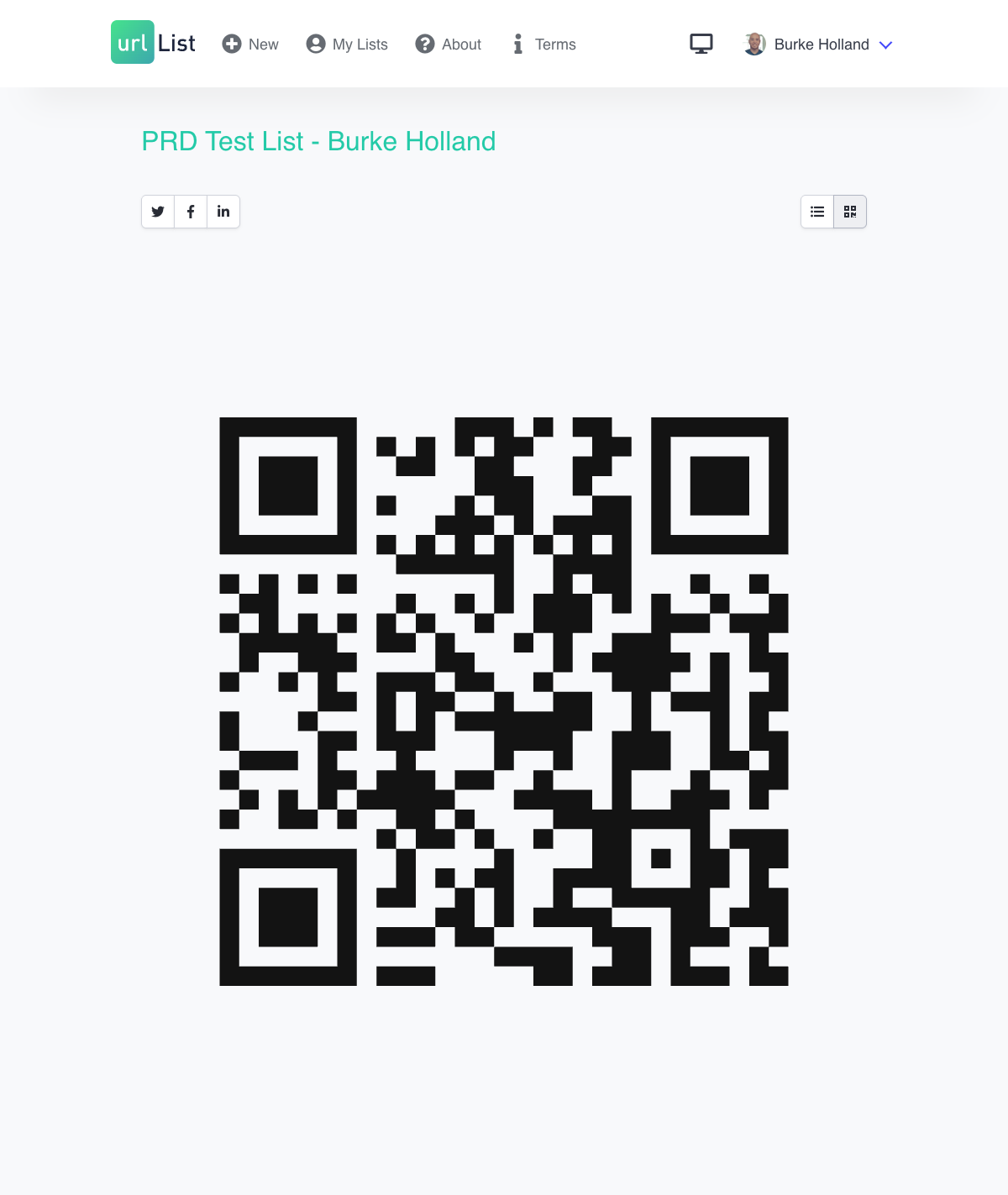
From any published list, users can toggle to a QR code view that displays a scannable code pointing to the list URL. This is particularly useful for sharing in presentations, printed materials, or physical spaces.
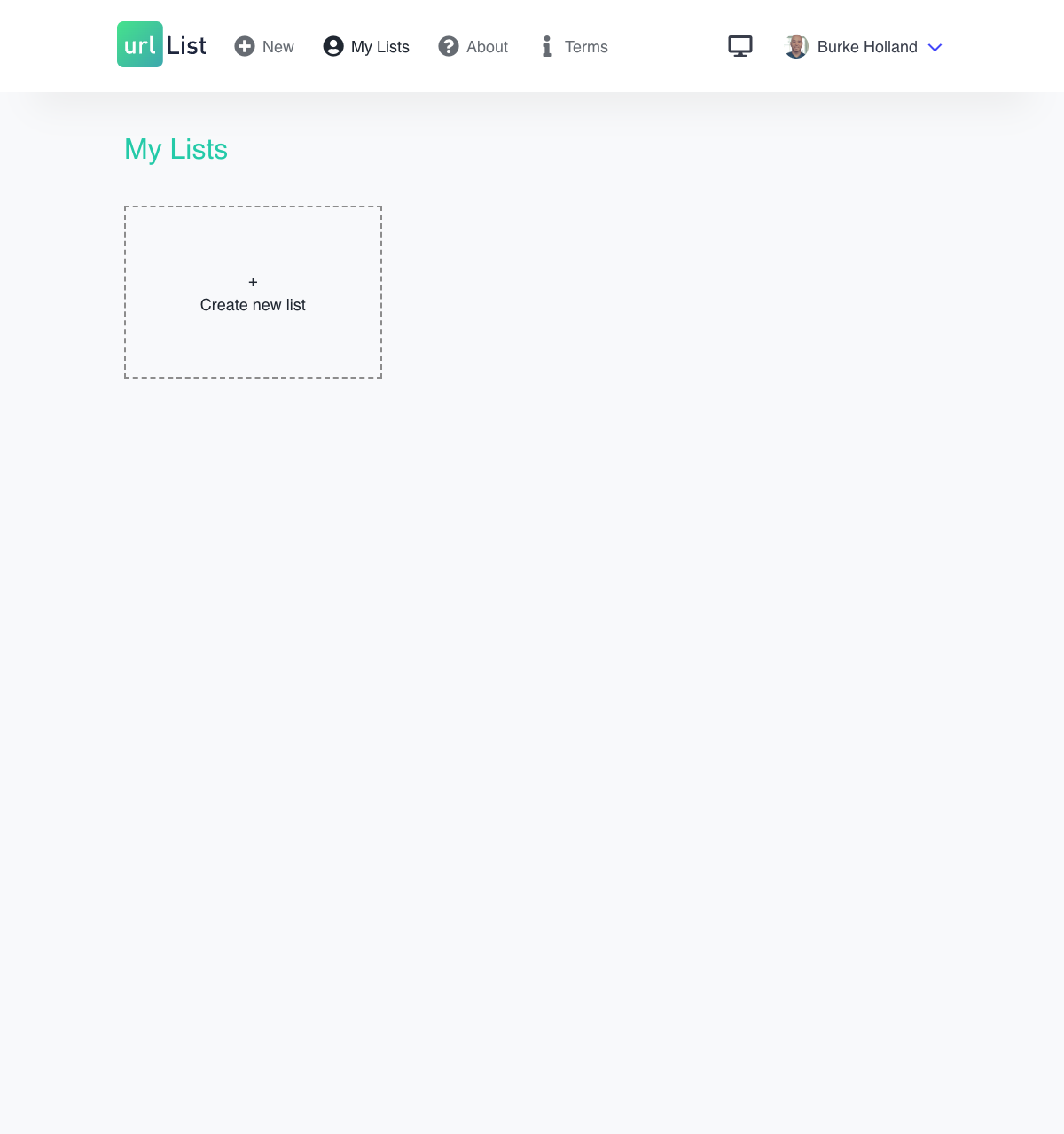
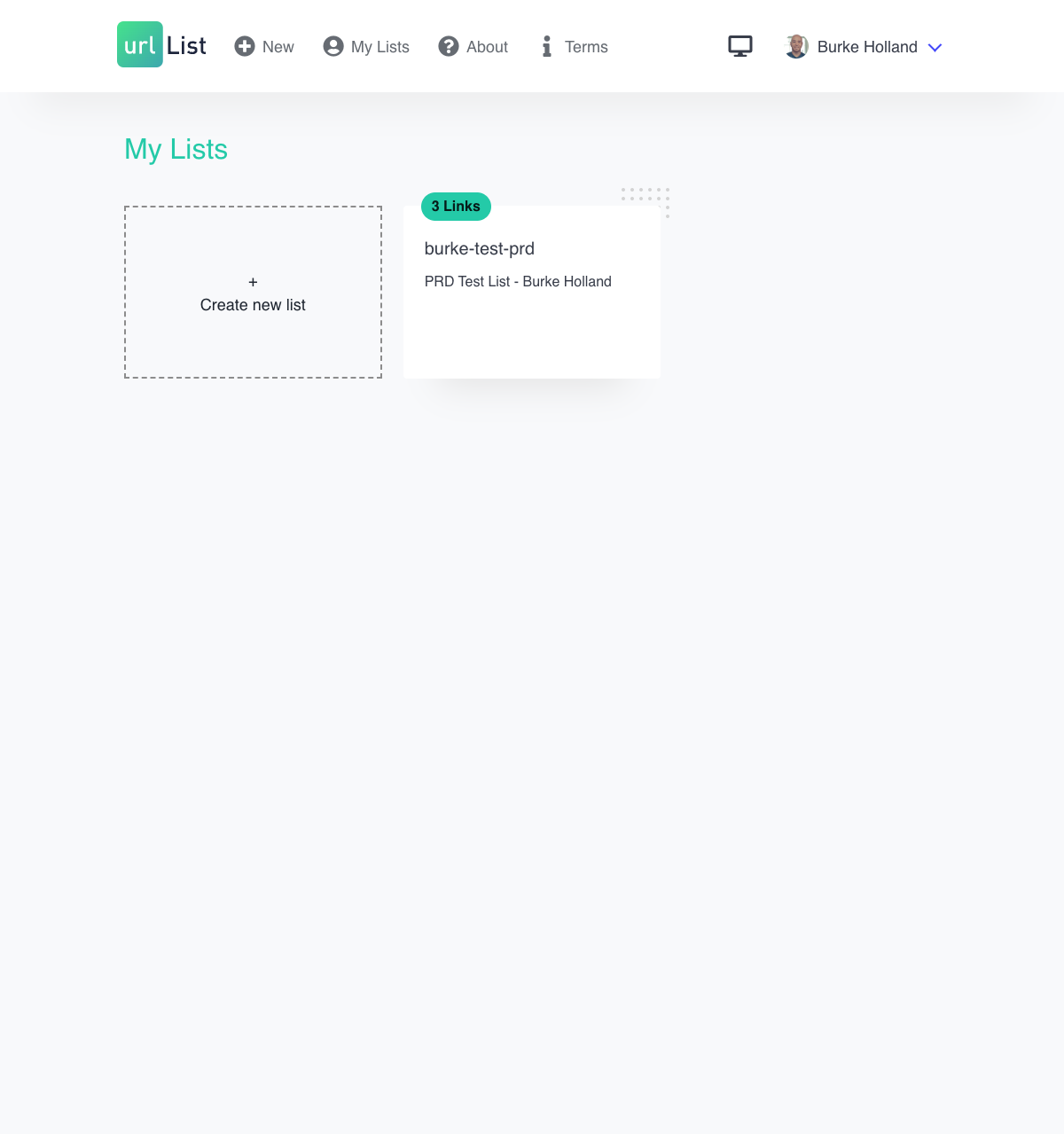
Authenticated users have a personal dashboard showing all their published lists as a card grid. Each card displays the list's vanity URL, description, and the number of links it contains. Users can navigate directly from a dashboard card to the list's edit view, or create a new list.
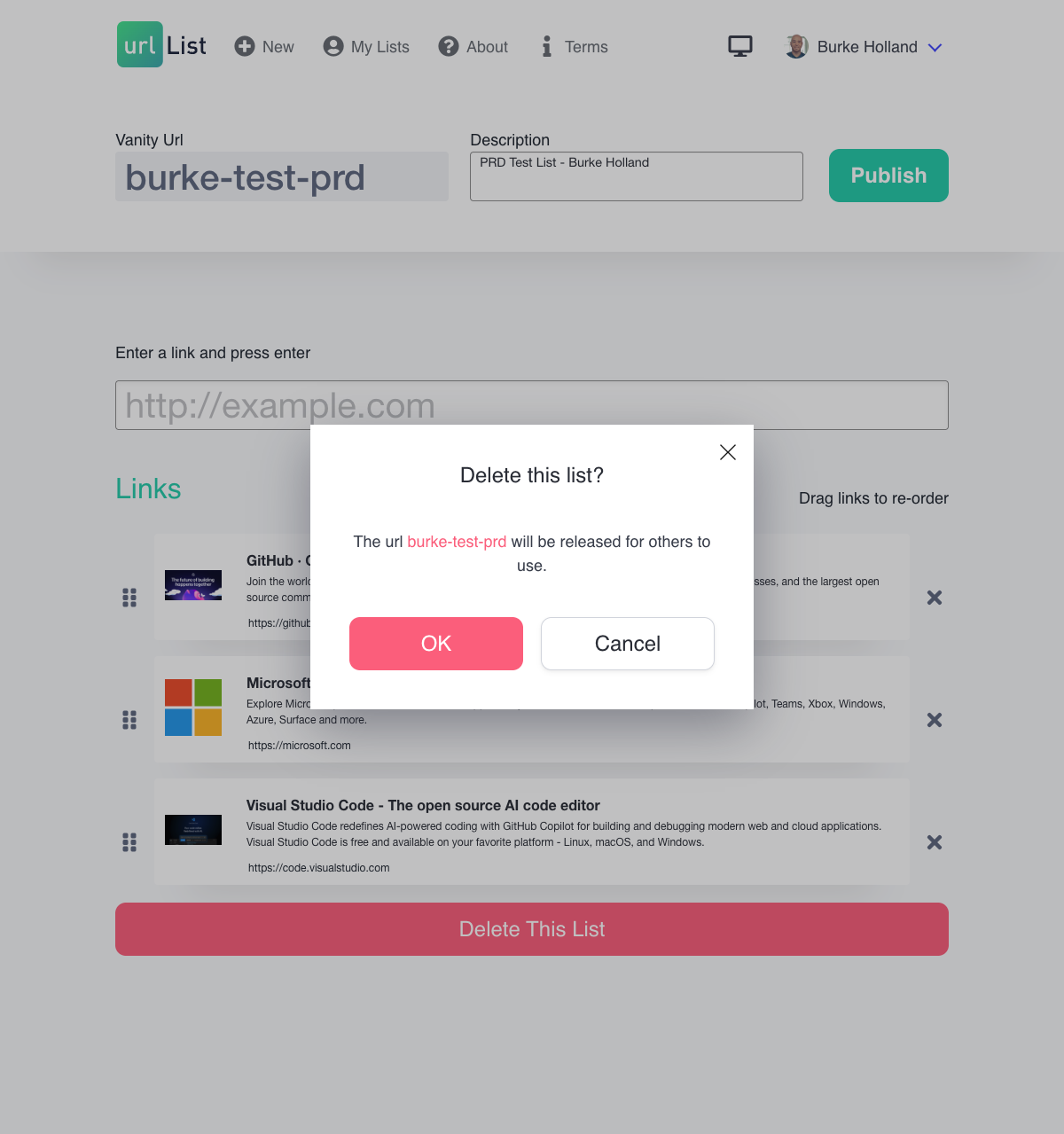
Authenticated users can return to any of their published lists and modify the links — adding new ones, removing existing ones, editing titles and descriptions, and reordering. Deletion is available from the dashboard with a confirmation step that reminds the user the vanity URL will be released.
Users authenticate via GitHub, Google, or Twitter/X OAuth. No username or password is required. After signing in, the user's display name and profile avatar are shown in the navigation bar. Users can sign out at any time.
Users can choose from Light, Dark, or System (follows OS preference) display themes. The chosen theme is saved locally and applied immediately on subsequent visits.
Viewers of a public list can report inappropriate content via a "Report this list" action that opens a pre-addressed support email.
The following capabilities are explicitly not part of the current version of The Urlist:
- List privacy controls. All published lists are public. There is no concept of private lists, password-protected lists, or access controls.
- Collaboration. Lists have a single owner. There is no sharing of edit access between users.
- Nested or grouped links. Lists are flat — there are no sub-sections, folders, or tags within a list.
- Social features. There is no ability to follow users, like lists, comment, or discover public lists through a directory or feed.
- Import from Twitter/X. The migration flow for importing Twitter bookmarks is not functional in this version.
- Share buttons. Social media share buttons for Twitter, Facebook, and LinkedIn appear in the UI but are not functional.
- Analytics. There is no click tracking, view counting, or usage reporting for list owners.
- Notifications. There are no email or push notifications of any kind.
- Mobile app. The product is a responsive web application only.
The following screenshots illustrate the key screens and states of The Urlist.
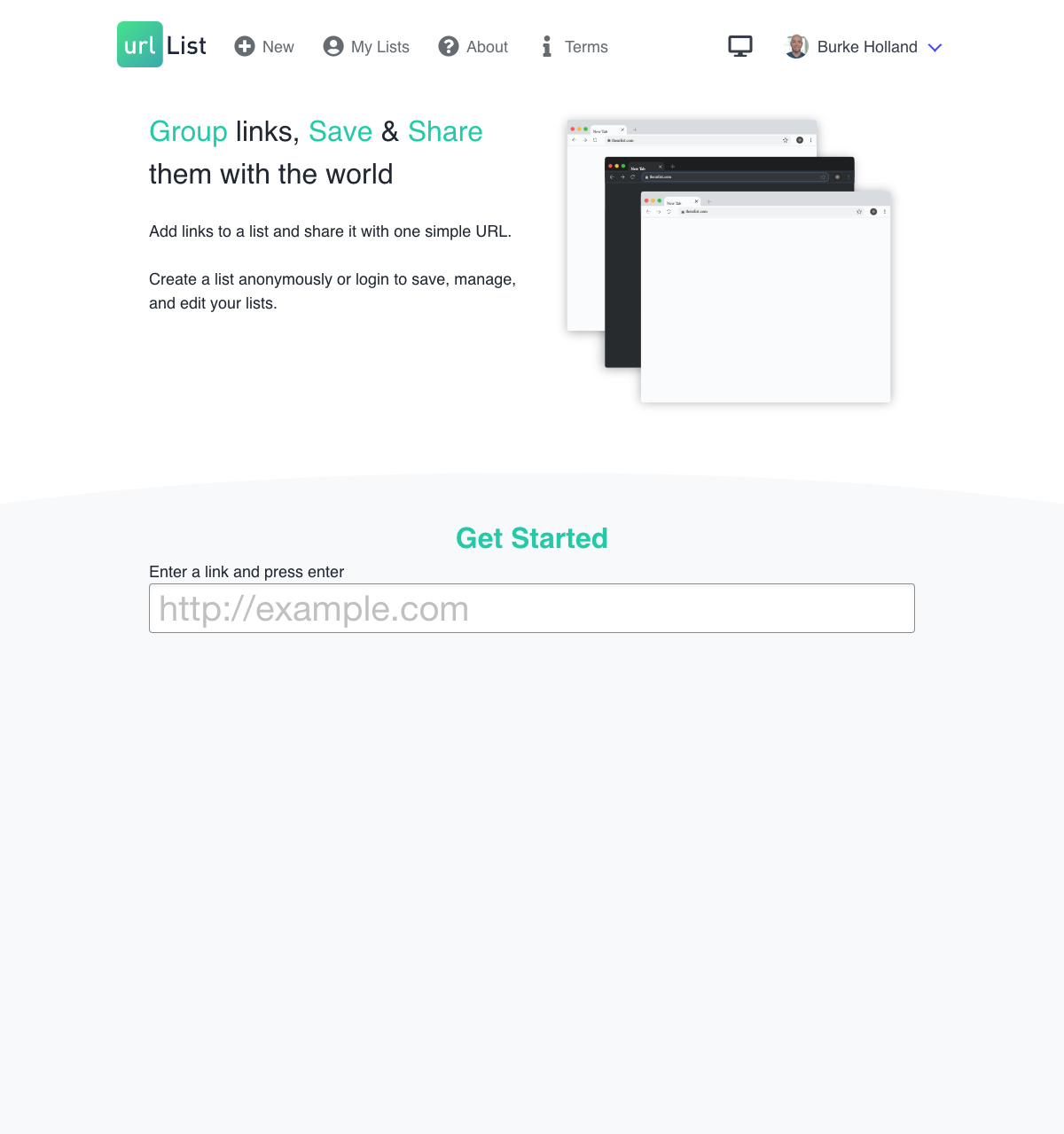
The home page presents the product tagline and a large URL input to immediately begin building a list. The navigation bar shows the user's avatar and account menu when signed in.
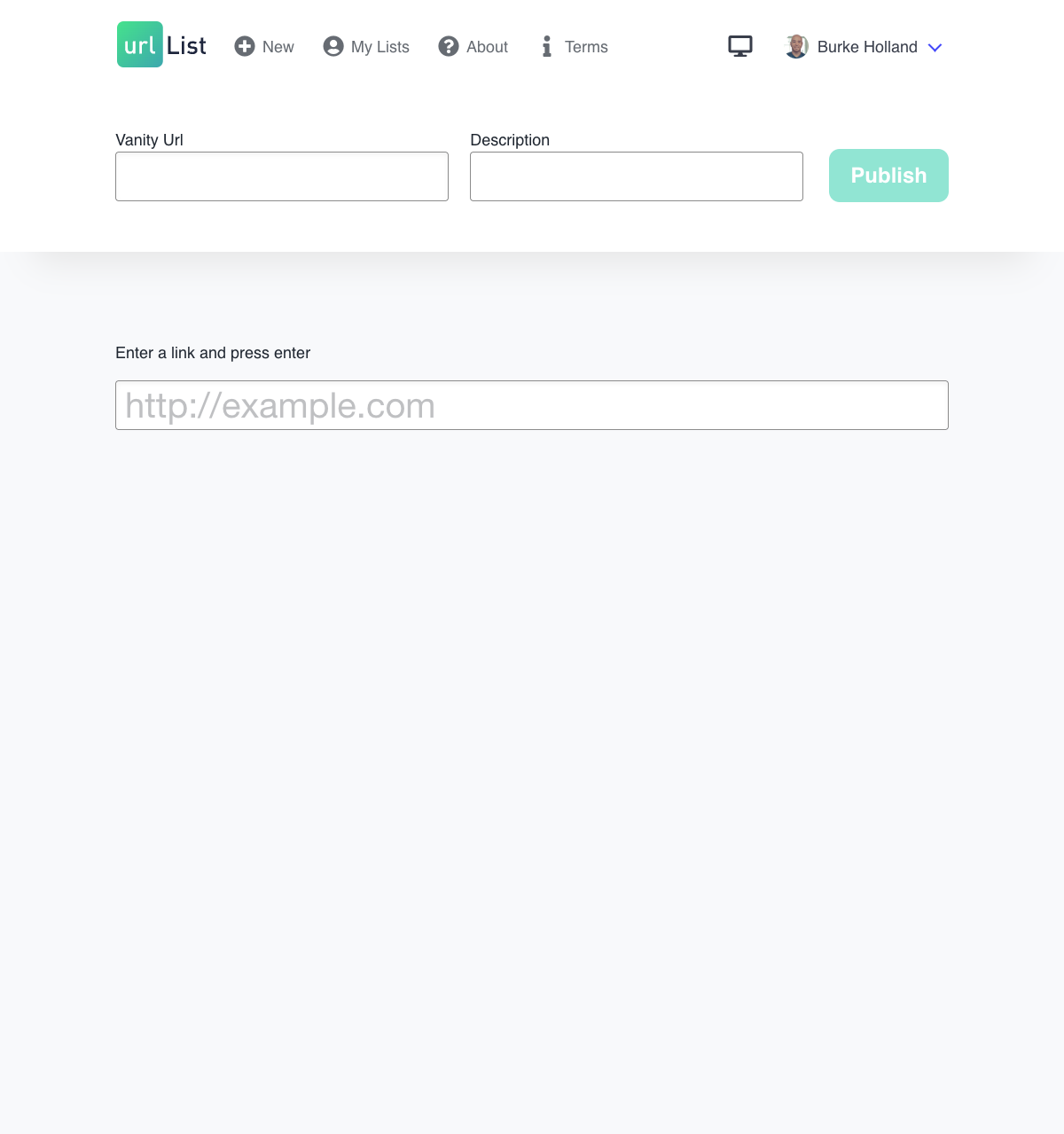
Before any links are added, the create page prompts the user with an input field and placeholder instructions.
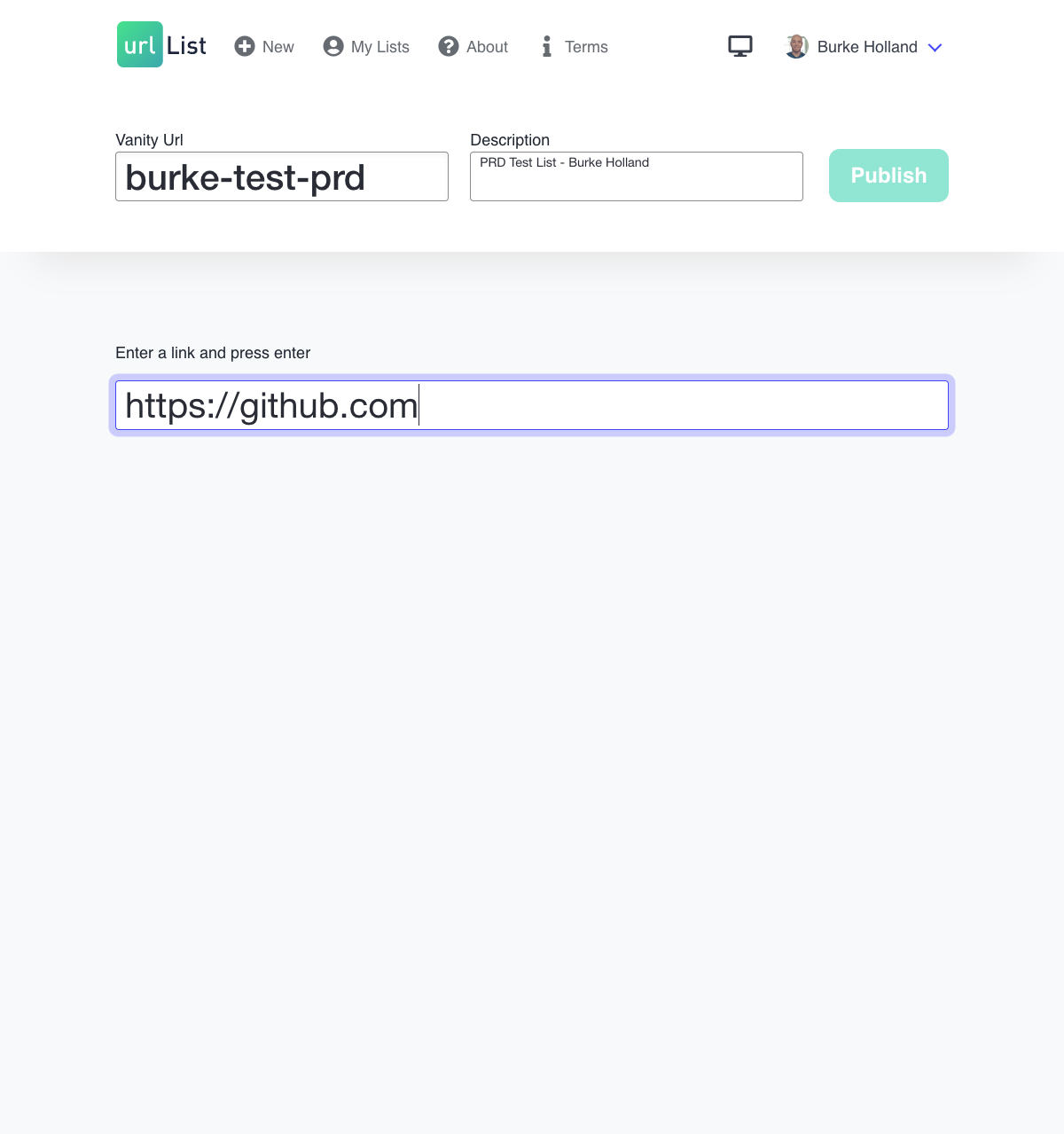
As a URL is typed, validation feedback is shown inline. The product accepts the URL on Enter.
After a URL is accepted, a rich link card appears with the auto-fetched title, description, and thumbnail image. The title and description are editable inline.
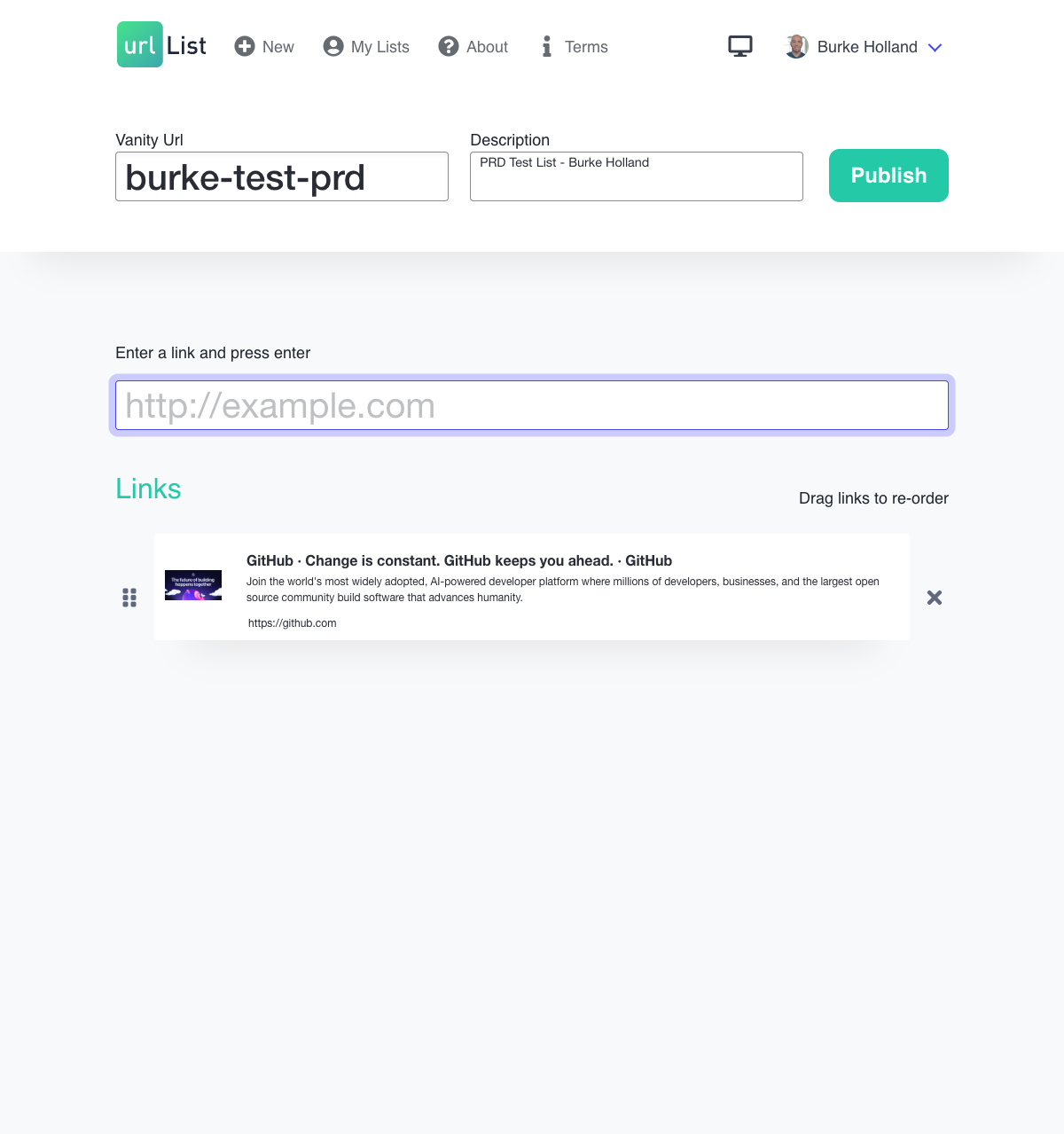
With several links added, the list grows with drag handles visible for reordering. The vanity URL and description fields appear at the top alongside the Publish button.
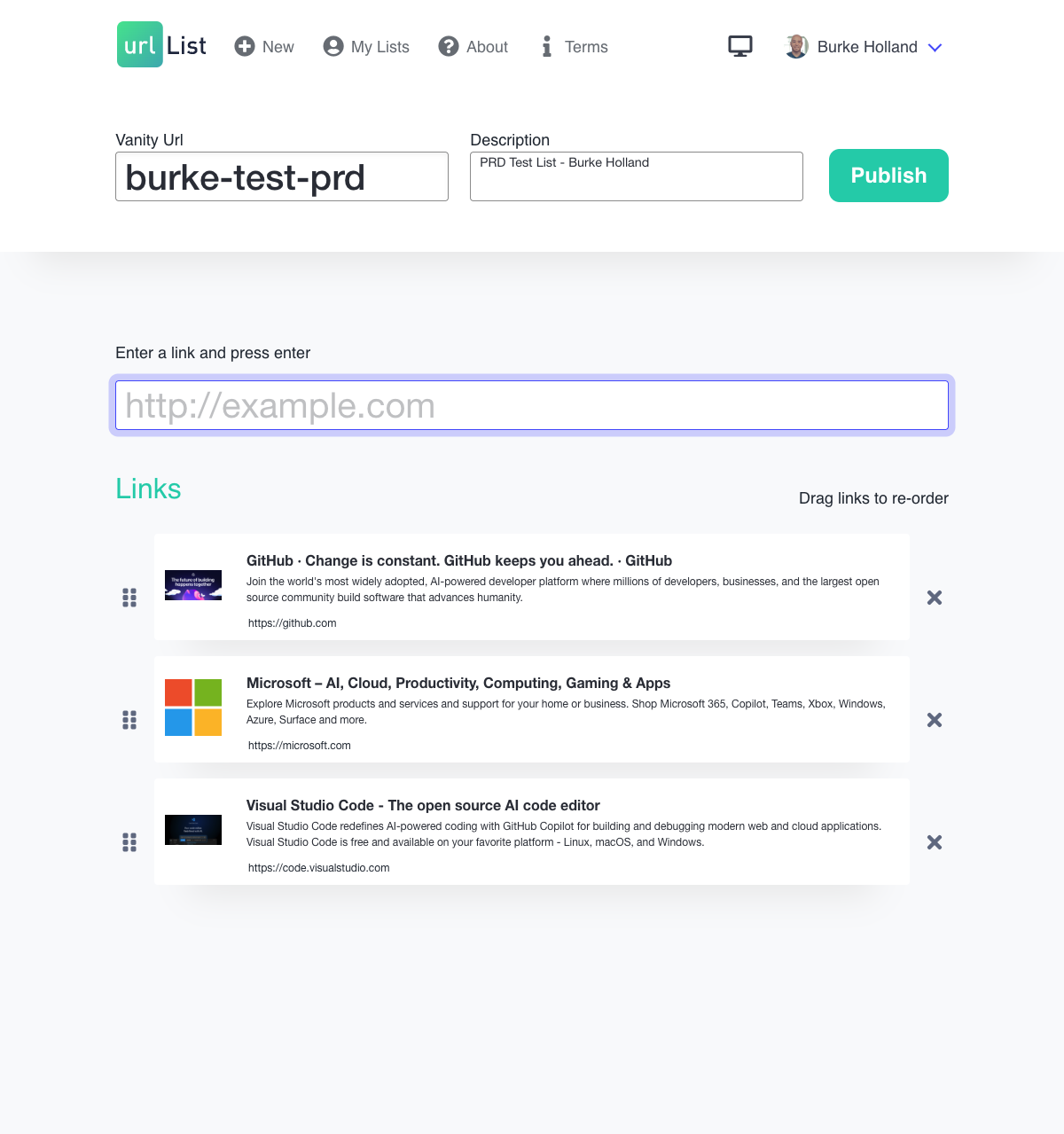
The edit view for a published list looks identical to the create flow, but the vanity URL and description are locked. Links can still be added, removed, reordered, and edited.
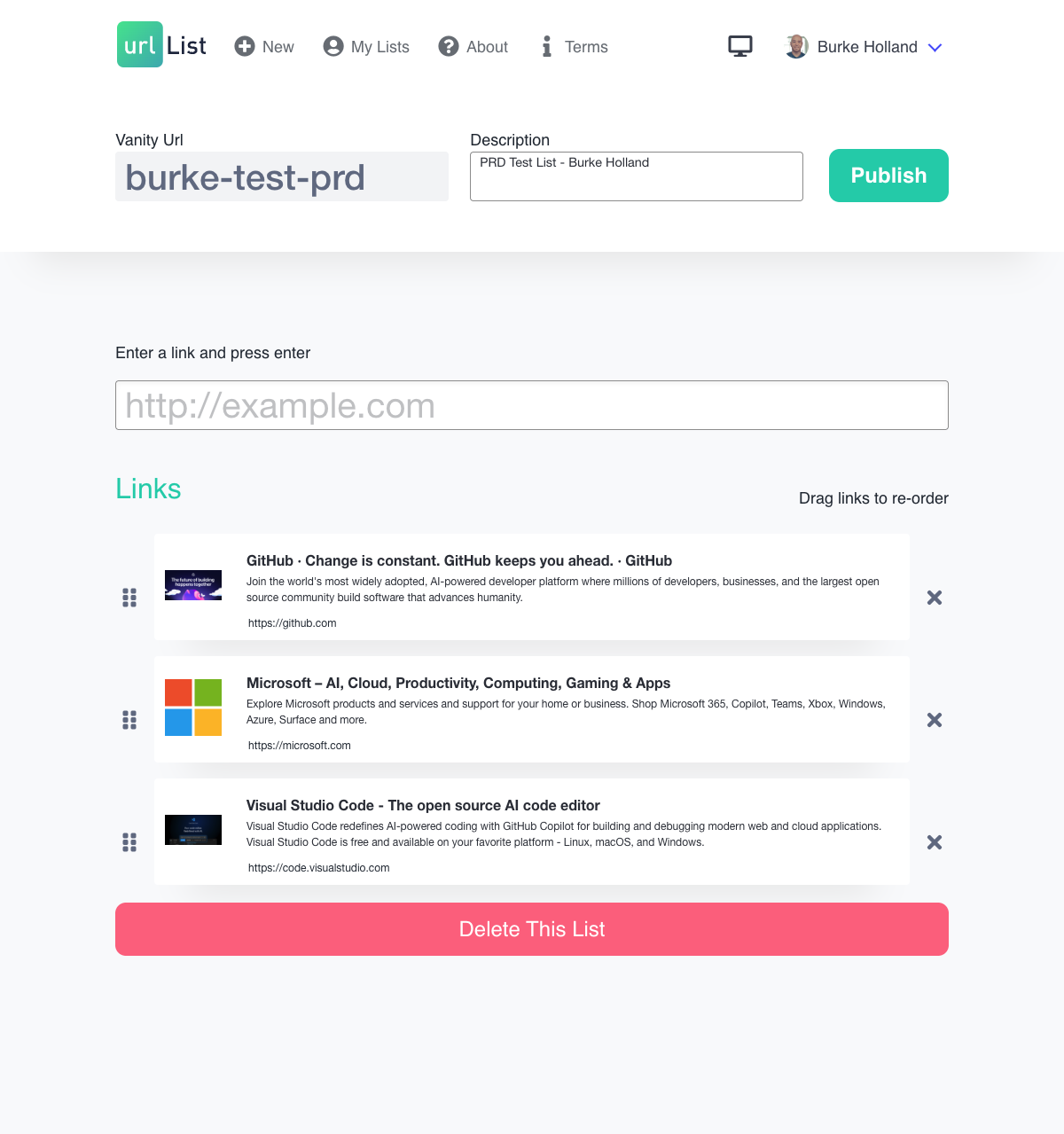
A closer view of the list details bar showing the locked vanity URL, locked description, and the save button.
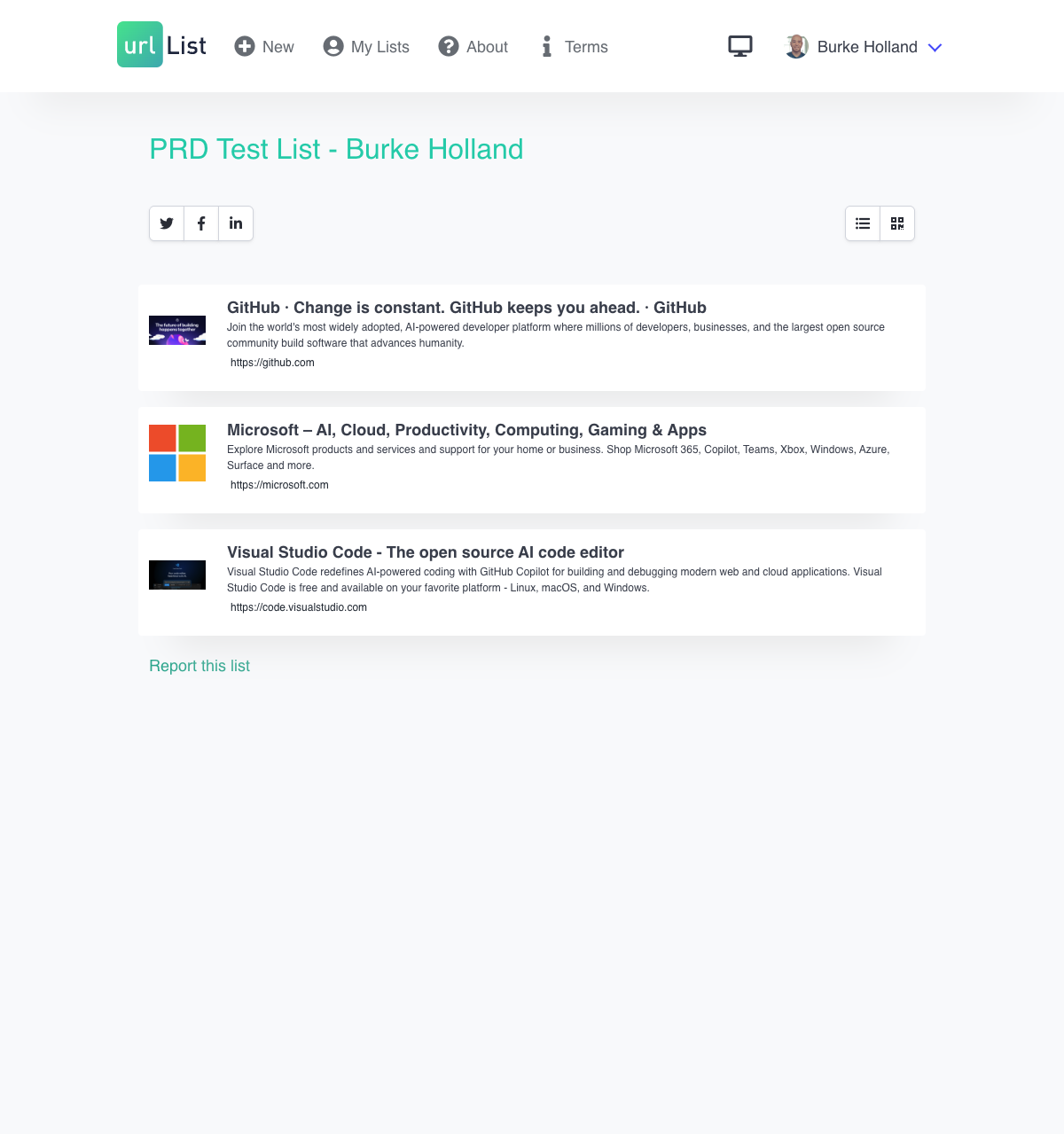
The public-facing view of a published list shows the title, description, and each link as a read-only card. The view toggle in the top right switches between list and QR code views.
Toggling to QR mode replaces the link list with a large scannable code pointing to the list's URL.
The dashboard shows an empty state with a prominent card prompting the user to create their first list.
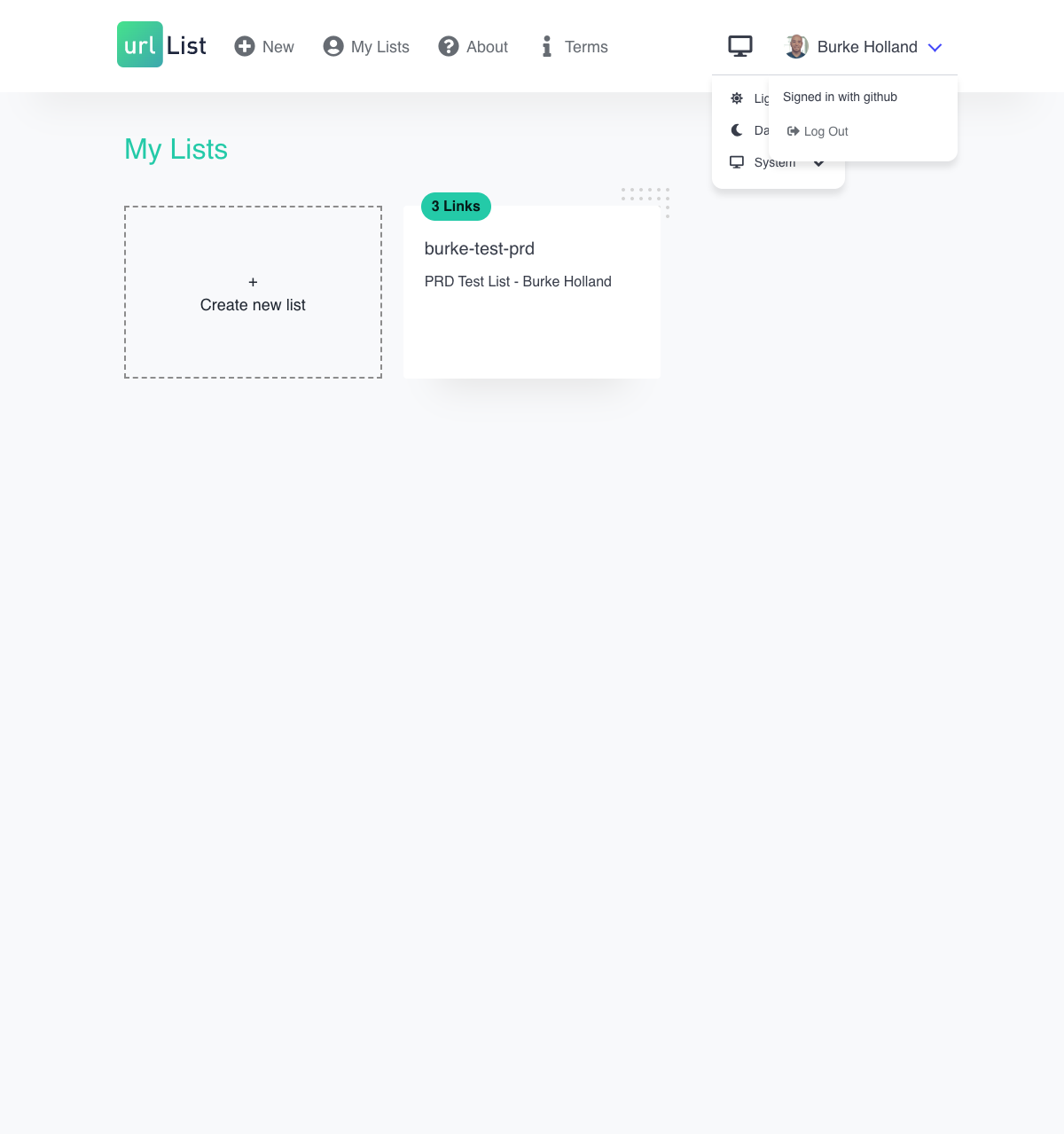
Each list is represented as a card showing the vanity URL, description, and link count. Clicking a card opens the edit view.
Before a list is deleted, a confirmation modal warns the user that the vanity URL will be released for others to claim.
The login modal presents three OAuth provider options: Twitter/X, GitHub, and Google.
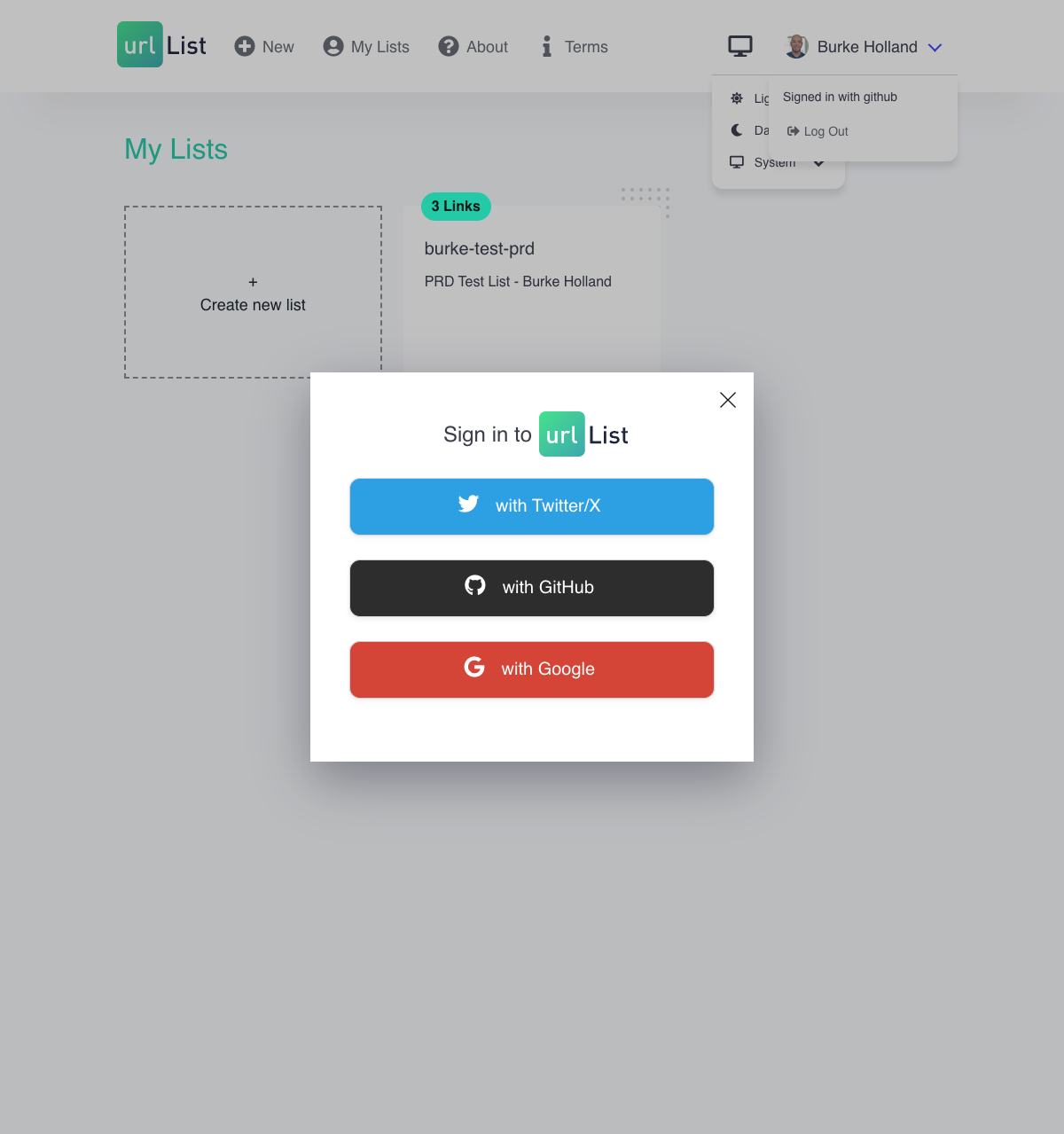
When authenticated, the navigation bar shows the user's avatar and a dropdown menu confirming the signed-in provider with a log-out option.
-
Vanity URL editability. Should users ever be able to change a list's vanity URL after publishing? Currently this is locked, which protects existing shares but creates friction if a user makes a typo. A redirect from old to new URL could resolve this without breaking existing links.
-
Anonymous list expiry. Lists created without signing in can currently be published. Should anonymous lists expire after a period of inactivity, or should they persist indefinitely? Persistent anonymous lists create orphaned records with no owner who can manage or delete them.
-
Vanity URL uniqueness conflicts. If a user's desired vanity URL is already taken, the current behavior is unclear. Should the product suggest alternatives, append a suffix, or simply reject the input with an error?
-
Social share buttons. The share buttons for Twitter, Facebook, and LinkedIn are present in the public viewer but non-functional. Should these be fixed, removed, or replaced with a simple "copy link" action?
-
List discovery. There is no way to find public lists other than having been given a direct URL. Should there be any form of public directory, search, or featured lists?
-
Link limit. Is there a maximum number of links per list, or a maximum number of lists per user? Setting limits would inform scalability planning and prevent abuse.
-
Dark mode modals. Modal backgrounds are currently hardcoded white and do not adapt to dark mode. Should this be addressed in the next design iteration?