

Disclaimer: ChatGPT generated document.
Modern systems programming—especially in C and C++—relies heavily on powerful debugging and profiling tools. Names like gdb, lldb, perf, valgrind, and rr come up constantly, but they represent very different philosophies and approaches to understanding program behavior.
This article gives you a complete, structured overview:
- Where their names come from
- What each tool is designed to do
- The deeper design philosophies behind them
- When you should use each one (especially as a C++ developer)
- Name origin: GNU Debugger
- Part of the GNU Project
- Straightforward naming: the debugger from GNU
- Name origin: LLVM Debugger
- Part of the LLVM ecosystem
- Follows LLVM naming conventions (
clang,lld, etc.)
- Name origin: Short for performance
- Comes from the Linux kernel tooling suite
- Minimalist Unix naming: short, functional

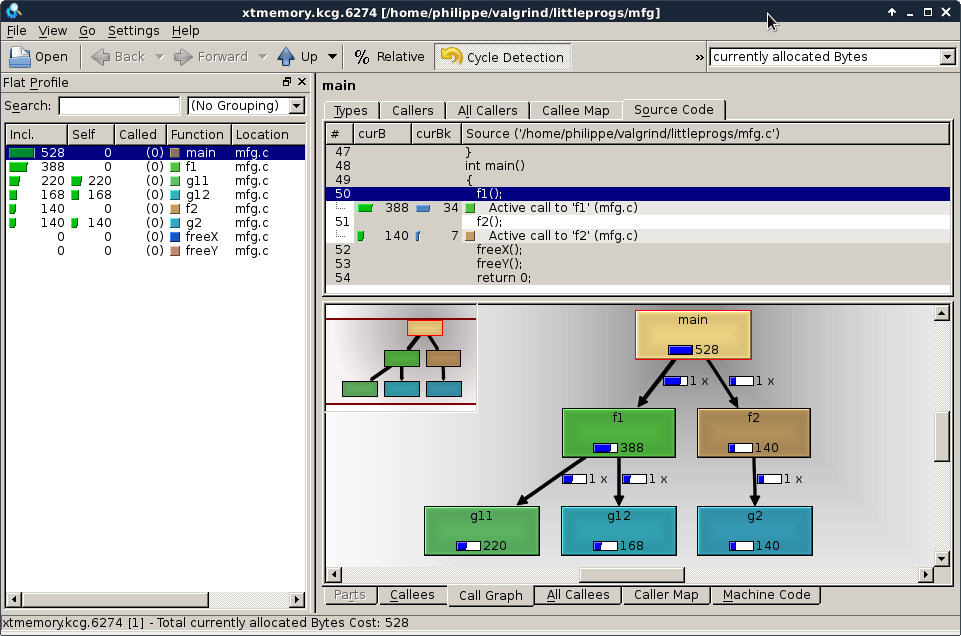

- “Val” → value checking
- “Grind” → exhaustively processing your program
- Possibly inspired by Norse mythology (Valhalla-like naming)
- Conceptually: grinds through every instruction
- Name origin: record & replay
- Developed at Mozilla
- Minimalist, symmetric Unix-style naming
These tools fall into fundamentally different categories:
| Paradigm | Tools | Core Idea |
|---|---|---|
| Interactive debugging | gdb, lldb | Pause and inspect program state |
| Instrumentation | valgrind | Simulate execution and analyze |
| Sampling / profiling | perf | Observe behavior statistically |
| Deterministic replay | rr | Record once, debug forever |
Understanding this classification is much more important than memorizing commands.
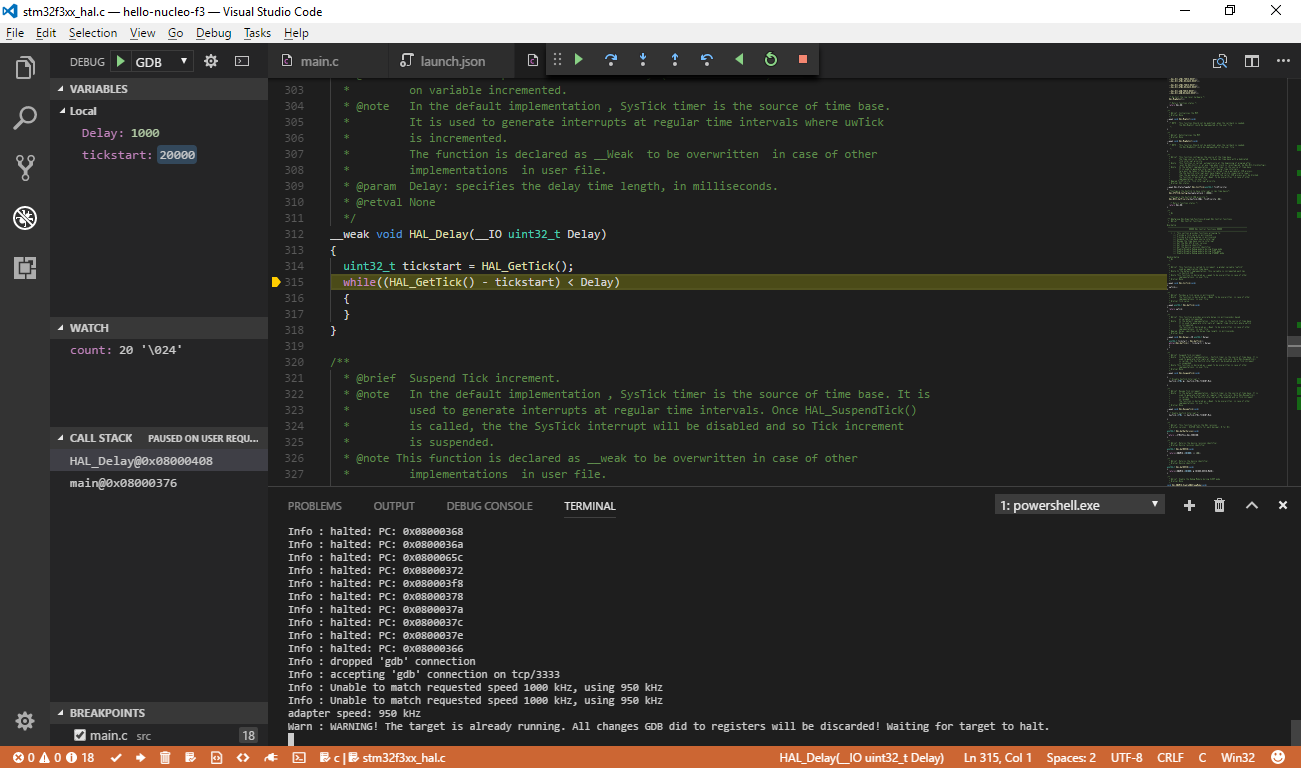


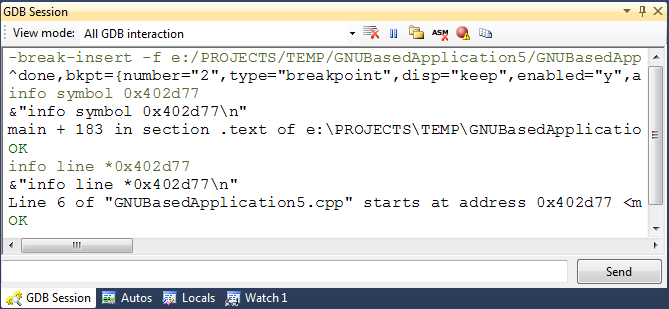
- You control execution manually
- Stop → inspect → step → repeat
- Breakpoints, watchpoints
- Stack inspection (
bt) - Register/memory inspection
- Scripting (Python)
- Extremely powerful and flexible
- Works everywhere (Linux, embedded, remote)
- Deep integration with low-level systems
- Poor UX compared to modern tools
- Struggles with complex C++ (templates, STL visualization)
- Not ideal for concurrency bugs
“Freeze time and dissect the program.”


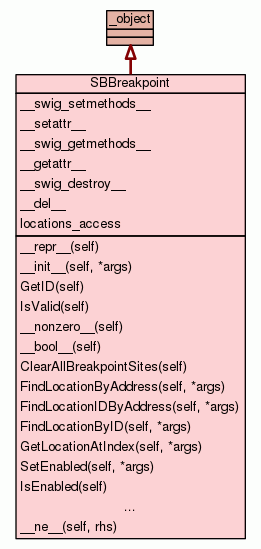
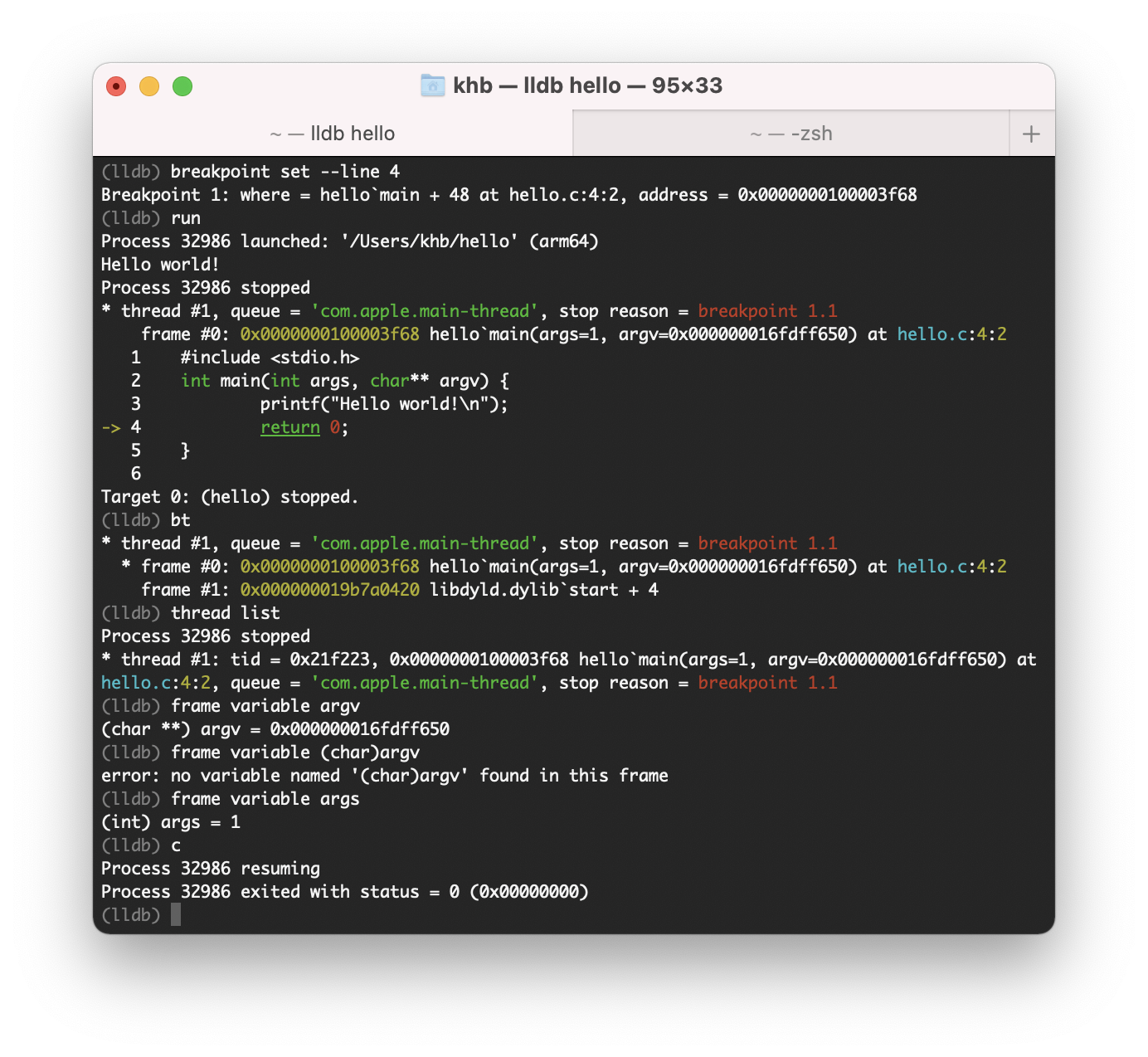
-
Same model as
gdb, but:- Better architecture
- Better C++ support
- Better tooling integration
- Built on LLVM infrastructure
- Rich type introspection
- Python scripting
- Great IDE integration (Xcode, VSCode)
- Much better with modern C++
- Cleaner internal design
- Faster symbol handling
- Slightly less mature in edge cases than
gdb - Linux workflows often still default to
gdb
“Like gdb, but designed for modern C++.”



- Don’t interrupt the program
- Observe it while it runs
- CPU sampling
- Hardware counters
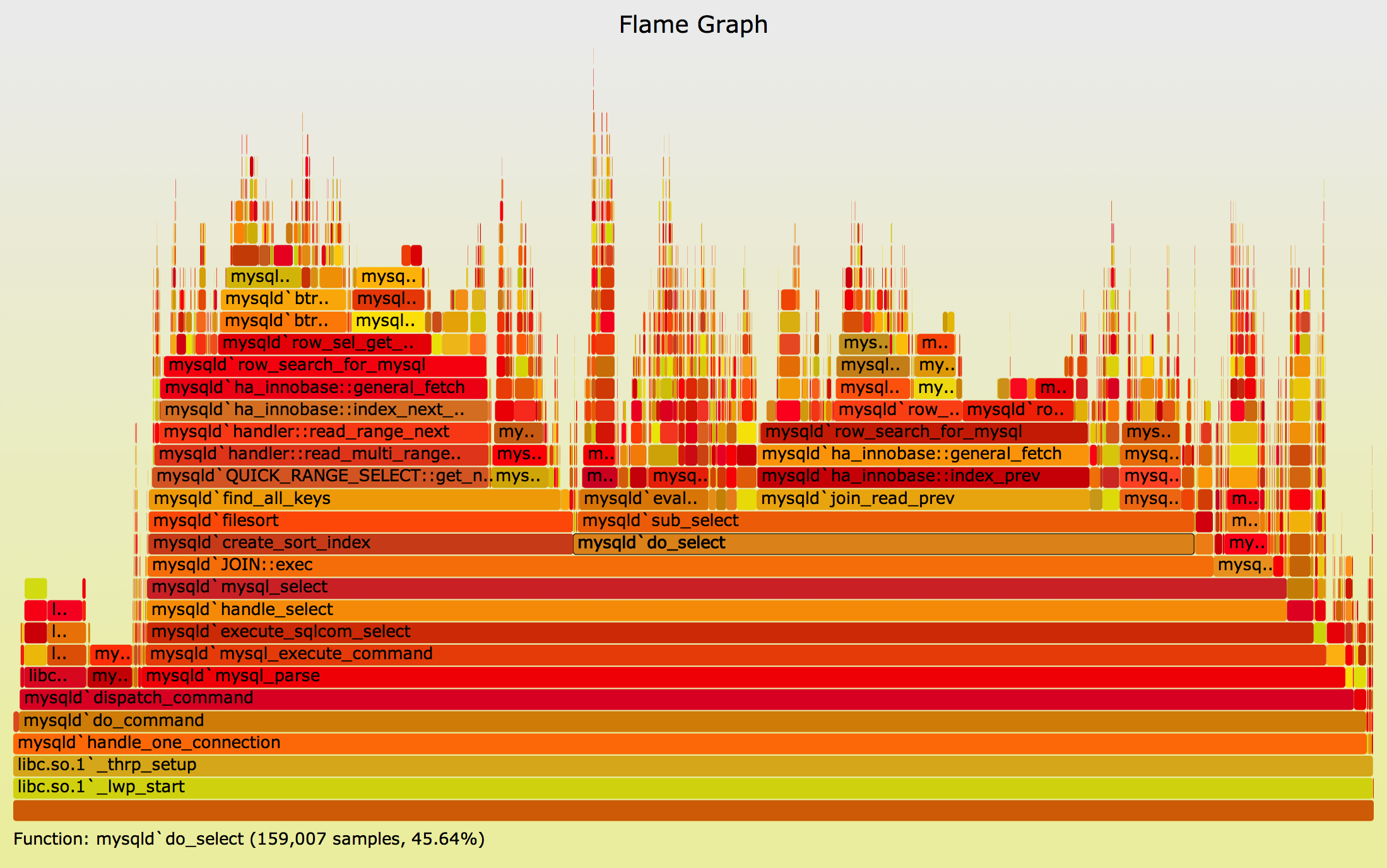
- Flame graphs
- Call graph analysis
- Very low overhead
- Works on production systems
- Excellent for performance bottlenecks
- Not a debugger
- No variable inspection
- Requires interpretation
“Where is my program spending time?”
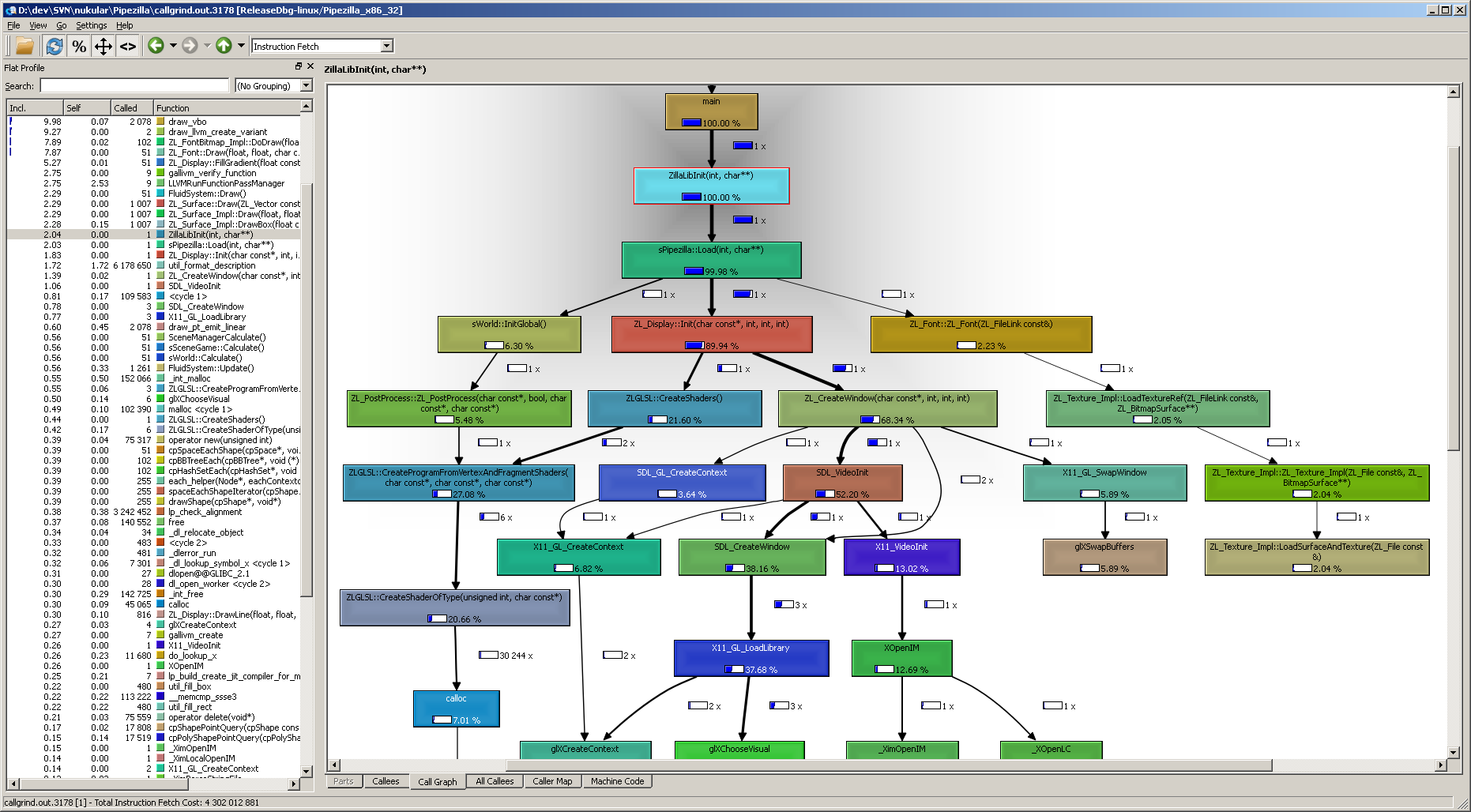
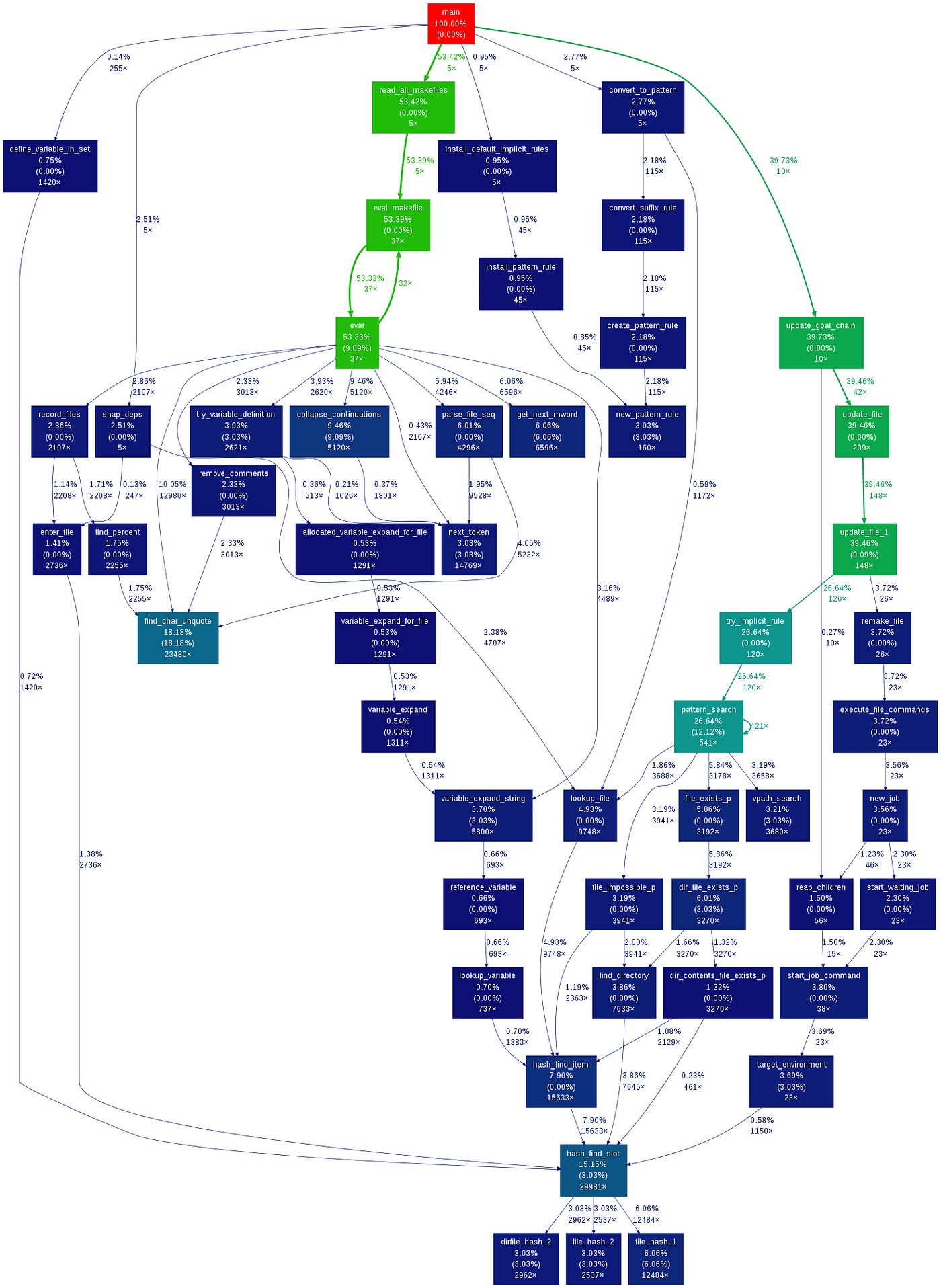
- Run your program inside a virtual machine
- Track everything
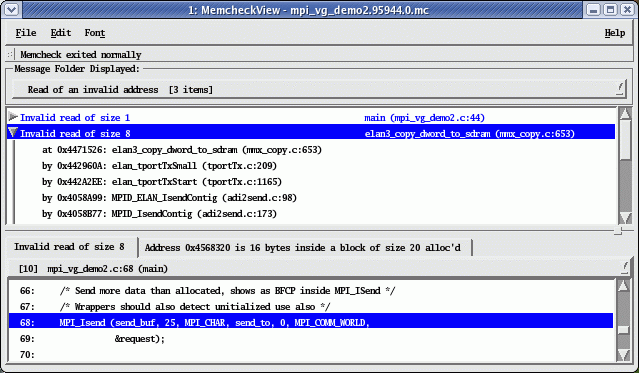
memcheck→ memory errorscallgrind→ profilinghelgrind→ data races
-
Detects:
- Use-after-free
- Memory leaks
- Invalid reads/writes
-
Extremely precise diagnostics
- 10x–100x slowdown
- Not suitable for real-time or large systems
- Limited support for newer CPU features
“Simulate execution and catch every mistake.”
- Record execution once
- Replay it deterministically
- Reverse debugging (go backwards!)
- Eliminates heisenbugs
- Integrates with
gdb
-
Perfect for:
- Race conditions
- Intermittent crashes
-
Debug once, replay infinitely
- Linux-only (mostly)
- Overhead during recording
- Doesn’t support all workloads
“Time travel debugging.”
| Problem | Best Tool |
|---|---|
| Crash / segfault | gdb / lldb |
| Memory corruption | valgrind |
| Performance issue | perf |
| Random intermittent bug | rr |
| Multithreading bug | rr + valgrind |
| Production profiling | perf |
A strong C++ debugging workflow often looks like:
-
Crash happens
- →
gdb/lldb
- →
-
Suspicious memory behavior
- →
valgrind
- →
-
Performance issue
- →
perf
- →
-
Non-deterministic bug
- →
rr
- →
| Tool | Control | Observation |
|---|---|---|
| gdb/lldb | Full | Limited |
| perf | None | High |
| valgrind | Full (simulated) | Full |
| rr | Replay control | Full |
| Tool | Deterministic? |
|---|---|
| gdb | ❌ |
| lldb | ❌ |
| perf | ❌ |
| valgrind | ✅ (mostly) |
| rr | ✅ (guaranteed replay) |
| Tool | Overhead |
|---|---|
| gdb/lldb | Low |
| perf | Very low |
| valgrind | Very high |
| rr | Medium |
These tools are not competitors—they are layers:
gdb/lldb→ understand statevalgrind→ validate correctnessperf→ optimize performancerr→ tame non-determinism
If you're building serious systems in C++ (especially networking, concurrency, or low-level work like your socket library), mastering these tools is not optional—it’s a force multiplier.
The real power comes not from knowing one tool, but from knowing:
which tool to use when—and why.
If you want, I can go even deeper into:
- How
rrworks internally (ptrace + perf counters) - How Valgrind does dynamic binary translation
- Or how to integrate these tools into a modern C++ workflow with CI/CD
Great question—because once you step beyond the “core five” (gdb, lldb, perf, valgrind, rr), you start seeing an entire ecosystem of specialized tools, each reflecting a slightly different philosophy of observability.
Let’s extend the article and place tools like gprof into the bigger picture.

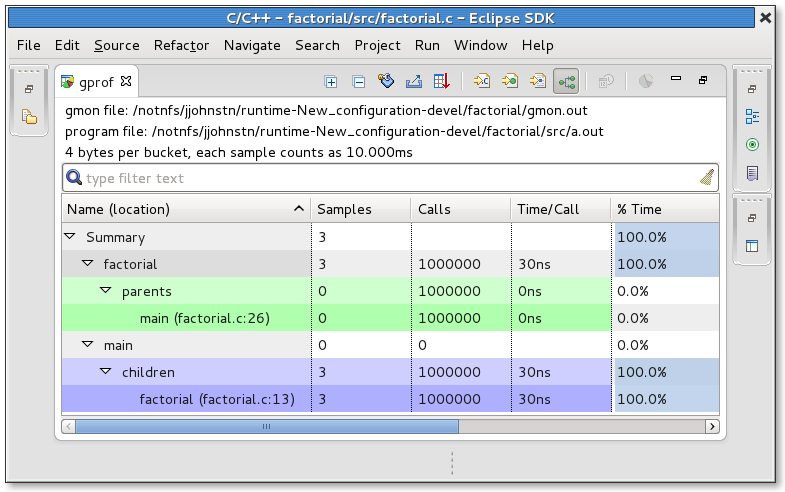

- gprof = gNU profiler
- Part of the GNU Project
- Instrumentation-based profiling
- The compiler inserts hooks into your program (
-pgflag)
- Compile with
-pg - Run program → generates
gmon.out - Analyze with
gprof
-
Simple to use
-
Gives:
- Function call counts
- Call graph
- Time per function
-
Outdated for modern workloads
-
Poor with:
- Multithreading
- Shared libraries
- Inlined functions
-
Adds noticeable overhead
-
Less accurate than sampling profilers
“Instrument every function and count how often it runs.”
| Aspect | gprof | perf |
|---|---|---|
| Method | Instrumentation | Sampling |
| Overhead | Medium–High | Very low |
| Accuracy | Biased | Statistical but realistic |
| Threads | Poor support | Excellent |
| Modern usage | ❌ Rare | ✅ Standard |
👉 Key insight:
perf largely replaced gprof because sampling reflects reality better than instrumentation.
Now let’s group the ecosystem by what problem they solve.
- Part of the LLVM ecosystem
- Inject runtime checks at compile time
- Catch bugs as they happen
- ASan → memory errors
- TSan → data races
- UBSan → undefined behavior
| Tool | Speed | Coverage |
|---|---|---|
| Valgrind | Slow | Very high |
| ASan | Fast | High |
👉 In modern C++:
Sanitizers are often preferred over Valgrind for daily development
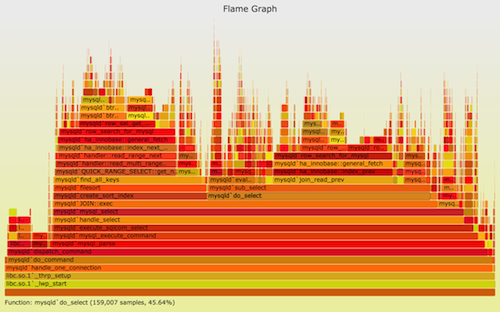
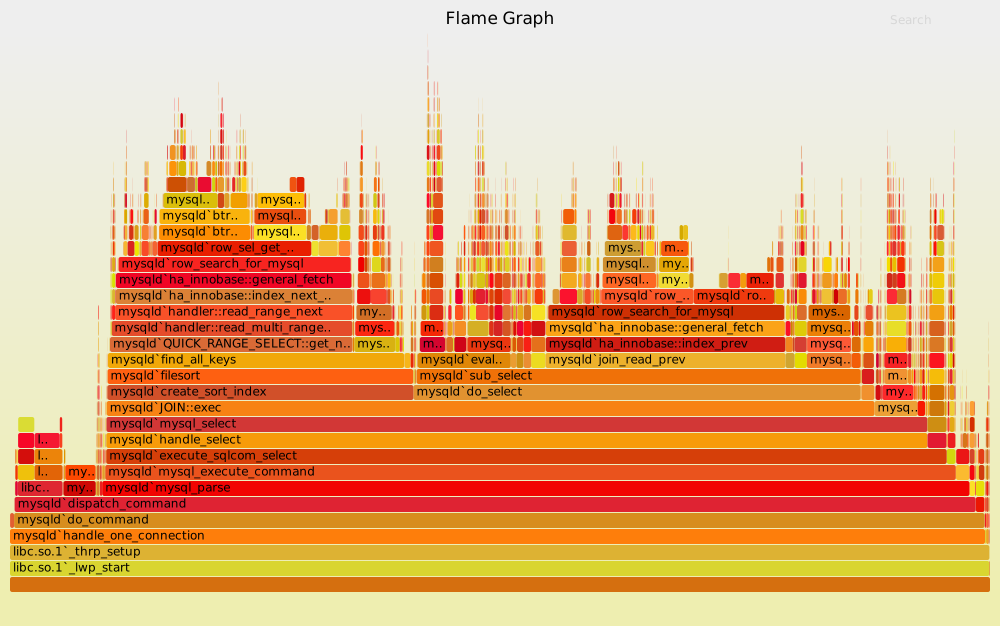
perf+ FlameGraph scriptsBrendan Gregg’s tooling
- Visualize stack traces over time
“Wide = expensive, tall = deep call stack”
bccbpftrace
- Observe kernel + user space dynamically
-
Debug:
- Syscalls
- Scheduling
- I/O bottlenecks
We already covered:
rr→ deterministic replay
But also:
- Commercial time-travel debugger
- Similar philosophy to
rr - More polished UI
- Detect race conditions
- Modern replacement in many workflows
Concurrency debugging evolved from:
- Heavy simulation (Valgrind) → to
- Compiler instrumentation (TSan) → to
- Deterministic replay (
rr)
massif(Valgrind)heaptrackjemalloc profiling
- Heap growth
- Allocation hotspots
Let’s place everything into one coherent map:
| Layer | Tools | Purpose |
|---|---|---|
| Interactive debugging | gdb, lldb | Inspect state |
| Deterministic replay | rr | Debug time |
| Memory correctness | valgrind, ASan | Catch bugs |
| Performance profiling | perf, flamegraphs | Optimize speed |
| Legacy profiling | gprof | Historical |
| Kernel/system tracing | eBPF tools | Observe system |
gdbgprof
👉 Manual, intrusive, less scalable
lldbperf- sanitizers
👉 Faster, scalable, production-friendly
rr- eBPF tools
👉 Deterministic + system-wide observability
The biggest shift over time is:
“Let me step through the program”
“Let me observe and analyze behavior at scale”
Given your work (modern C++, networking, concurrency):
- Debugging →
lldb(orgdb) - Memory → ASan first, Valgrind second
- Performance →
perf+ flamegraphs - Heisenbugs →
rr
- You’re working with legacy systems
- Or learning historical tooling
If the first set of tools answered:
“What is my program doing?”
Then tools like gprof, sanitizers, and eBPF answer:
“Why is my program behaving this way—and how does it behave at scale?”
If you want next, I can go very deep into:
- How
perfactually samples CPU counters (PMU) - How ASan shadows memory
- Or how
rrachieves deterministic replay without full virtualization