
To start this assignment:
- Click the button in the upper right-hand corner that says Fork. This is now your copy of the document.
- Click the Edit button when you're ready to start adding your answers.
- To save your work, click the green button in the bottom right-hand corner. You can always come back and edit your gist.
- As you are working, you can use the Preview button to check your markdown formatting.
Before beginning these exercises, watch this short video detailing how to use a GitHub shortcut for adding images to a Gist. If you prefer reading to learn, check out this Stack Overflow post describing the same strategy.
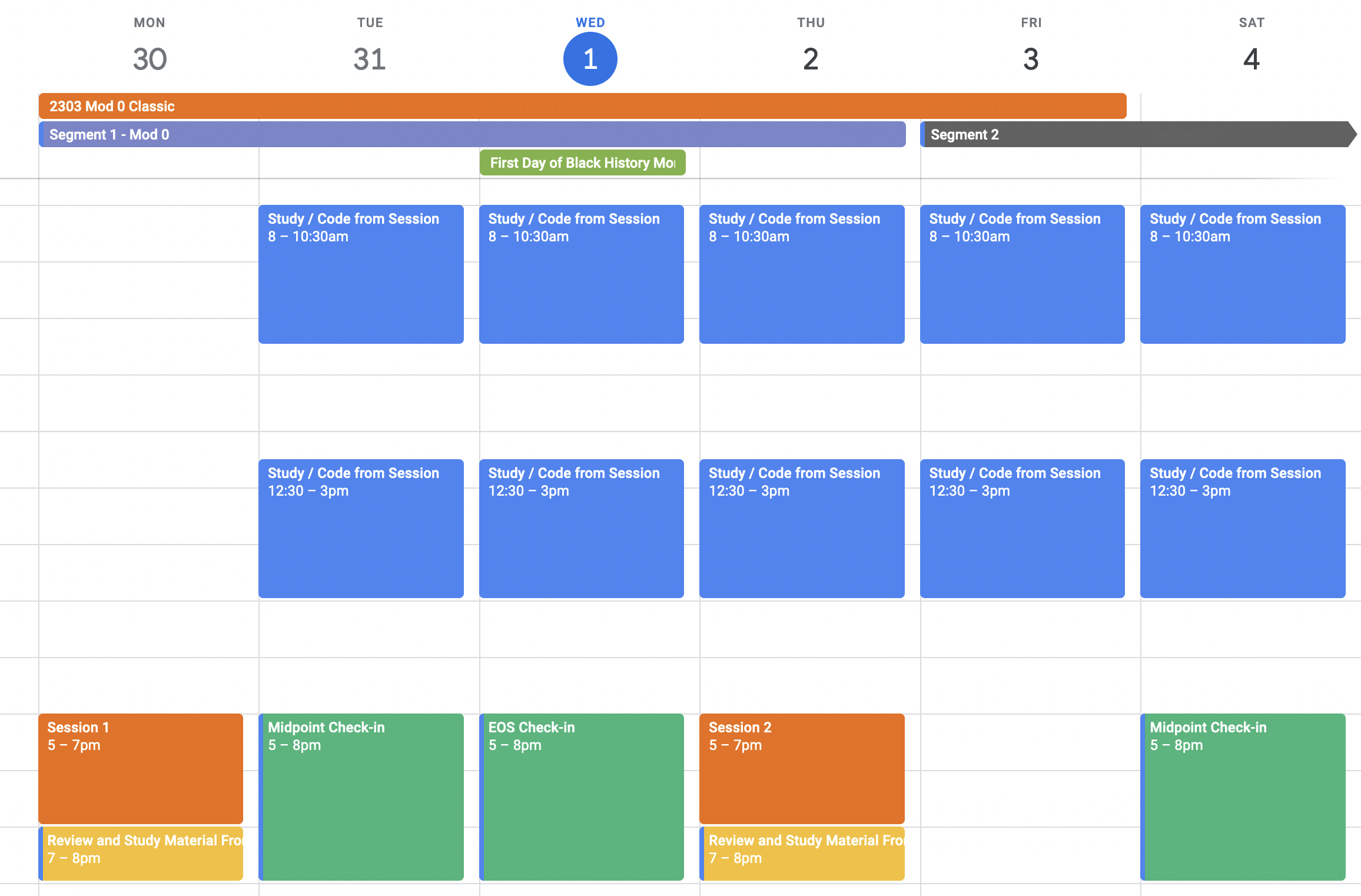
Add a screenshot of your Mod 0 calendar (weekly view).
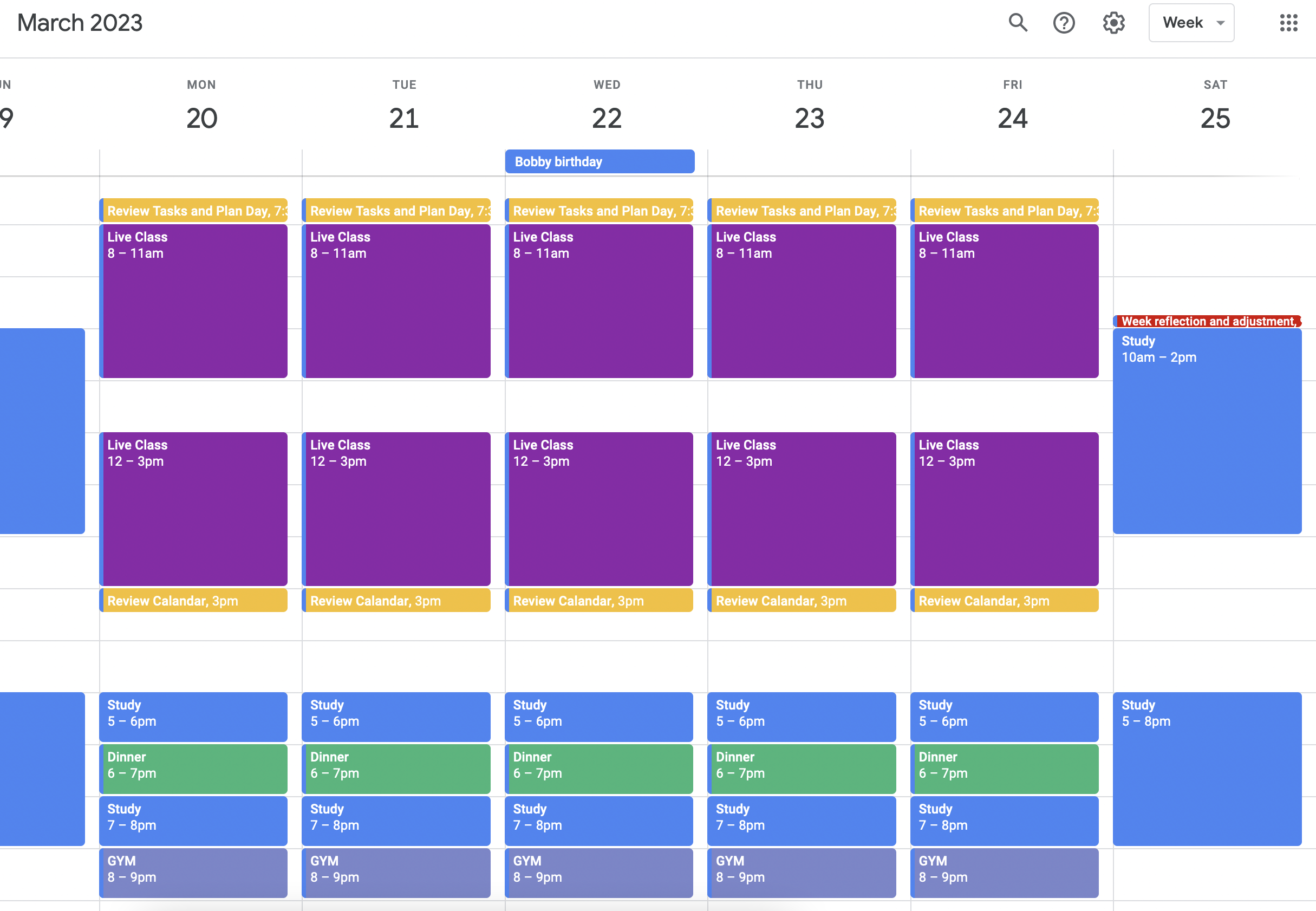
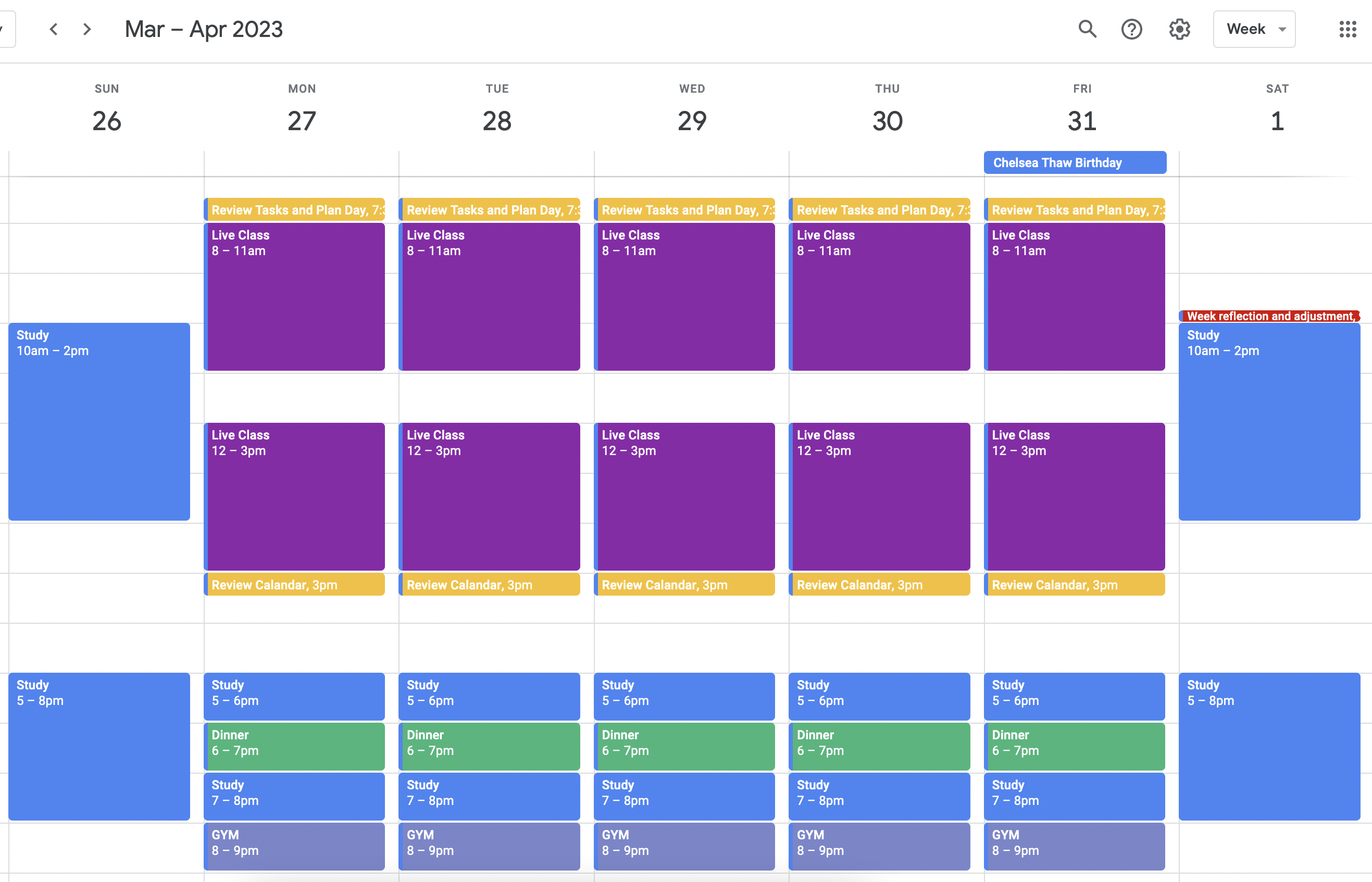
Add each weekly screenshot of your Mod 1 calendar.
Please respond to the following questions in writing directly in this Gist.
- What is your experience with calendaring and time-management? Write your response here.
- I haven't used calendaring before as a time managment tool for daily tasks but only for large events like meetings, shows or birthdays.
- How do you think these time-management strategies will be helpful to you throughout your time at Turing? Write your response here.
- It will be a helpful visual tool and reminder of work and give weight to projects and time available. I feel like a visual learner so seeing what time is left to complete a task will be helpful.
- What will be your biggest challenge as you start using this calendar to manage your time? Write your response here.
- Making sure notifications are enabled and don't become background noise. Also keeping the calendar front of mind by using it on my phone as well as having a widget on my computers home screen