| Description | Command |
|---|---|
| Start a new session with session name | screen -S <session_name> |
| List running sessions / screens | screen -ls |
| Attach to a running session | screen -x |
| Attach to a running session with name | screen -r |

Felix Körner FeKoerner

jthodge
/ universal-switcher
Created
September 6, 2020 22:07
Show macOS app switcher across all monitors
This file contains hidden or bidirectional Unicode text that may be interpreted or compiled differently than what appears below. To review, open the file in an editor that reveals hidden Unicode characters.
Learn more about bidirectional Unicode characters
| defaults write com.apple.Dock appswitcher-all-displays -bool true | |
| killall Dock |

magicdude4eva
/ zsh-syntax-highlighting paste performance improvement
Last active
April 25, 2025 19:23
zsh-syntax-highlighting paste performance improvement
This file contains hidden or bidirectional Unicode text that may be interpreted or compiled differently than what appears below. To review, open the file in an editor that reveals hidden Unicode characters.
Learn more about bidirectional Unicode characters
| Add the following in .zshrc: | |
| ... | |
| plugins=(osx git zsh-autosuggestions zsh-syntax-highlighting zsh-nvm docker kubectl) | |
| ... | |
| ### Fix slowness of pastes with zsh-syntax-highlighting.zsh | |
| pasteinit() { | |
| OLD_SELF_INSERT=${${(s.:.)widgets[self-insert]}[2,3]} | |
| zle -N self-insert url-quote-magic # I wonder if you'd need `.url-quote-magic`? |

wikrie
/ fritzbox-cert-update.sh
Last active
January 4, 2026 06:19
Fritzbox Fritz!Box AVM SSL Letsencrypt automatically update
This file contains hidden or bidirectional Unicode text that may be interpreted or compiled differently than what appears below. To review, open the file in an editor that reveals hidden Unicode characters.
Learn more about bidirectional Unicode characters
| #!/bin/bash | |
| ## this little Gist is for Copy the Letsencrypt Cert from an Linux machine (e.g. Raspberry PI or Synology NAS) | |
| ## to the router (Fritzbox). | |
| ## It is usefull to be able to speak to the Router over DDNS without any Cert issue in the Browser. | |
| ## thanks to https://gist.github.com/mahowi for the perfect Idea | |
| ## put it in /etc/letsencrypt/renewal-hooks/post so it gets run after every renewal. | |
| ## since Fritz OS 7.25 it is needed to select a Username, from a security point of view | |
| ## it is always a good idea to have a non default user name. And as normaly a Fritz Box | |
| ## is connected to the Internet, the prefered method should be WITH Username. |


#Heading 1 ##Heading 2 ###Heading 3 ####Heading 4 #####Heading 5 ######Heading 6
Paragraph

kevin-smets
/ iterm2-solarized.md
Last active
March 12, 2026 12:41
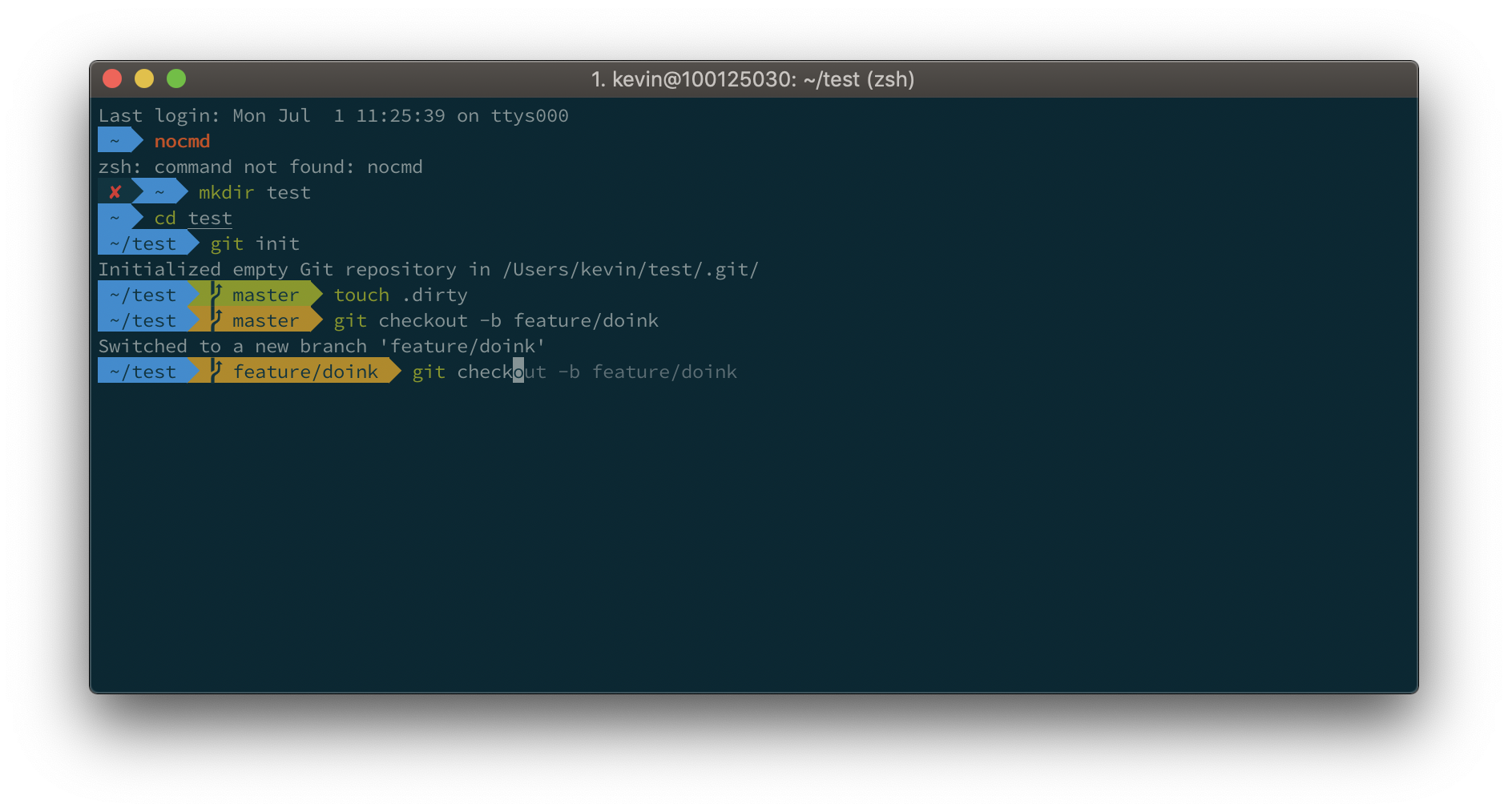
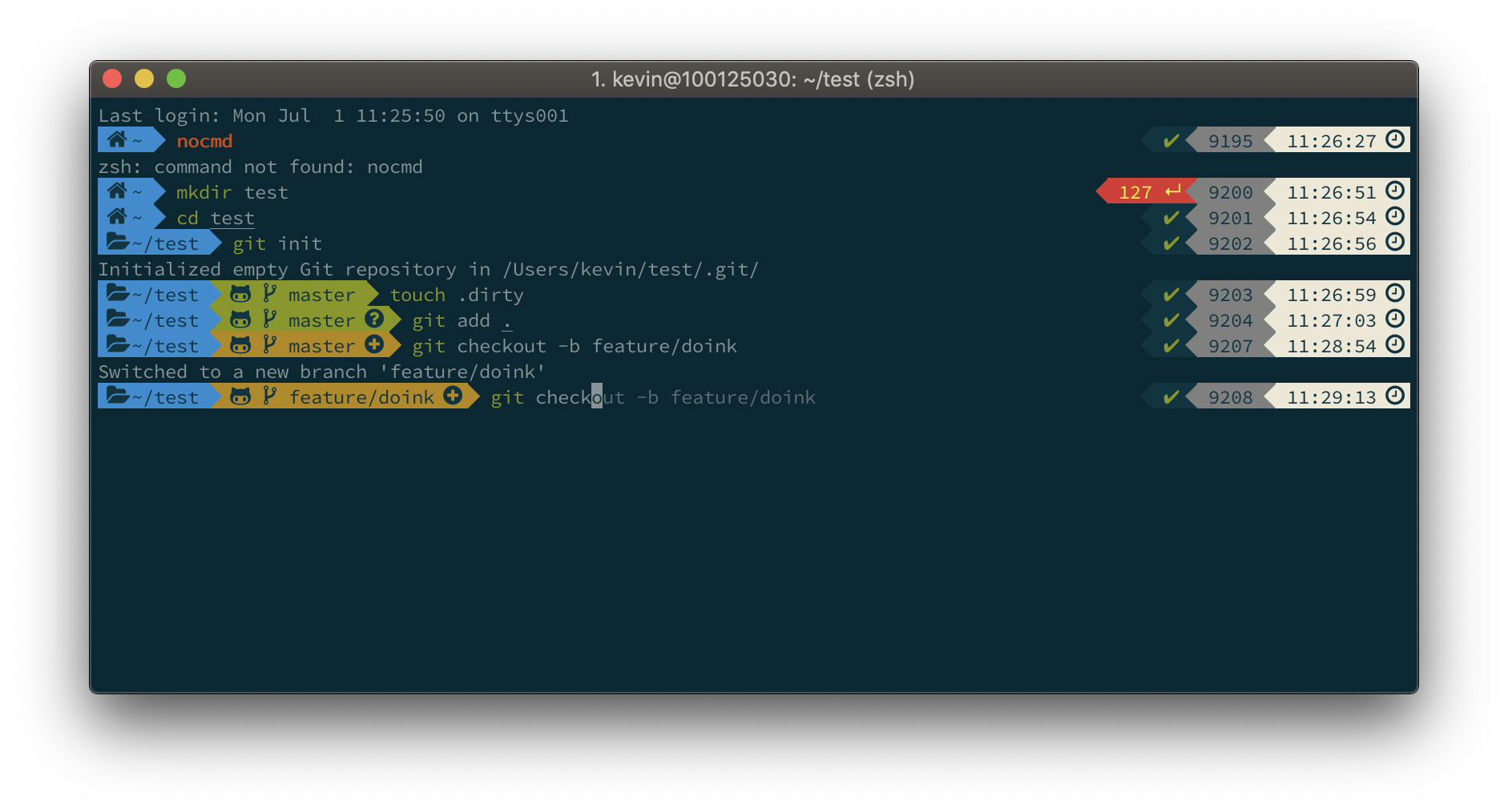
iTerm2 + Oh My Zsh + Solarized color scheme + Source Code Pro Powerline + Font Awesome + [Powerlevel10k] - (macOS)