onKeyboardWillHide(e) {
    Animated.timing(this.state.height, {
      toValue: this.listViewMaxHeight,
      duration: e.duration,
      easing: Easing.bezier(0.1, 0.76, 0.55, 0.9)
    }).start();
  },

 onKeyboardWillShow(e) {
Catherine Thompson CatherineThompson

thehappybug
/ AppContext.tsx
Created
June 15, 2018 19:05
This file contains hidden or bidirectional Unicode text that may be interpreted or compiled differently than what appears below. To review, open the file in an editor that reveals hidden Unicode characters.
Learn more about bidirectional Unicode characters
| type Omit<T, K extends keyof T> = Pick<T, Exclude<keyof T, K>>; | |
| export function withAppContext< | |
| P extends { appContext?: AppContextInterface }, | |
| R = Omit<P, 'appContext'> | |
| >( | |
| Component: React.ComponentClass<P> | React.StatelessComponent<P> | |
| ): React.SFC<R> { | |
| return function BoundComponent(props: R) { | |
| return ( |

WebReflection
/ Date.prototype.toDatetimeLocal.js
Last active
October 30, 2024 18:31
This file contains hidden or bidirectional Unicode text that may be interpreted or compiled differently than what appears below. To review, open the file in an editor that reveals hidden Unicode characters.
Learn more about bidirectional Unicode characters
| // https://webreflection.medium.com/using-the-input-datetime-local-9503e7efdce | |
| Date.prototype.toDatetimeLocal = | |
| function toDatetimeLocal() { | |
| var | |
| date = this, | |
| ten = function (i) { | |
| return (i < 10 ? '0' : '') + i; | |
| }, | |
| YYYY = date.getFullYear(), | |
| MM = ten(date.getMonth() + 1), |

- Create a project in XCode with the default settings
- iOS > Application > Single View Application
- Language: Swift
- Under project General settings, add ReactKit to Linked Framework and Libraries
- + > Add Other... and choose /path/to/react-native/ReactKit/ReactKit.xcodeproj
- Now ReactKit would have been imported. Link it by choosing it from the list.
- + > lib.ReactKit.a
- Under project Build Settings,

staltz
/ introrx.md
Last active
March 21, 2026 07:17
The introduction to Reactive Programming you've been missing
(by @andrestaltz)
If you prefer to watch video tutorials with live-coding, then check out this series I recorded with the same contents as in this article: Egghead.io - Introduction to Reactive Programming.

kevin-smets
/ iterm2-solarized.md
Last active
March 17, 2026 21:17
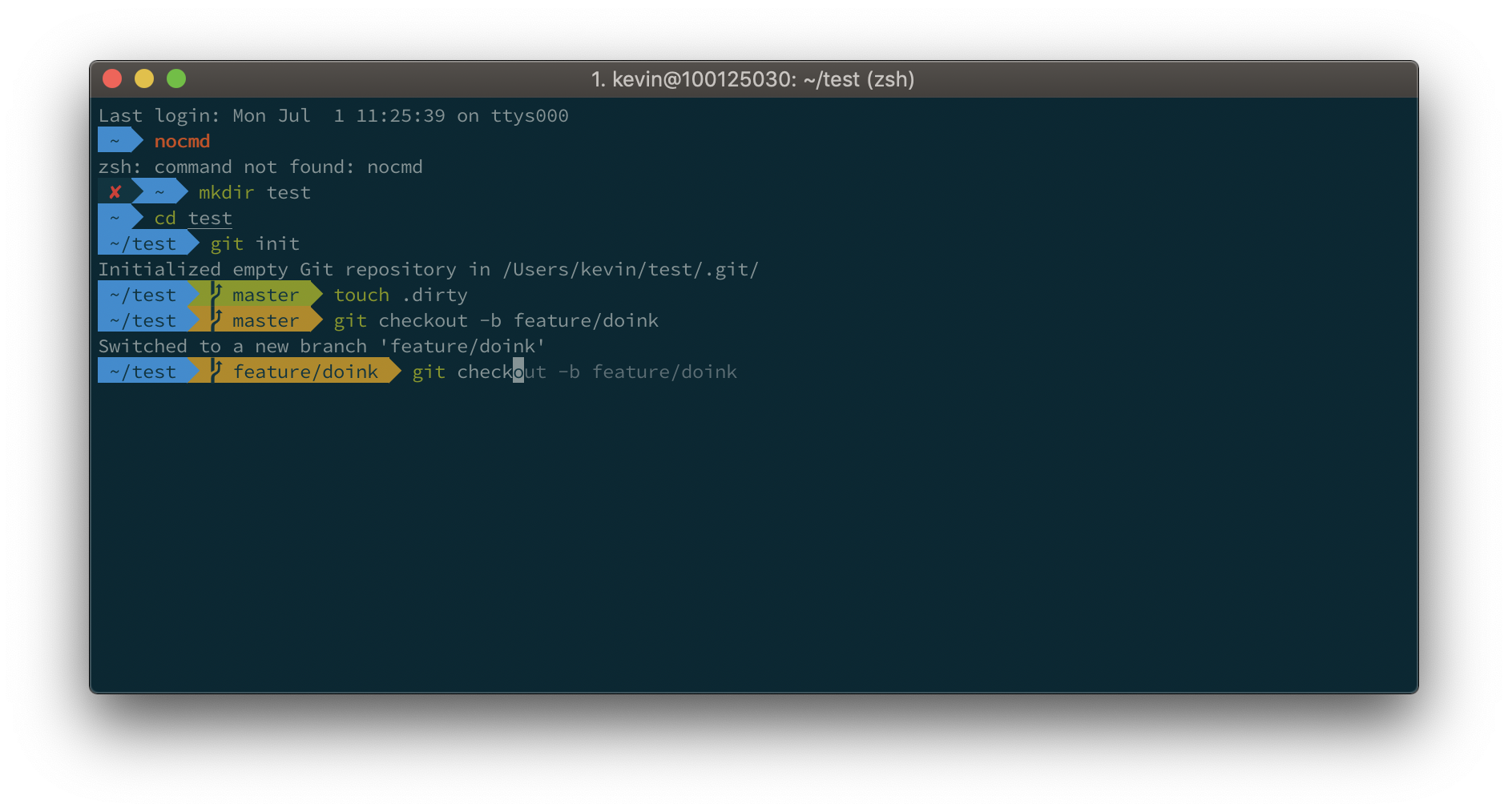
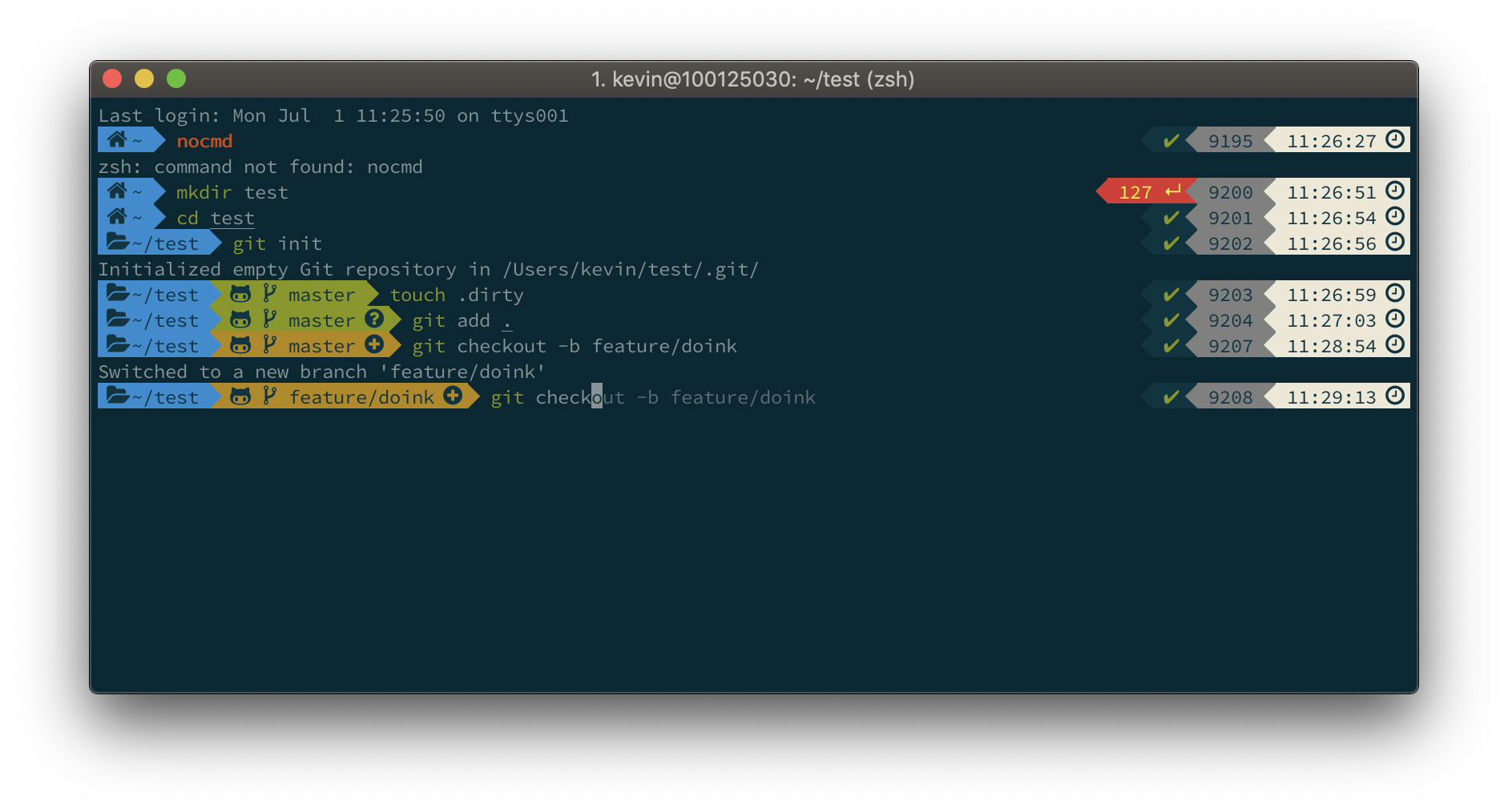
iTerm2 + Oh My Zsh + Solarized color scheme + Source Code Pro Powerline + Font Awesome + [Powerlevel10k] - (macOS)