
-
Open Discord in a browser like Chrome or Firefox;
-
Open DevTools pressing F12 or CMD+OPTION+J;
-
Copy the deleteMessages.js script and paste it in the Console and press ENTER;
-
Edit the following variables, then paste it in the console:
// Your token, you can find it in other requests headers
var authToken = "NabcdefghiU4NDY5ODI2NTY.KXx1ab.aU8FUz9fOABxdsi1LYORJuv666f";

// Right click your avatar in any chat, Copy ID
var authorId = "112233445566778899";

// Right click a channel or DM, Copy ID
var channelId = "112233445566778899";

// Delete all messages after this one, (leave blank to delete all your messages in a channel)
var firstMessageId = "";


deleteMessages(authToken, authorId, channelId, firstMessageId); //start
- Open the dev tools (F12), open the Network tab. (You should clear all requests for better readability if you see some.)
- Delete one message manually. In the request log, you will see a request with a DELETE method.
- Click on the request to open the details, and on the Headers tab, copy the 'authorization' token. It's a long text with dots like
MTX5MzQ1MjAyMjU0NjA2MzM2.ROFLMAO.UvqZqBMXLpDuOY3Z456J3JRIfbk.
- Right click your avatar in any chat, Copy ID
- Right click a channel, Copy ID, For DM copy the number after /@me/ in the URL
- Right click a message, Copy ID (Leave this variable empty for deleting all your messages in a channel)
NOTE: if the
Copy IDmenu doens't show up when right clicking
Enable developer mode in discord Go to user Settings > Appearance in discord and enable Developer mode.
- The script will start to run, a popup will be opened showing the progress and the messages being deleted, as well as a remaining time. Do not close it.
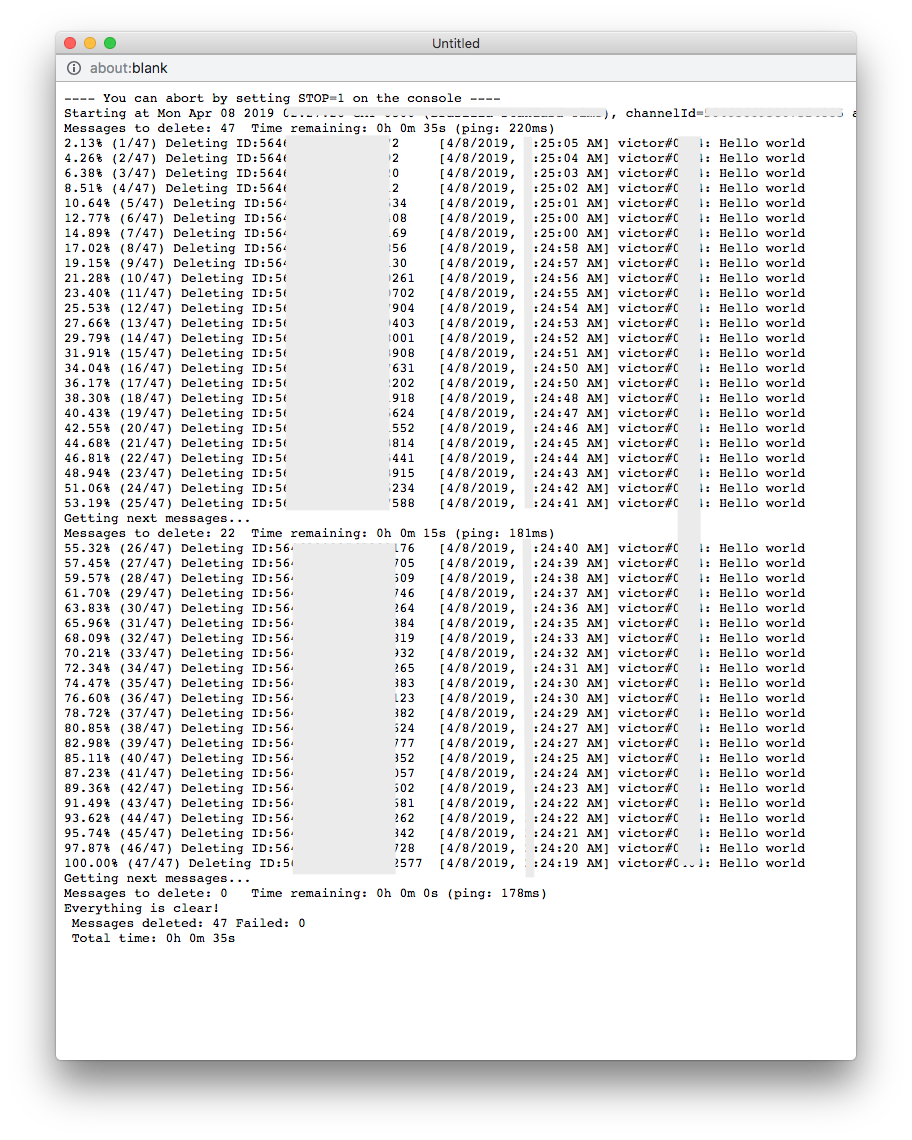
You can stop the process by typing STOP=1 in the console (UPPERCASE) and pressing ENTER.
DISCLAIMER: USE AT YOUR OWN RISK! I TAKE NO RESPONSABILITY FOR ANYTHING POSTED HERE!
Tested: 2019-APRIL


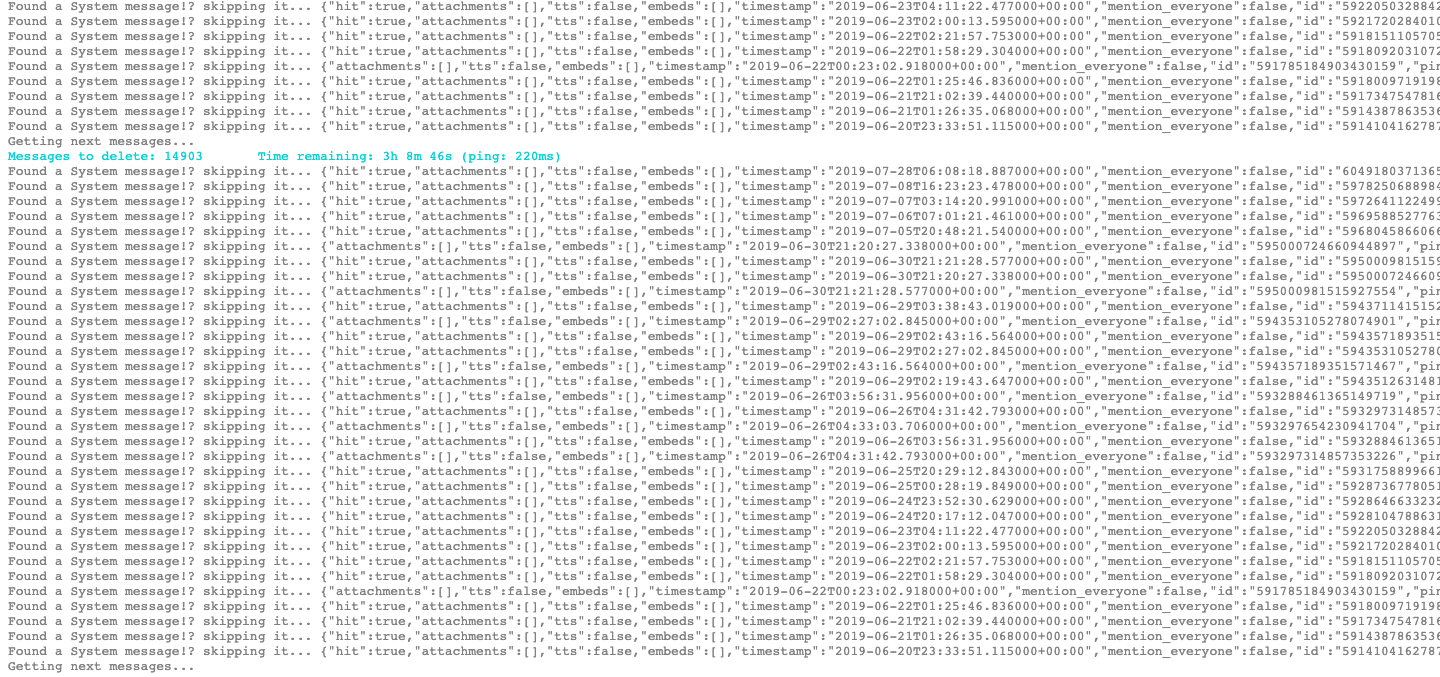


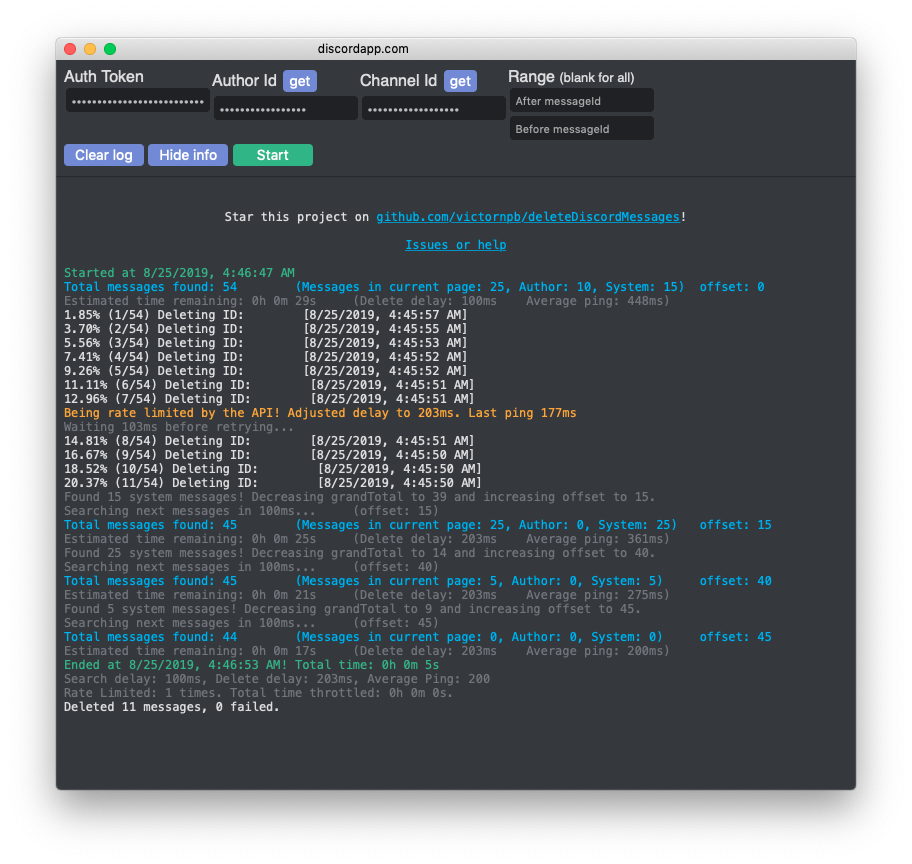


I posted a workaround here. This should work still as looking through revisions there has been one minor change to the script since I posted which pushed the second edit down 2 lines but I have edited the linked comment to reflect that. Since I am not a coder and just used logic to edit the script a little it's not the best solution as I do believe you need to reload and paste in the edited scripts every time you fill up with system messages. Would have made my own fork with the changes already done but figure someone who actually knows code will/can come up with something more graceful.